
How Automated WhatsApp Reminders Reduce No-Shows in Indian Salons
Author
DINGG TeamDate Published
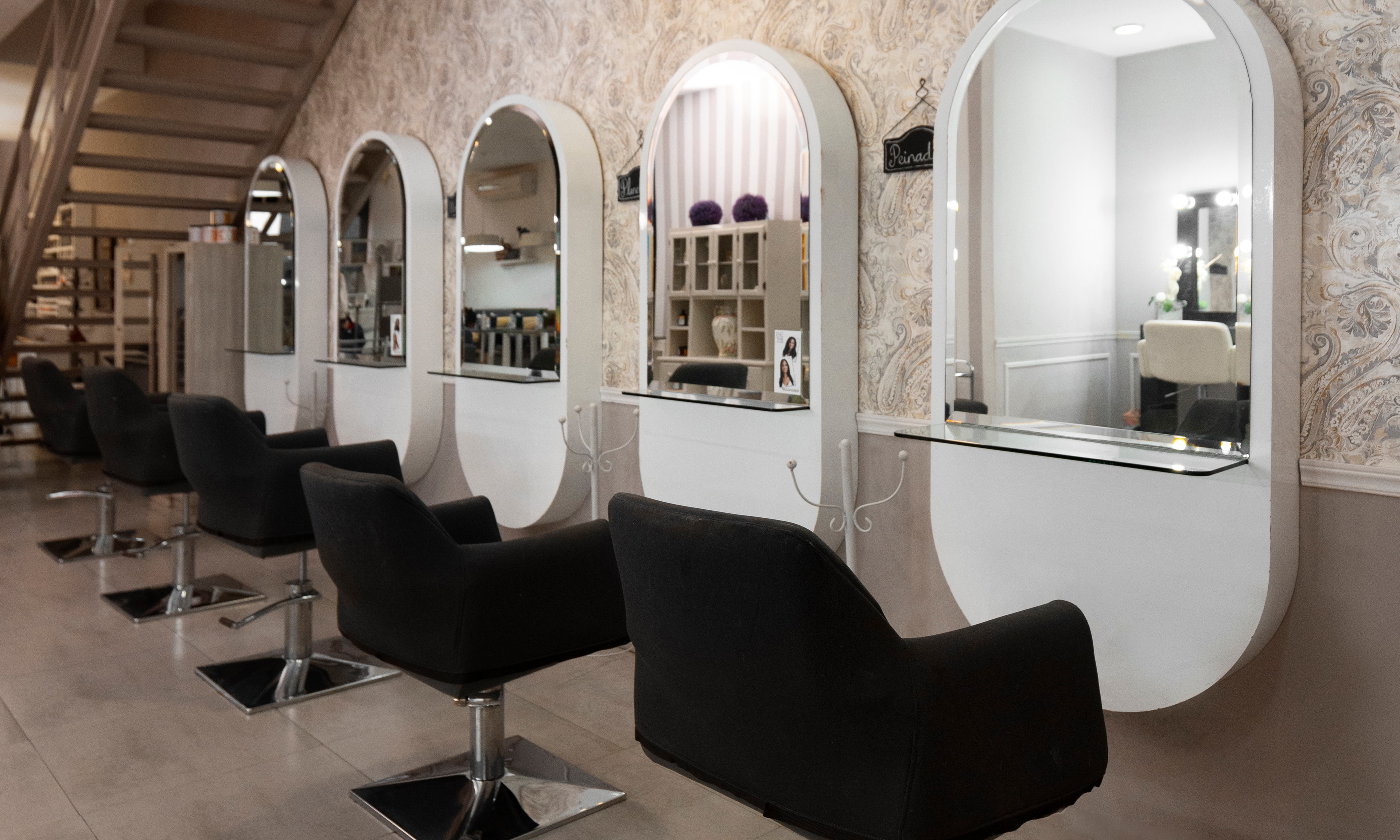
It's 11 AM on a Saturday in Pune. Three chairs sit empty. Your stylist is scrolling her phone. The 10:30 balayage appointment? Ghosted. The 11:00 bridal trial? "Something came up." You've lost ₹4,500 in revenue before lunch, and the only record of these bookings lives in a dog-eared register behind the counter.
I've watched this exact scene play out in salons across India—and the frustrating part isn't the no-show itself. It's that salon owners know the fix exists but keep putting it off because "WhatsApp reminders sound complicated" or "my staff won't use another app."
Here's what changed my mind: a single stat. Automated WhatsApp reminders hit 90%+ open rates. Emails? Lucky to crack 20%. And when you layer a proper reminder sequence into your salon booking software, no-show rates drop from 25% to under 8%.
By the end of this guide, you'll have a working WhatsApp reminder system configured for your salon—including the exact message timing, the ugly problems nobody warns you about, and how to verify it's actually working.
What You Need Before You Start
Don't skip this. I've seen salon owners burn two weeks because they jumped into setup without these basics locked down.
Your checklist:
- A WhatsApp Business API account through a BSP (Business Solution Provider) like Picky Assist—not just regular WhatsApp Business.
- A salon management software with calendar sync capability. DINGG, for example, handles CRM sync natively, which saves you the headache of stitching tools together.
- A clean client phone database. "Clean" means verified numbers, not that spreadsheet from 2019 with landlines mixed in.
- At least one staff member willing to monitor the dashboard for the first two weeks.
Stop/Go test: Can you pull up tomorrow's full appointment list digitally—with client phone numbers attached—in under 30 seconds? If yes, go. If you're flipping through a paper diary, fix that first with a proper salon booking system.
Phase 1: Connect Your BSP to Your Salon Software

This is the plumbing. Get it wrong, and every reminder you send lands in a void.
Steps:
- Sign up with a WhatsApp BSP that supports the API (not just broadcast lists—those get blocked fast).
- Connect the BSP to your salon appointment app's calendar. Most modern hair salon software platforms like DINGG offer one-click integrations, so you won't need a developer.
- Map your appointment fields: client name, service booked, stylist assigned, date, time, and location.
- Submit your message templates to WhatsApp for approval. This takes 24-48 hours. Don't use generic text—WhatsApp flags cookie-cutter templates and your messages end up with single gray ticks instead of blue double-tick marks.
Visual checkpoint: After syncing, open your BSP dashboard. You should see tomorrow's appointments auto-populated with client names and times. If the list is empty or showing yesterday's data, your CRM sync failed.
Verification: Pull 5 random appointments from your salon booking software. Cross-check them against the BSP queue. All 5 should match exactly—same time, same stylist assignment, same client number.
The thing nobody tells you: Generic templates like "Dear Customer, you have an appointment tomorrow" get rejected or spam-filtered at alarming rates. Instead, include the stylist's first name and the specific service. "Hi Priya, your haircut with Neha is tomorrow at 3 PM" performs dramatically better. It mimics a personal chat, which is exactly what the WhatsApp algorithm rewards.
Phase 2: Build Your Three-Touch Reminder Sequence
One reminder isn't enough. The data is clear—salons that use a single message still see no-show rates above 15%. You need a three-touch sequence.
The framework:
- 48 hours before: WhatsApp message with appointment recap. Include stylist name, service, date/time. Add a "Confirm / Reschedule" button.
- 24 hours before: SMS fallback with a one-click reschedule link. Yes, SMS—because 30% of clients on older Android devices (think 2019 Redmi on 4G) experience widget abandonment on WhatsApp-embedded booking widgets.
- 3 hours before: WhatsApp nudge with hyper-local detail—parking instructions, landmark directions, maybe even a "We're excited to see you, Priya!" This last touch boosts commitment by roughly 20%.
Visual checkpoint: In your BSP dashboard, each appointment should show three queued messages with scheduled send times. Look for green status indicators on all three. A red flag on any message means the template was rejected or the number is invalid.
Verification: Send the full sequence to yourself and two team members. Did all three messages arrive on time, with correct details and working buttons? If even one fails, troubleshoot before going live.
Friction warning: That 30% widget abandonment on legacy Android devices is real and brutal. If your salon caters to Tier-2 city clients—many of whom use older phones—don't rely solely on WhatsApp-embedded widgets for confirmations. The SMS fallback in touch two isn't optional. It's essential.
Phase 3: Monitor, Verify, and Iterate
This is where most salon owners drop the ball. They set up reminders and walk away. Two weeks later, no-shows are still at 18%, and they blame the software.
What to do in week one:
- Check your dashboard daily. Look specifically at delivery status—blue double-tick marks mean delivered and read. Single gray ticks mean the message never arrived.
- Pull your no-show rate at the end of the week. If it's dropped below 15%, your sequence is working. If not, audit which touch point is failing.
- Ask your front-desk staff: are clients mentioning the reminders? Are they using the reschedule button? This qualitative data matters.
Visual checkpoint: Your salon management software should show a real-time availability view—something like "Next available: Today 3:30 PM" with the stylist's photo. Clients who reschedule via the reminder should automatically populate open slots without staff intervention.
Verification: Randomly check 10 reminders from the past 3 days. 9 out of 10 should show blue double-ticks. If gray ticks dominate, you've got a spam-filter problem or dirty phone data.
Automate the Whole Booking Chain, Not Just Reminders If you're already investing time in WhatsApp automation, it makes sense to run it through a salon booking system that handles the full loop—booking, reminders, rescheduling, and loyalty point notifies in one place. DINGG's salon management software integrates WhatsApp reminders with stylist assignment tracking and real-time calendar sync, so you're not duct-taping three separate tools together. Explore how DINGG reduces no-shows
The Ugly Truth: Problems Nobody Puts in the Setup Guide
Problem
The Weird Fix
Why It Works
Single gray ticks on most reminders
Add stylist name + parking details to mimic personal chats
WhatsApp's algorithm deprioritizes messages that look like bulk campaigns
No-show rate stuck above 15%
Layer SMS fallback into your 24h touch
Catches clients on old Androids where WhatsApp widgets break
Staff completely ignoring the new dashboard
Tie commission tracking to stylist assignment in the software
When their pay depends on it, adoption happens fast
Widget loads slowly or crashes on client phones
Test your booking widget on a 2019 Redmi with slow 4G before launch
If it doesn't work on the lowest-common-denominator device, it doesn't work
The staff resistance one deserves extra attention. I've seen salons where the owner spent days setting up a beautiful automated system, and the receptionist kept calling clients manually "just to be safe." The fix isn't training—it's tying the dashboard to something staff actually care about. Auto-tracking commissions via stylist assignment inside your hair salon software eliminates manual disputes and forces adoption organically.
Frequently Asked Questions
How long does it take to see no-show reduction after setting up WhatsApp reminders?
Most Indian salons see measurable no-show drops within the first week of running a three-touch sequence. Full ROI—typically a 40% reduction with 90% client satisfaction improvement—takes 2-4 weeks of consistent use with proper CRM sync and clean client data.
Is WhatsApp automation worth it for a small salon with just 2-3 staff?
Absolutely. Small teams benefit more because there's no one to spare for manual follow-up calls. A salon appointment app with built-in WhatsApp automation handles confirmations and reschedules without staff intervention, freeing your team to focus on clients in the chair.
What happens when clients opt out or block the reminder number?
Segment your bulk campaign sends—VIP clients get personalized flows, new clients get lighter-touch sequences. Avoid blasting identical messages to everyone. Multilingual support also reduces opt-outs in Tier-2 cities where clients prefer regional language reminders.
Can I use regular WhatsApp Business instead of the API?
You can, but you'll hit message limits fast and risk getting your number banned for bulk sends. A proper BSP integration through your salon booking software is the only reliable path for automated sequences at scale.
So here's the real question: are you still tracking appointments in a register and hoping clients remember to show up? Because the math is painfully simple—a 25% no-show rate on a ₹2,000 average ticket across 20 daily appointments is ₹10,000 walking out the door every single day.
Your Next Step DINGG's salon software is built for exactly this workflow—WhatsApp reminders, real-time booking, staff tracking, all without the duct tape. See how DINGG works for your salon