
How the location is doing against target, known only at close.
Sales against target by stylist, service and retail, through the dayReports and analytics

 Salon Manager Software
Run the floor. Hit the target. Close on time.
DINGG is salon manager software that gives salon, spa and clinic managers the day's schedule with who's in and who's off, walk-ins and bookings on one screen, sales against target by stylist, and commission and tips worked out from every ticket. The owner sees the same numbers, so nobody has to call for them.
4.9 from 1,700+ Google reviews5,000+ businesses in 16 countriesUpdated








Salon manager software runs a location's day in one place: the schedule and days off, walk-ins and bookings, sales against target, the cash drawer, and commission and tips for each pay period. DINGG gives salon, spa and clinic managers all of this, and gives the owner the same numbers, so the manager's work is on record.
Quick answer: Salon manager software is the system a manager runs a location's day from: it shows who's working and who's off, keeps walk-ins and bookings on one screen, tracks sales against target by stylist, balances the cash drawer at close and works out commission and tips from every ticket. DINGG does this for one location or several, and emails the owner the daily report.
You still take your regulars, and you run the team, the walk-ins and the close in between.
The schedule gets rebuilt every Saturday morning.
Who's in, who's off and who's free, on one screen before the doors open
Walk-ins and bookings compete for the same chair.
A walk-in list beside the stylist calendar, with each person's place and wait
Closing takes an hour after a full day at the chair.
The drawer counted by denomination, and the daily report emailed for you
You cover a second location on its busy days.
Both locations' calendars and staff on one login, as the owner allows
Product runs short at one location.
Stock transfers with a record at both ends
Two locations, two closes.
Each location's daily report by email
You're measured on the location's sales, its repeat clients and its close. You want the record to show the work you did.
How the day is going, known only at close.
Sales against target by stylist, service and retail, through the day
A gap in the drawer, and the doubt falls on the desk.
Every edit, refund and discount logged with who and when
A discount waits for the owner's OK while the client waits.
Roles the owner sets once, so you know what you can approve
Locations compared on impressions.
The same reports for every location
The day's numbers asked for at 10 at night.
The daily report emailed to the owner when you close
Each location prices services its own way.
One service menu with prices locked at head office
Your day is treatment rooms, therapists, long services and memberships, and guests who notice every minute of waiting.
A room sits empty while a therapist is double-booked.
Rooms and therapists on one calendar, with cleanup time between services
Member visits questioned at the desk.
Member benefits and visits left on the guest's record, shown at checkout
Therapist commission worked out by hand.
Commission from every ticket, per therapist and per service
Each spa runs its rooms its own way.
The same room view and reports at every location
Guests visiting another location.
Memberships and gift cards honored at the locations the owner chooses
Therapists out during the holiday rush.
Days off and clock-ins on one screen, before the day is booked
Your day is consultations, providers' time, rooms and devices, courses of sessions and the follow-ups after them.
Courses stall after the third session.
Sessions counted on the client's record, with a reminder before each
Rooms and devices clash.
Rooms and devices booked with the treatment, with cleanup time
Follow-ups slip once the client leaves.
The follow-up list from the provider's notes, with reminders
Forms and templates differ from clinic to clinic.
The same consent forms and templates at every clinic
A course bought at one clinic is booked at another.
Courses honored at the clinics the owner chooses
Clinics compared by feel.
Courses sold, sessions used and sales by clinic, side by side
You look after several locations: their schedules, their targets and their reports.
Daily reports arrive late, each in its own format.
Every location's daily report by email, in the same format
Stylists who work at two locations, and two sets of records.
Clock-ins at every location, on one staff record
No fair way to compare stylists across locations.
Sales per stylist, location by location, side by side
You were promoted for being great at the work. Now the people, the cash and the numbers are yours too.
Nobody taught you how to plan the team's week.
Shifts, days off and clock-ins on one schedule, by selfie with location or a fingerprint device
Pay-period commission math.
Commission worked out from every ticket, fixed or tiered
A complaint before it reaches Google.
A feedback request after every visit, and a same-day alert on a low rating
A location that runs differently from your old one.
The same calendar, checkout and reports at every location
Reports for a head office you've never met.
Location reports the head office reads the same way
Training new staff on the system.
Role-by-role training at onboarding, and the app in English or Spanish
Each one is a missing system, not a people problem.
From opening to close, and what DINGG does at each moment.
Two stylists are off on the busiest day. The schedule shows who's in before the doors open, so walk-ins go to the team on shift.
A line forms at the desk. Walk-ins join the list and go to the next free stylist, beside the appointments.
A regular asks about the blowout membership. Her visits and spend are on screen, so the suggestion fits her.
The owner asks how today compares with target. You both see it live, by stylist, service and retail.
The drawer counted, card payments and tips on each ticket, and the daily report emailed to the owner. Commission is already worked out.
Google reviews of DINGG from salon, spa and clinic owners, quoted as written.

DINGG is amazingly easy to use and teach managers. It has all the requirements to pull reports, schedule appointments and a very good support team to assist with all you queries

This software is very user friendly and gives all information and details without any problem

it is good software to handle all purchase and expense i felt good using software

We are using this software for our salon. It is great software and good technical support from team as well.
Easy to use software , we have been using it since 1 year now happy with the services
Its been three months were using this software the team is super supportive thank you
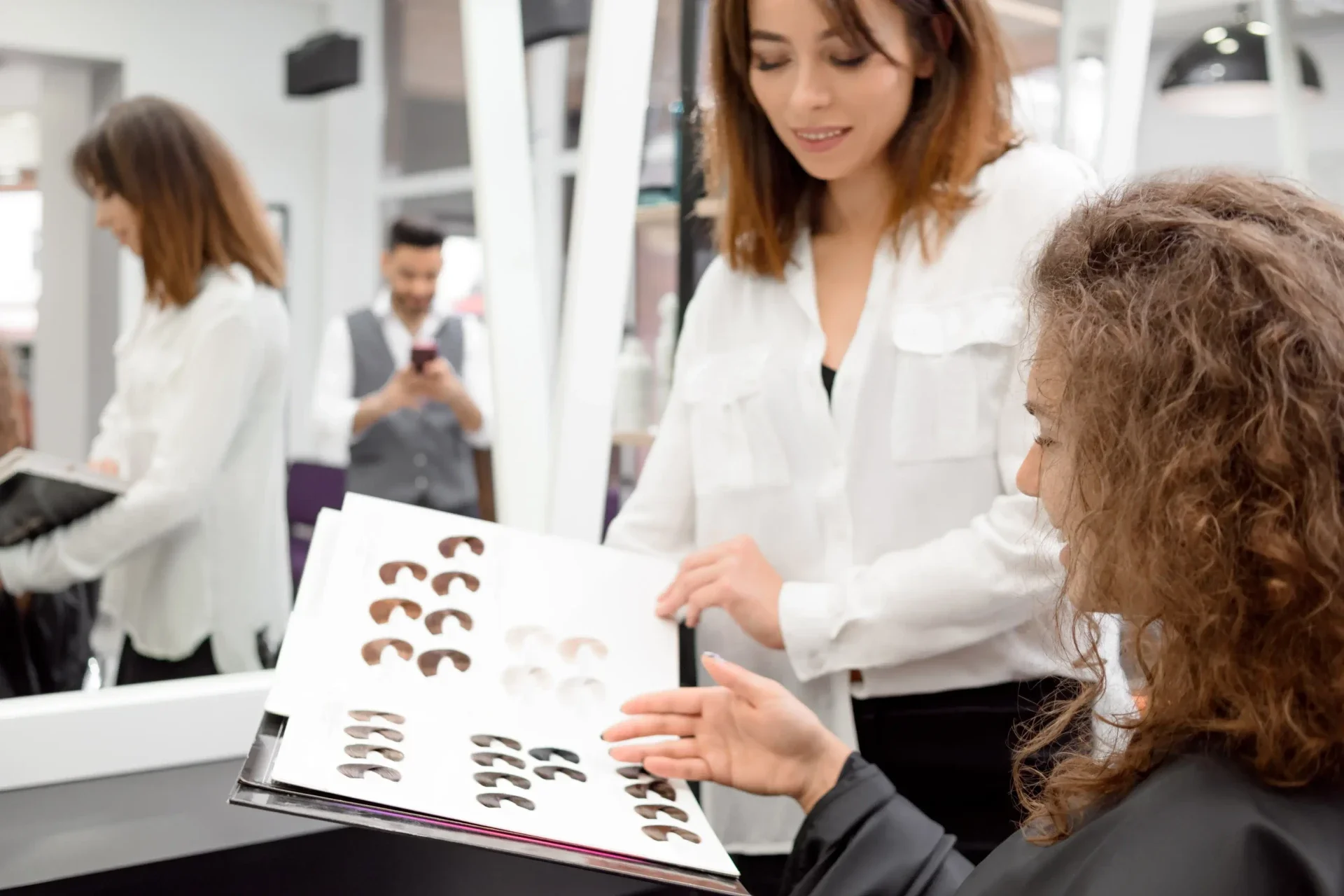
Walk-ins join a list at the desk and wait beside the appointments. The stylist view shows who's free next, each service books its own time so a stylist or room can't be double-booked, and the chair is freed while color processes.
Staff clock in with a selfie and location or on a fingerprint device, days off are on record, and the schedule shows who's working before the first client arrives. The forecast shows the busy days ahead, so shifts are planned before the rush, not on the day. Staff who work at more than one location clock in at each.
Sales by stylist, service and retail through the day, against the location's net revenue target. The achievement report shows each stylist against their own target, and the owner sees the same numbers.
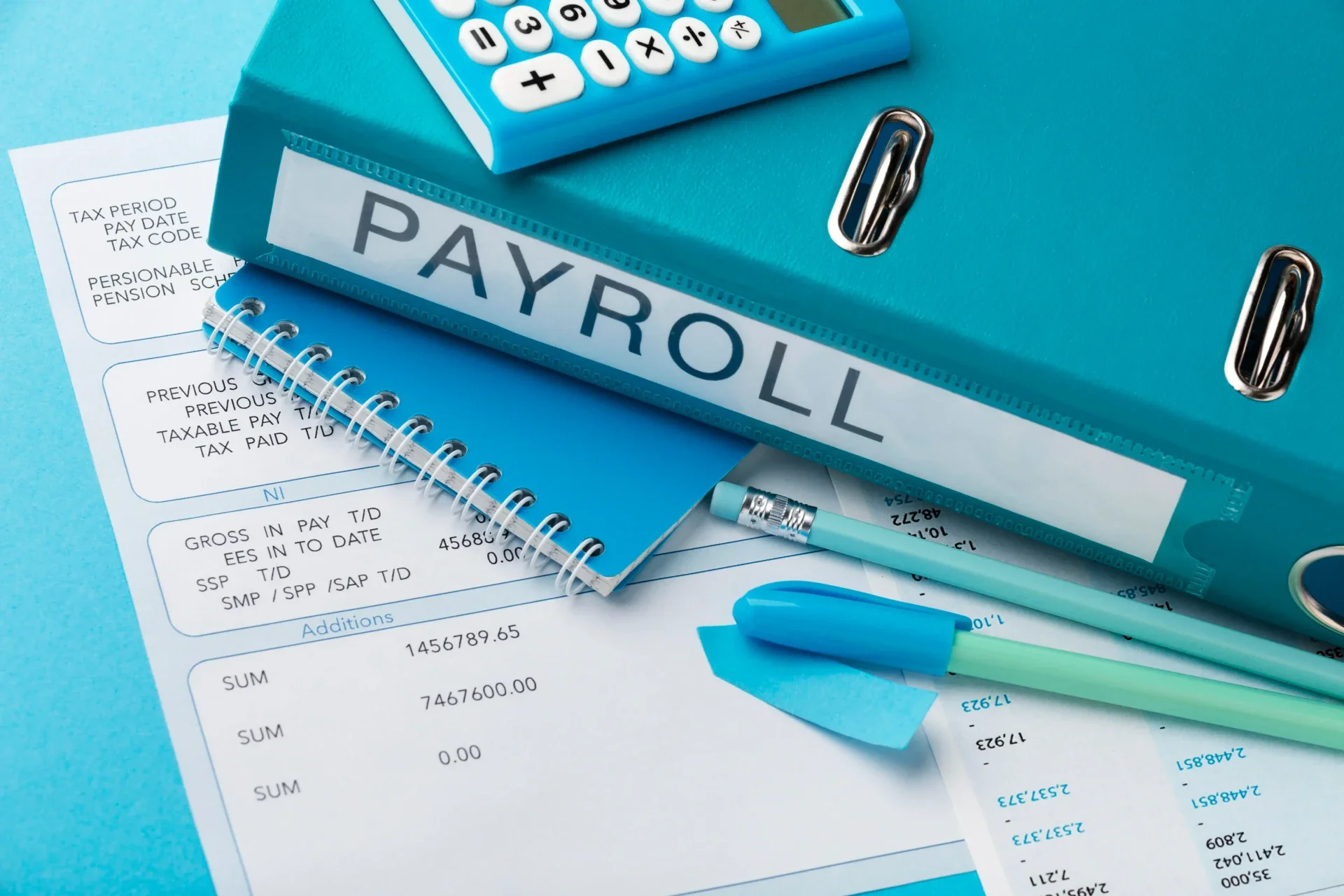
The owner sets the commission rules once, fixed or tiered, on services and retail. DINGG works out each person's commission and tips from their tickets for the pay period, split when a service is shared, and the totals download for payroll.
Product used per service is deducted at checkout, with lot and expiry. Stock audits with a review step and transfers between locations keep every count honest, and a low-stock email arrives every Monday.
Clients, visit history, memberships, gift cards and stock come across, and your team is trained before day one. A dedicated DINGG team runs the migration, and you're live within 48 hours of your data being received.
clients, history, memberships and stock, from your current software or spreadsheets
counted from the day your data is received
managers, front desk and stylists, with support in English or Spanish

Compare to other software I found DINGG Software much easier to use. Perhaps that's because of the training i received…
They were very helpful in migrating the customer base from ZENOTI to DINGG.
…Smart scheduling, smooth POS, and easy client history tracking make daily operations effortless. The support team is quick and helpful every time.
The best salon manager software shows who's working and who's off, keeps walk-ins and bookings on one screen, tracks sales against target by stylist, balances the drawer at close and works out commission and tips from every ticket. DINGG does all of this and emails the owner the daily report.
The routine of the day: clock-ins and days off on one schedule, the walk-in list beside the bookings, sales against target as they happen, commission and tips from every ticket, stock used per service, and the drawer count and daily report at close. That leaves the manager the team and the clients.
Sales against target, sales per stylist or therapist, retail and membership sales, repeat clients, feedback ratings, product used against services done, and a drawer that balances every day. DINGG reports each one by location, and sales, repeat clients and ratings by staff member.
Keep every location's schedule in one system. In DINGG, each location's shifts and days off sit on one schedule, staff can clock in at more than one location, the owner sets which locations each manager can see, and location reports show each team side by side.
Use reports that tie every client to the stylist who served them. DINGG's reports show each stylist's repeat clients alongside their sales and feedback ratings, location by location, and with Ask SAGE (DINGG AI Assistant) switched on you can ask “Which stylist rebooked the most clients last month?” in plain English.
The owner sets the rules once: fixed or tiered, on services and retail, before or after product cost. DINGG works out each person's commission from the tickets they did, and splits it when a service is shared.
Tips are added to the ticket at checkout and split between the people who served. They're recorded against each person for the pay period, so payday and the tip record agree.
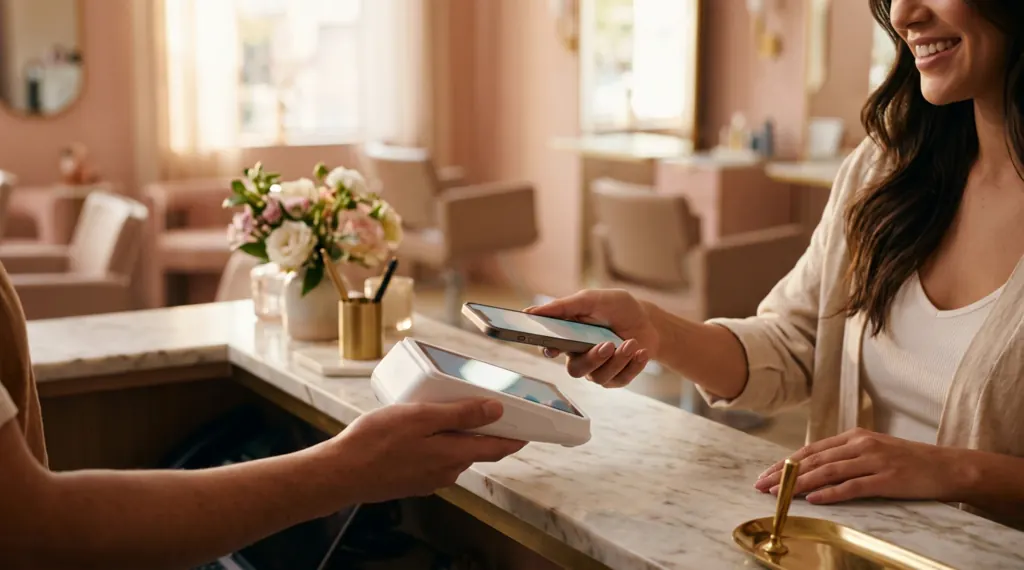
Record every payment on its ticket as it happens. At close you count the drawer by denomination in DINGG, which shows card and tip totals from the tickets, takes petty cash against the day's sales and emails the owner the daily report.
DINGG gives you and the owner the same numbers: what was sold, by whom, and that the drawer balanced. The record shows the work you did, and nobody has to call at night for it.
Software that shows each person's sales against target as the day goes, works out commission from their own tickets and keeps attendance and days off on one record. In DINGG targets are set per person, progress shows in the reports and the daily report, and commission and tips come from every ticket, so the conversation is about the numbers, not the math.
Yes. Roles are set per location, so a manager or regional manager sees the locations the owner allows, with location reports and each location's daily report.
Yes. The app works in English and Spanish, and DINGG's support team speaks Spanish.
…it has made my life so much easier as a salon owner and the support from the team… has been incredible, they are literally just a call away to resolve any issues…
Tell us a little about your business. We'll build the demo on your real services and staff and show you what you'd pay.
 In the US, your demo and onboarding are delivered with Payroc, DINGG's US partner.
Our team will be in touch soon to book your demo.
Who's in before the doors open, sales against target through the day, commission and tips already worked out, and a drawer that balances at close. We'll set up the demo with your team and your targets.