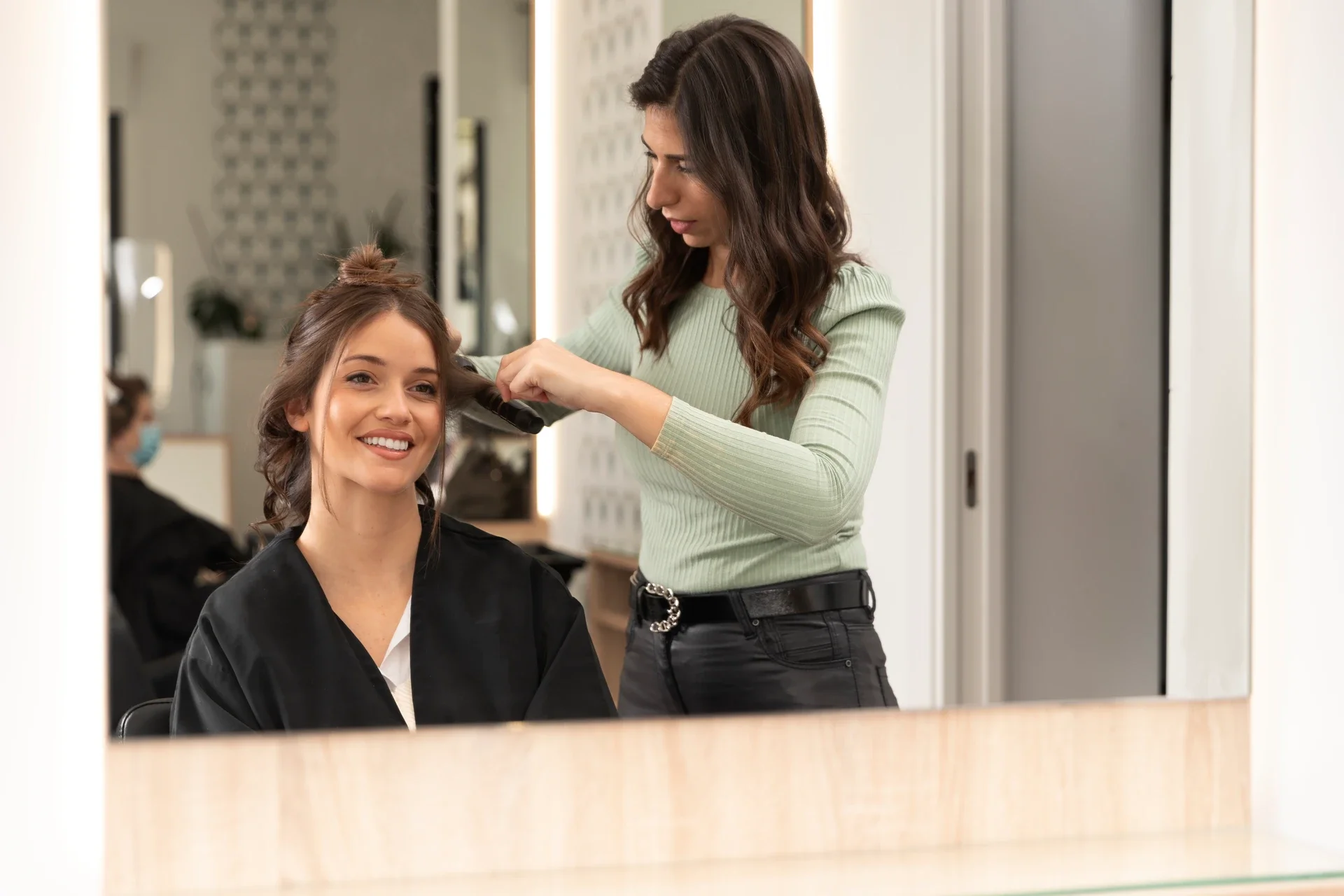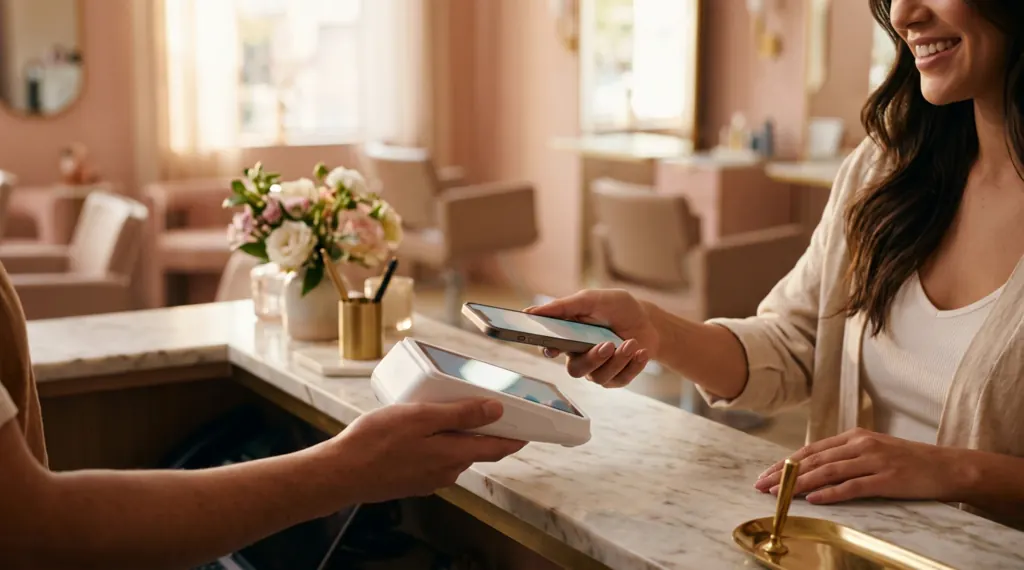

The phone rings, a text waits and a client stands at the desk.
Client texts in one inbox, and the AI assistant on routine questions within the salon's rulesAI assistant

 Salon Receptionist Software
Every walk-in placed. Every reminder sent. Every ticket right.
DINGG is salon receptionist software that makes the front desk easier, not emptier: bookings and walk-ins on one screen, client texts in one inbox with the AI assistant on routine questions, deposits, tips and Tap to Pay at checkout, and a cash drawer that balances at close.
4.9 from 1,700+ Google reviews5,000+ businesses in 16 countriesUpdated








Salon receptionist software is the front desk's one screen: appointments and walk-ins, client texts, check-in, checkout with tips and deposits, memberships and gift cards, and the cash drawer at close. DINGG is built for the busy desk, where one person often greets the client in front of them, answers texts, books the next visit and checks out the last one at the same time.
Quick answer: Salon receptionist software is the front desk's system: it puts appointments and walk-ins in one view, keeps client texts in one inbox, takes deposits and tips at checkout, shows membership and gift card balances and balances the cash drawer at close. DINGG does all of this in English or Spanish, with up to four text or email reminders per booking.
You answer the texts, the phone and the client standing in front of you, and you check out, collect and close as well.
A text, a call and a walk-in, all at once.
Client texts in one inbox, and the AI assistant on routine questions within the salon's rules
A walk-in asks how long the wait is.
A walk-in list with each person's place, beside the appointments
The drawer that never balances.
Cash counted by denomination, card payments and tips already on each ticket
A client's membership was bought at another location.
Memberships and gift cards honored at the locations the owner chooses
Each location closes its own way.
Each location's daily report in the same format, emailed to the owner
A client asks about a visit at another location.
Their visits and history on one record, across locations
Your front desk handles texts, check-ins, checkout and rebooking for a busy salon, often in shifts.
Confirmation calls take up the morning.
Up to four text or email reminders per booking, sent for you
A ticket edited after it was paid, and nobody knows why.
Every edit, refund and discount logged with who and when
Rebooking forgotten when the desk is busy.
The next visit booked at checkout, and a list of who is due back
Each location checks out its own way.
One service menu with locked prices across locations
A member from one location at another.
Memberships and gift cards honored where the owner chooses
Head office wants each location's numbers.
Each location's daily report by email
Guests arrive for long treatments, couples bookings and memberships, and every minute of waiting shows.
A couples booking needs two therapists and one room.
Rooms and therapists on one calendar, with cleanup time between services
How many member visits are left?
Member visits used and left on the guest's record, shown at checkout
Intake forms on clipboards.
Intake forms sent before the visit, signed on the guest's phone, kept on their record
Guests who visit more than one location.
One guest record across locations
Gift cards bought at another spa.
Balances honored at the locations the owner groups
Each location's close.
Each location's daily report by email
You book consultations, collect consent, schedule a series of treatments and follow up with clients who haven't booked yet.
Clients arrive and the consent form still isn't signed.
Clients check in on the tablet with forms already signed, and the provider's follow-up list is on your screen
A series of sessions tracked on cards.
Sessions used and left on the client's record, shown at checkout
Consultations that never book a treatment.
Leads with an owner and a follow-up date
Inquiries from the website land in different places.
Website inquiries in one list, each with a source and an owner
Each location follows up its own way.
The same lead list and follow-ups at every location
Packages bought at one clinic, used at another.
Packages honored at the locations the owner chooses
You're a stylist, a nail technician or the owner, and you take the desk when it gets busy.
Checkout takes you away from the client in your chair.
One ticket for services, retail and a gift card, tip included, in a few taps
You don't know the client at the desk.
Their history, membership balance and last stylist on screen
The appointment book is in someone else's handwriting.
One calendar and one checkout, the same for everyone
Covering the desk at another location.
The same screens at every location
A product the client wants is at another location.
Stock counts for each location
Different locations, different ways of checking out.
One checkout and one service menu at every location
Each one is a missing system, not a people problem.
From opening to close, and what DINGG does at each moment.
Today's clients already had their reminders by text and email, and two bookings came in overnight on the salon's booking page.
The phone rings, a walk-in asks about the wait and a client texts about balayage prices. The walk-in joins the list; the text gets its answer.
A member says she has two blowouts left this month. Her record shows each visit used, date by date.
Her color, his cut, the kids' trims and a shampoo on one ticket: member price applied, sales tax on the retail, tip split three ways, paid by Tap to Pay.
Cash counted by denomination, cards and tips already on each ticket, $40 of petty cash entered, and the daily report emailed to the owner.
Google reviews of DINGG from salon, spa and clinic owners, quoted as written.
DINGG has made managing our salon much easier. We can handle appointments, billing, and customer records in one place. The software is user-friendly and helps us keep our daily operations organized.
easy to use loaded with lots of features and user friendly useful app for all the billing needs best management software…
Highly recommend this software.happy with their professionalism and costumer service ..
Been using this software for years now and i have found it user friendly, very efficient and have reduced a lot of paperwork. The team is quite helpful too.

It been a year now, use DINGG Software, its the best software for salon use, will highly recommand for all.
Highly recomended software....its well designed and absolutely easy to work on.
Stylist and room views, a walk-in list and self check-in on a tablet at the desk. Each service books its own time, a booking moves by drag and drop and shows its status from check-in to checkout, the chair is freed while color processes, and a locked booking can't be dragged by mistake.
Two-way texts with clients land in one inbox at the desk. The AI assistant answers routine questions about services, prices and open times within the rules the salon sets, and up to four reminders go out per booking by text or email.
Services, retail, memberships and gift cards on one ticket, with sales tax on the lines it applies to. Clients pay by Tap to Pay, card reader, card on file or cash, tips are split between the people who served, and the receipt goes by text or email. Card payments are processed by Payroc, DINGG's US partner.
Deposits charged when the booking is made, a card on file, and a cancellation policy with a no-show or late-cancel fee. Clients can cancel or reschedule online within your window, and the waitlist board shows who wants the open slot, so the desk can fill it.
Every membership, package and gift card shows on the client's record with each visit used and what's left, and member prices apply on their own at checkout.
Cash counted by denomination at open and close, cards and tips already on each ticket, and petty cash entered against the day's sales with the receipt attached. The daily report goes to the owner by email.
Clients, visit history, memberships and gift card balances come across, and the front desk is trained before day one. A dedicated DINGG team runs the migration, and the salon goes live within 48 hours of your data being received.
clients, visit history, memberships and gift cards, from your current software or spreadsheets
counted from the day your data is received
booking, checkout and the close, with support in English or Spanish

Compare to other software I found DINGG Software much easier to use. Perhaps that's because of the training i received…
They were very helpful in migrating the customer base from ZENOTI to DINGG.
…Smart scheduling, smooth POS, and easy client history tracking make daily operations effortless. The support team is quick and helpful every time.
The best front desk software puts appointments and walk-ins in one view, keeps client texts in one inbox, takes deposits and tips at checkout, shows membership and gift card balances and balances the drawer at close. DINGG does all of this for 5,000+ salon, spa and clinic businesses in 16 countries.
The routine: reminders go out by text and email, walk-ins take a place in the list, tips are split at checkout, membership and gift card balances show on the client's record, and the drawer is counted by denomination at close. Your receptionist spends the time on the client in front of them.
Keep both in one view. In DINGG, walk-ins join a list at the desk and wait beside the appointments, the stylist view shows who's free next, and the chair is freed while color processes.
Send reminders and take deposits for long services. DINGG sends up to four text or email reminders per booking, charges deposits when the booking is made and applies no-show or late-cancel fees under your policy, so the slot can go to someone else.
Yes. Search for the client and their record opens with past visits and stylists, pinned notes, membership and gift card balances and upcoming bookings, so you can answer, book and greet them by name in the same minute.
Yes. A tablet at the desk works as a self check-in kiosk, so arriving clients check themselves in while you serve the client in front of you, and any unsigned form goes out on check-in.
Add the client to the waitlist board with the dates that suit her. When a slot opens, the desk sees who is waiting and books her into it.
Show the policy before the client books, keep it the same for everyone and use it for long or high-value services. In DINGG the deposit and the cancellation window appear in the booking flow, and the deposit is applied to the ticket at checkout.
Yes, for messages. DINGG's AI assistant answers routine client questions, such as services, prices and open times, within rules the salon sets, and the conversation stays in the inbox for the team. It works on messages, not calls, and it's there to make the front desk easier, not to replace it.
Sell each gift card with its own code. In DINGG the balance shows at checkout, partial use is recorded, and the remaining value stays on the code for the next visit.
Make sure every payment was taken on its ticket. Then count the cash by denomination in DINGG, which shows card and tip totals from the tickets, records petty cash against the day's sales and emails the daily report to the owner.
Yes. Your services and prices are set up for you, and the front desk is trained before you go live. The app runs on phone, tablet and computer, in English or Spanish.
…it has made my life so much easier as a salon owner and the support from the team… has been incredible, they are literally just a call away to resolve any issues…
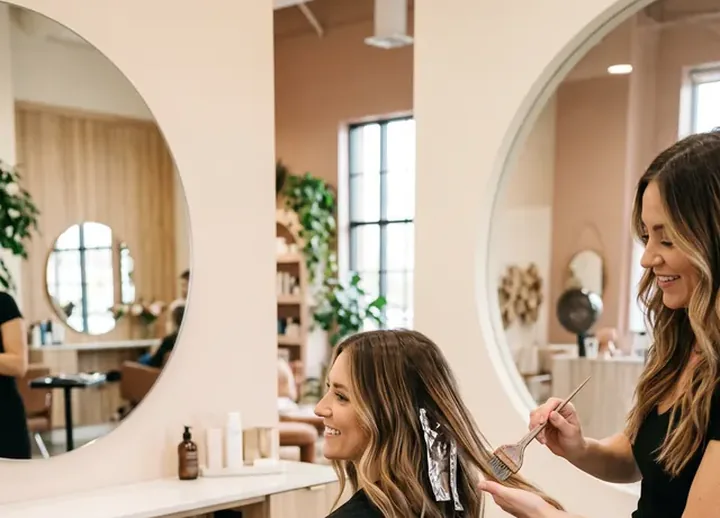
Tell us a little about your business. We'll build the demo on your real services and staff and show you what you'd pay.
 In the US, your demo and onboarding are delivered with Payroc, DINGG's US partner.
Our team will be in touch soon to book your demo.
Bookings and walk-ins on one screen, client texts in one inbox, deposits and tips taken right at checkout, and the close done in minutes. We'll run the demo on a Saturday at your desk.