
How DINGG Solves Real Salon Problems: Billing, GST, Staff, Inventory & CRM
Author
DINGG TeamDate Published
I'll be straight with you most salon software demos look perfect until you're three months in and your accountant is calling about GST mismatches at 9 PM. Or your best stylist just double-booked because the "smart" scheduling didn't account for walk-ins. Or you're manually counting shampoo bottles across two locations because your inventory "sync" has a five-minute lag.
I've watched salon owners in Mumbai and Delhi switch systems three times in two years, each time hoping the next one would actually handle Indian billing complexity without turning into a part-time IT job. The problem isn't that solutions don't exist it's that most are built for markets where GST compliance means clicking "tax" instead of navigating GSTR-3B reconciliation while juggling UPI payments during peak Saturday hours.
Here's what you'll walk away with: A practitioner-level breakdown of how DINGG tackles the five operational headaches that actually determine whether your salon scales or stalls billing accuracy, GST compliance, staff coordination, inventory control, and client retention plus the "ghost errors" that official demos conveniently skip.
The Pre-Flight Check: What You Need Locked Down First
Before you migrate anything, answer this in one sentence: Can you describe your biggest operational bottleneck right now without saying "everything"?
If you can't, you're not ready. DINGG's power is in its interconnected automation AI-powered scheduling pulls from your CRM, which feeds your loyalty programs, which inform your inventory predictions. But that means dirty data doesn't just create one problem; it cascades into faulty insights across every module.
Your readiness checklist:
- Historical booking data (even if it's messy we'll clean it)
- Client contact list with WhatsApp numbers (this is non-negotiable for India)
- Current inventory counts per location
- Staff schedules for the last month
- Your last three months of GST filings (to verify migration accuracy)
Stop/Go Test: Export your client list right now. If you see duplicate entries, inconsistent phone formats, or bookings timestamped at 3 AM that never happened, you need the data cleanse wizard before activating AI features. Skipping this creates the most common ghost error: AI flagging impossible peak hours because it's learning from garbage inputs.
Phase 1: Billing & GST Compliance (The "Will This Survive an Audit?" Test)
Most salon software treats GST as an afterthought a tax percentage field you manually configure. That works until your CA asks why your GSTR-3B doesn't reconcile with your invoices, or your UPI POS crashes during Diwali rush because it wasn't stress-tested for Indian payment density.
The Execution Path
Step 1: Configure your GST details in the billing module GSTIN, HSN codes for services vs. products, and interstate vs. intrastate rules. DINGG's GST-compliant billing auto-populates these across invoice templates.
Visual Checkpoint: Your dashboard shows a green "GST Compliant" badge next to each invoice type. Test invoices display the tax breakdown (CGST/SGST or IGST) automatically based on client location.
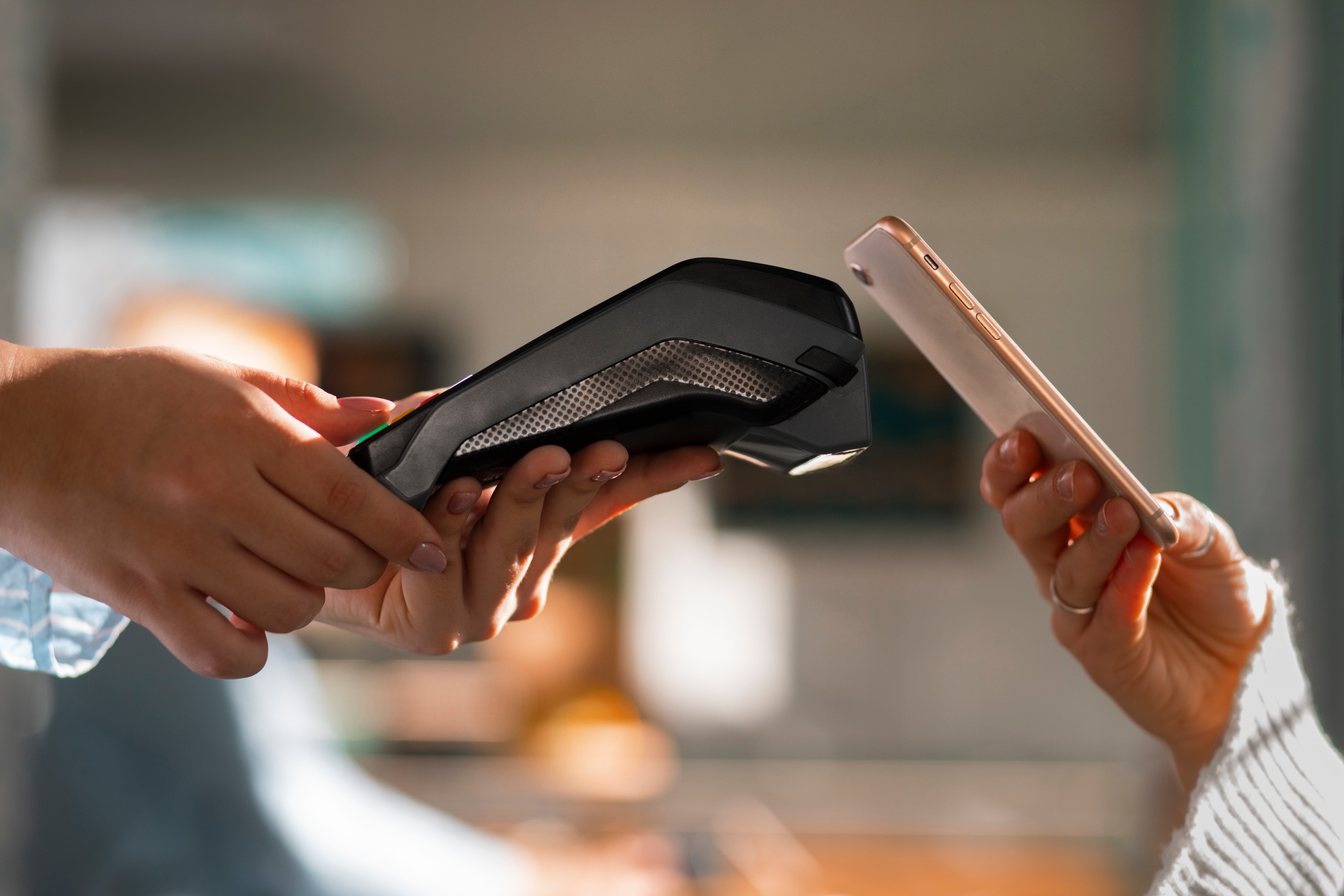
Step 2: Integrate your UPI POS hardware. DINGG's UPI POS integration handles the Paytm/PhonePe/Google Pay trifecta without requiring separate reconciliation. Process a test transaction—the invoice should generate instantly with payment method tagged.
Verification: Run a mock peak-hour scenario: 10 transactions in 3 minutes. If the system doesn't lag and each invoice shows the correct GST breakdown, you're clear. If there's a delay, your POS hardware might need a firmware update (this bit the owner of a Pune chain during their first weekend—don't skip the stress test).
The Expert Nuance: Here's what the demos don't show DINGG's auto-GSTR-3B ready format only works if your service categorization is consistent. If you've been calling "haircut + styling" different things across bookings, the AI can't aggregate correctly. Spend 30 minutes standardizing your service names in the catalog before going live.
Friction Warning: Competitors like Fresha offer "free" entry but bury transaction fees that eat 2-3% of revenue. Vagaro's add-on pricing for GST reporting can inflate costs by ₹5,000-8,000 monthly for multi-location setups. DINGG's flat pricing eliminates surprise costs, but there's no free trial the commitment hesitation is real. The trade-off: you're paying for localized compliance that doesn't require a CA on retainer.
Phase 2: Staff Management & AI Scheduling (The "No More Double-Bookings" Promise)
Your staff roster isn't just a calendar it's your revenue engine. When a senior stylist sits idle while a junior is overbooked, you're losing margin and risking talent churn (India's salon industry averages 45% annual turnover, so retention math matters).
The Guided Steps
Step 1: Upload staff profiles with skill levels, service certifications, and preferred shifts. DINGG's AI-powered scheduling learns patterns who handles color corrections fastest, who's best with bridal packages.
Step 2: Activate walk-in queue management alongside online bookings. The AI detects scheduling overlaps in real-time. You'll see color-coded rosters: green (available), orange (busy but can squeeze a quick service), red (fully booked).
Visual Checkpoint: On the multi-location dashboard, each branch shows live staff status. Click a stylist's name past booking density, average service time, and client ratings load without refresh.
Verification: Simulate a Saturday morning: two online bookings, one walk-in, one WhatsApp request. If the system suggests the optimal stylist without creating overlap, and flags a revenue gap (e.g., "Priya has 90 minutes free between appointments upsell opportunity"), your AI is trained.
The Reality Check: AI accuracy depends on clean historical data. One Delhi salon owner told me their system kept suggesting 3 AM as a peak hour—turns out their old software had timestamped manual entries incorrectly. Run the data cleanse wizard first, or you'll spend two weeks correcting AI recommendations manually.
Friction Point: The learning curve hits non-tech staff hardest. DINGG's 30-day hand-held onboarding includes live training, but expect 1-2 weeks where your team defaults to "the old way." Assign one tech-savvy staff member as the internal champion to field questions.
Phase 3: Inventory & Multi-Location Sync (The "Stop Guessing Stock Levels" Solution)

Inventory failures are silent profit killers. You don't notice the revenue gap from turning away keratin treatments because your Mumbai branch ran out while Pune had excess stock—you just see the monthly total and shrug.
The Process
Step 1: Input current stock levels per location with reorder thresholds. DINGG's real-time sync means a product sale in one branch updates all dashboards in under 30 seconds.
Step 2: Enable automated alerts. You'll get red "Low Stock" flags on the dashboard and WhatsApp notifications when items hit reorder points. Yellow "Reorder Suggested" icons appear based on usage velocity—the AI learns seasonal patterns (e.g., more hair color before Diwali).
Visual Checkpoint: Test with a dummy transaction: mark a product as low stock in Branch A. Branch B's dashboard should reflect the alert instantly. If there's lag, your internet connectivity might be the bottleneck, not the software.
Verification: Compare inventory reports across locations. The branch-level insights should show per-product velocity, wastage rates (for products with expiry dates), and cross-location transfer suggestions.
The Ugly Truth: Competitors often claim "real-time" sync but actually batch updates every 5-10 minutes. During peak hours, that delay causes stockouts. DINGG's architecture prioritizes instant sync, but it requires stable internet—one Bangalore spa had issues because their secondary location was using a 4G hotspot with intermittent connectivity. Invest in reliable WiFi before blaming the software.
Phase 4: CRM & Client Retention (The "Stop Losing Repeat Business" Fix)
A salon's CRM isn't about storing phone numbers—it's about knowing that Priya prefers appointments after 3 PM, hates strong fragrances, and is due for a color touch-up in two weeks. DINGG's WhatsApp automation turns this into revenue.
The Execution
Step 1: Migrate client profiles with service history, product preferences, and purchase patterns. The system auto-tags high-value clients (those spending above your average ticket) with blue flags.
Step 2: Activate smart packages and memberships with loyalty program auto-trigger logic. When a client hits their fifth visit, the system auto-sends a WhatsApp offer for a discounted package.
Step 3: Enable AI insights reporting. The system flags revenue gaps in your calendar and suggests upsell opportunities—"Client X always books basic facials but has purchased premium products; upsell deluxe treatments."
Visual Checkpoint: Open a repeat client's profile. You should see tabs for service history, preferences (e.g., "allergic to sulfates"), and personalized recommendations. The CRM should auto-pull these details when they book again.
Verification: Track no-show rates for one week after enabling SMS/WhatsApp reminders. DINGG's automation delivers 30% no-show reduction on average—if you're not seeing improvement, check that WhatsApp Business API is properly connected.
The Expert Angle: Loyalty programs only work if redemption is frictionless. DINGG's membership packages track usage automatically across staff shifts—no manual punch cards. But you need to train staff to mention the benefits at checkout, or clients forget they're enrolled.
The Timeline Reality (What Actually Happens Week by Week)
Week 1-4 (Onboarding): Data migration via hand-held support. Zero downtime if you run parallel systems briefly. Expect daily check-ins from DINGG's team.
Week 5-6 (AI Training): No-show reduction becomes visible. Revenue gap flagging starts surfacing upsell opportunities. Staff adapts to new workflows.
Week 7-8 (Optimization): Loyalty programs show retention lift. Inventory predictions reduce wastage. You stop manually checking stock levels.
Month 3+: ROI compounds—client retention improves, staff scheduling efficiency cuts idle time, GST filing becomes a 10-minute task instead of a weekend project.
FAQ: The Implementation Questions That Actually Matter
How long before AI insights are accurate?
7-14 days post-data cleanse. The AI needs clean booking patterns to learn from—dirty data means faulty predictions initially.
Can DINGG handle peak-hour transaction loads?
Yes, if your UPI POS hardware is current. Test with 10+ transactions in 3 minutes during onboarding to verify.
What if my staff resists the new system?
Assign an internal tech champion and use DINGG's live training sessions. Expect a 1-2 week adjustment period.
Does multi-location sync work with unstable internet?
Real-time sync requires stable connectivity. Invest in reliable WiFi for each location—4G hotspots create lag issues.
How does pricing compare to Fresha or Vagaro?
DINGG's flat pricing eliminates transaction fees and add-on costs. No free trial, but localized GST compliance and WhatsApp integration are included.
Stop Patching Your Operations With Five Different Tools
DINGG consolidates billing, scheduling, inventory, and CRM into one GST-compliant system built for Indian salons. See how the multi-location dashboard and WhatsApp automation work in a live setup—explore DINGG's feature breakdown or book a personalized demo to map your specific workflow.
The difference between a salon that scales and one that plateaus isn't ambition—it's operational infrastructure that doesn't require a computer science degree to maintain. Your clients don't care about your back-office chaos, but they will notice when appointments run smoothly, their preferences are remembered, and checkout takes 30 seconds instead of five minutes.