
5 Ways to Reduce No-Shows in Your Salon Using Smart Booking Systems
Author
DINGGDate Published

Last Tuesday, I pulled up my salon's weekly report and saw it again—eleven no-shows across four days. That's roughly ₹22,000 in lost revenue, gone. No call, no text, no reschedule. Just empty chairs and stylists scrolling their phones. I'd been running my salon for six years at that point, and I was still losing nearly 20% of my appointments to ghosts.
The fix wasn't hiring a receptionist to make more calls. It wasn't guilt-tripping clients on WhatsApp. It was rebuilding how my entire booking system worked—from confirmation to follow-up to policy enforcement.
Here's what this guide gives you: a step-by-step path to drop your no-show rate from 15-30% down to under 5%, using smart booking systems and salon appointment software that actually does the heavy lifting.
Before You Start: The Pre-Flight Check
You don't need fancy hardware. But you do need these locked down:
- Clean client data. Phone numbers and emails that actually work. If 30% of your contact list is outdated, every automated reminder you send bounces into nothing.
- A defined cancellation policy. Even a simple one. Written down. Not just "something we tell people sometimes."
- Staff buy-in (or at least, not active sabotage). If your team is going to keep taking bookings over the phone and bypassing the system, none of this works.
Stop/Go test: Can you pull up your current no-show rate right now, as a number? If yes, go. If you're guessing, start by tracking manually for two weeks—then come back.
Phase 1: Set Up Multi-Channel Automated Reminders
This is the single highest-impact move. Automated reminders across SMS, email, and push notification reduce no-shows by 14-29%, depending on the study you're looking at. SMS alone hits a 98% open rate—email sits around 20%. That gap is massive.
Here's what to do:
- Configure your salon and spa software to send a booking confirmation immediately after scheduling.
- Set a 48-hour reminder via email with service details and a one-click reschedule link.
- Set a 24-hour SMS reminder—short, personal, with the client's name and stylist.
- Add a 2-hour "day-of" nudge via SMS or push notification for high-value appointments.
Visual Checkpoint: On your dashboard, every confirmed appointment should show a green "Confirmed" badge. Unconfirmed ones sit in orange "Pending." If you're seeing more orange than green after 48 hours, your message content or timing needs adjustment.
Verification: Send a test reminder to your own phone. Did it arrive instantly? Could you tap to confirm or reschedule without calling anyone? If yes, you're good.
Friction warning: Some clients' carriers flag short messages as spam. If confirmation rates are low, try shorter texts with the client's first name and a simple "Reply C to confirm." Emoji-laden messages actually perform better in testing—sounds silly, works anyway.
Phase 2: Require Prepayment Deposits for High-Risk Slots
Here's where most salon owners hesitate. Asking for money upfront feels uncomfortable. But think about it this way: a client who's paid even ₹200 toward their appointment is dramatically less likely to ghost.
- Enable prepayment deposit collection through your beauty salon software's integrated payment gateway—UPI or Razorpay work well for Indian salons.
- Start with new clients only. Grandfather your regulars in without deposits initially. This reduces friction while protecting your most vulnerable slots.
- Set deposits as mandatory for weekend and peak-hour bookings where no-shows hurt the most.
Visual Checkpoint: Booked slots with deposits show a blue "Deposit Paid" tag. Slots without deposits remain untagged—you can see your exposure at a glance.
Verification: Book a fake appointment as a new client. Does the deposit prompt appear seamlessly? Does the confirmation email reflect the amount paid? If yes, move on.
(I'll be honest—I dragged my feet on deposits for months because I thought clients would push back. About 3% complained. The other 97% just... paid and showed up.)
Phase 3: Automate Your Cancellation Policy Enforcement
A cancellation policy nobody enforces is just decoration. Smart scheduling tools let you bake the policy into every touchpoint so you're not the bad guy—the system is.
- Embed your cancellation policy link in every reminder message—confirmation, 48-hour, 24-hour.
- Auto-block reschedules within 24 hours unless the client pays a fee or forfeits their deposit.
- Configure your salon spa software to auto-flag repeat no-shows in the client record. Three strikes? That client gets moved to "deposit required" permanently.
Visual Checkpoint: The client record for a flagged no-show should display a policy note and a no-show counter. If it's auto-logged without your team doing anything manually, the system's working.
Verification: Simulate a no-show in your system. Does the flag appear automatically? Does the next booking attempt trigger a deposit requirement? Test it.
Automate the Awkward Stuff If you're running DINGG, the cancellation policy enforcement, client flagging, and deposit triggers are built into the Smart Scheduling and Personalized Profiles features—so your front desk isn't stuck having uncomfortable conversations. Explore DINGG's Smart Scheduling tools.
Phase 4: Push Clients to 24/7 Online Booking
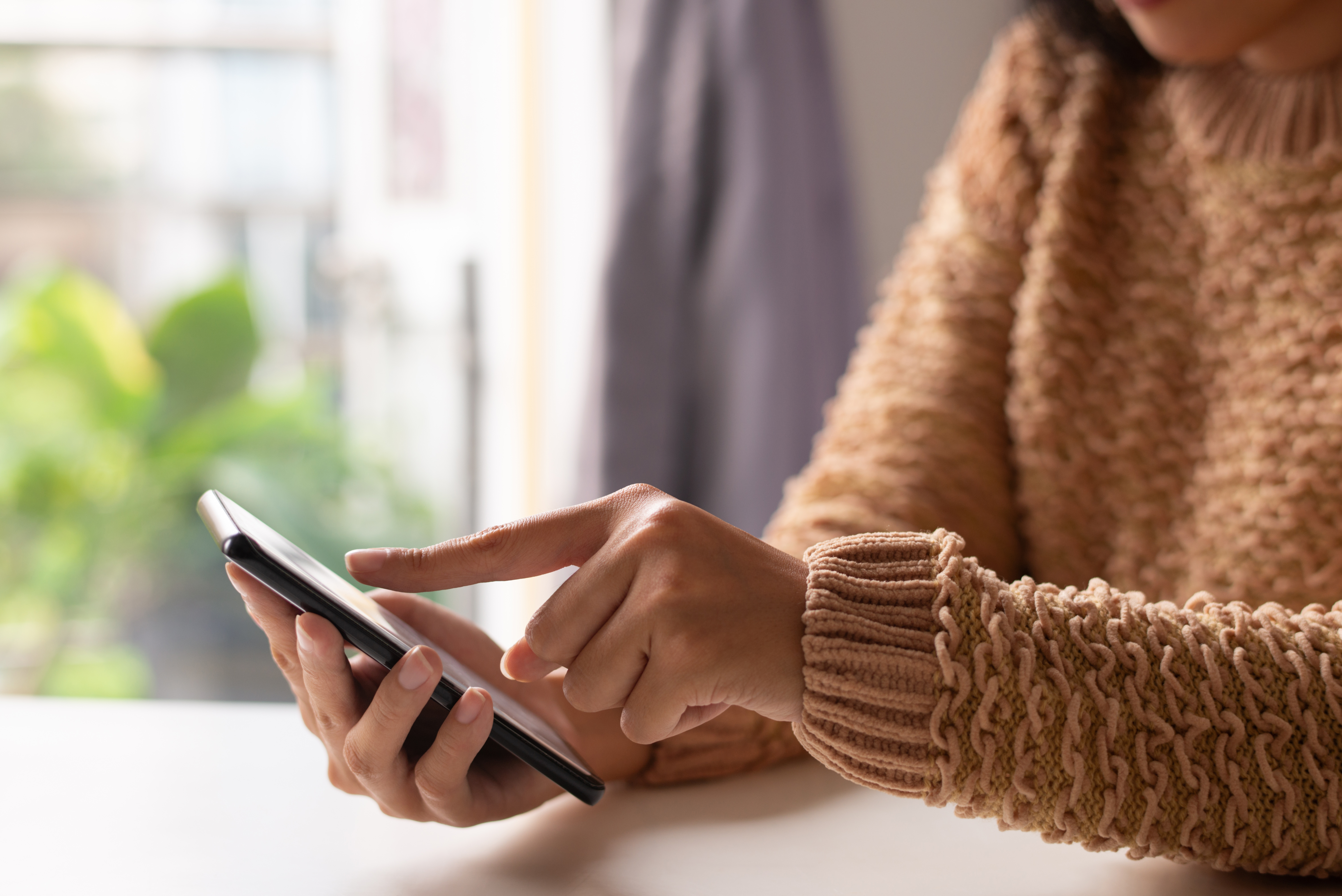
Here's a stat that surprised me: 58% of clients who book online for the first time stick with it. And clients who self-book through an online portal are far less likely to no-show than those booked over a phone call—because they've actively chosen their time, confirmed it themselves, and received instant documentation.
- Activate your 24/7 online booking portal. Make the link visible on Instagram, Google Business, WhatsApp status—everywhere.
- Disable or limit phone bookings during peak hours to funnel traffic online.
- Enable real-time schedule sync to prevent double booking—this is non-negotiable.
Visual Checkpoint: Your calendar should show locked, grayed-out slots for confirmed online bookings. No overlaps. No "I thought that slot was open" surprises.
Verification: Have a friend book an appointment through the portal at the same time a staff member tries to book the same slot manually. Does the system block the conflict? If yes, you're protected.
The real friction here? Staff bypassing the system. I've seen it a dozen times—a stylist takes a call, books someone in their head, never enters it. The fix: gradual rollout. Start with online-only for new client bookings. Let your team keep phone bookings for existing clients during a 1-2 week transition. Then tighten up.
Phase 5: Activate Waitlist Alerts and Personalized Nudges
Empty slots from last-minute cancellations don't have to stay empty. Waitlist alerts automatically notify the next client in line the moment a spot opens. And personalized nudges—messages that reference a client's service history—boost confirmation reply rates by about 14%.
- Turn on waitlist alerts in your booking system. Clients opt in when their preferred slot is full.
- Use client record data to send personalized follow-ups: "Hi Priya, your balayage touch-up is due—we just had a Saturday 3pm open up."
- Use targeted marketing and customer segmentation to identify clients who haven't booked in 30+ days and send re-engagement messages.
Visual Checkpoint: Waitlist pop-ups should appear in real-time when a cancellation happens. The system fills the gap, not your receptionist making six calls.
The Ugly Truth: What Can Still Go Wrong
Problem
The Weird Fix
Why It Works
Reminders landing in spam
Shorter SMS with client name + "Reply C" format
Carrier algorithms flag long, link-heavy messages
Staff ignoring the software entirely
1-week "shadow mode"—run old and new systems simultaneously
Reduces panic; builds muscle memory
Deposits getting declined (especially UPI)
Offer WhatsApp payment fallback for new clients only
Meets clients where they already are
Double bookings despite sync
Lock slots immediately post-confirmation + daily mobile audits
Manual overrides are the #1 cause
High no-shows even after setup
Audit client data first—bad phone numbers = wasted reminders
Garbage in, garbage out
How long before I see results from smart booking systems?
Most salons see a 30-50% drop in no-shows within the first month of activating automated reminders. Full optimization—hitting that 5% no-show target—typically takes 3-6 months with consistent staff training and clean data migration.
Why is my staff resistant to using salon software?
Resistance usually comes from complex interfaces, not laziness. Start with a gradual rollout: online booking for new clients first, then expand. DINGG's Staff Management features are designed for minimal training overhead with multi-location support.
How do I handle clients who reschedule to dodge cancellation fees?
Auto-block reschedules within 24 hours unless a fee is paid. Your beauty salon software should enforce this without staff intervention. Pair it with a clear policy embedded in every reminder message.
Is salon appointment software worth the investment for a small salon?
Run a revenue calculator on your lost slots. If you're losing even 10 appointments a month to no-shows at ₹1,500 average ticket, that's ₹15,000/month—₹1.8 lakh/year. The software pays for itself in weeks, not months.
Can I track no-show patterns to predict high-risk appointments?
Yes. Tools like DINGG's Real-Time Reports and AI Genius flag repeat offenders, identify high-risk time slots, and feed that data into your loyalty rewards and membership programs to incentivize reliability.