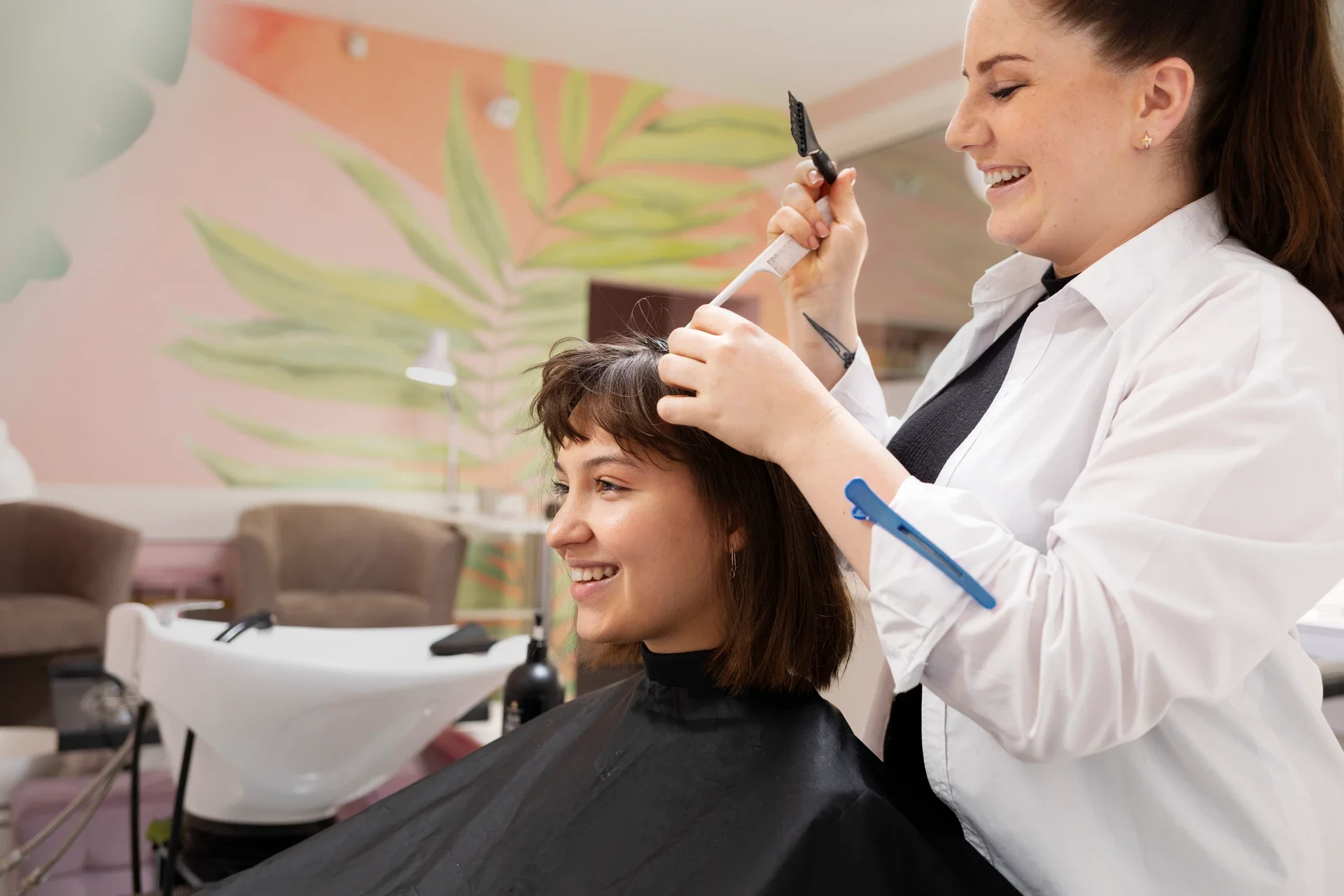
I still remember the morning I found three months of client notes stuffed behind the reception desk crumpled paper with color formulas scribbled in margins, appointment cards with no-show circles drawn in Sharpie. One stylist had moved to another salon, taking her entire mental database of client preferences with her. We'd lost thousands in repeat business because nobody could remember Mrs. Chen's balayage ratio or when Jake was due for his root touch-up.
That was my breaking point. Going digital wasn't just about looking modern it was survival.
By the end of this guide, you'll have a clear roadmap to transition your salon from paper chaos to a cloud-based platform that actually reduces no-shows, captures every client detail, and lets you run your business from your phone during vendor runs.
The Pre-Flight Check: Are You Actually Ready?
Before you migrate a single appointment card, you need three things locked down:
A complete paper trail audit. Export or photograph every appointment book, client card, and inventory log from the past 90 days. You'll need this baseline to verify nothing gets lost in translation.
Staff buy-in (or at least tolerance). The data shows 60% of salon staff lack digital literacy. If your team is still handwriting tickets, plan for resistance. Schedule one-on-one training sessions, not group demos where the tech-averse hide in the back.
A "Stop/Go" mindset. Can you describe your #1 pain point in one sentence? If you say "everything," you're not ready—you'll chase features instead of solving problems. My answer was: "I lose $2,400 monthly to no-shows because I can't send reminders consistently." That clarity shaped every software decision.
Stop/Go Test: Open your current appointment system (even if it's a paper book). Can you pull up the last visit date, service notes, and product purchase for your top 10 clients in under 5 minutes? If no, Go. If yes, your paper system might be working—but ask yourself if it scales when you're sick or on vacation.
Phase 1: Choosing Your Digital Backbone
The market hit $312M in 2026 and is climbing to $401M by 2034, but bigger doesn't mean better for single-location owners. You need open integration platforms that connect booking, payments, and inventory without forcing you into proprietary ecosystems.
Step 1: Map Your Must-Haves
Start with pain, not features. My list looked like this:
Smart booking systems that auto-fill gaps (our dead air was costing 30% of potential revenue)
Client data analytics to track no-show patterns (Tuesdays at 2 PM were our black hole)
Inventory management tool syncing retail sales in real-time (we were hemorrhaging product to "ghost" stock discrepancies)
Don't get seduced by AR hair previews or AI stylist assistant features if your core issue is just getting people to show up. Layer those later.
Step 2: Test the Verification Loop
Book a demo appointment in the software. The Visual Checkpoint you're hunting for: Does the system auto-pull a mock client's history with color preferences and show a green "Synced" confirmation badge within 60 seconds? If it takes three clicks and a page refresh, that friction will kill adoption with your team.
The Verification: Can you edit that test booking from your phone while standing in your retail area? If the mobile experience feels like a clunky afterthought, walk away. Cloud-based solutions only work if you can actually access them anywhere.
Expert Nuance: The Integration Tax
Here's what the glossy sales decks won't tell you: 61% of platforms dominate the market, but integration failures create data silos faster than you can say "API timeout." I learned this the hard way when our POS showed 47 units of purple shampoo in stock, but the shelf was empty—the TikTok Shop sync was polling once daily instead of every 15 minutes.
The Friction Warning: Set real-time polling intervals during setup. If the software defaults to "end-of-day batch sync," you're importing your paper chaos into a digital format.
Phase 2: The Migration (Where Most Salons Fail)
This is the "ugly truth" phase. Industry reports love talking about 65% efficiency gains, but they skip the part where your historical data looks like a dumpster fire.
Step 3: Clean Before You Import
Export your paper logs to CSV. Then run them through an AI-powered duplicate-detection script (I used OpenRefine, it's free). Our 18 months of handwritten cards had "Sarah," "Sara," and "S. Martinez" as three separate clients—with conflicting phone numbers and service histories.
Visual Checkpoint: When you import your cleaned CSV, the dashboard should show an orange "Flagged for Review" icon next to any records with incomplete data. If everything imports as green, your cleaning script missed something.
The Verification: Manually audit 5 random client profiles. If 80% have complete service notes and accurate contact info, Go. Under 60% means you're dragging dirty data forward—Stop and re-export.
The Ghost Error Table (From the Trenches)
Symptom
Root Cause
The Weird Fix
No-shows persist after digitizing
Manual entry errors carried over
Export paper logs to CSV, use AI cleanup for duplicates before import
Automated reminders feel robotic, clients ignore them
Default bot language lacks warmth
Copy-paste your top stylist's actual text voice into AI prompt templates
Inventory shows stock but shelves are bare
Delayed POS-to-ecommerce sync
Force 15-min polling intervals, not daily batch
Client history inaccessible during internet outages
Weak cloud setup assumes always-on WiFi
Use offline-first apps that auto-sync when reconnected
Retention tanks despite loyalty tools
Over-reliance on discounts, ignoring preferences
Layer zero-party data (past service notes) into AI personalization weekly
That third row cost me $1,800 in lost retail before I figured it out. The software vendor's support team kept blaming "user error" until I screen-recorded the lag.
Phase 3: Training Your Team (Without the Mutiny)
The 60% digital literacy gap is real. My lead colorist, who could formulate a flawless balayage blindfolded, nearly quit when I introduced digital scheduling systems. Her exact words: "I didn't go to beauty school to become a computer programmer."
Step 4: The "Shadowing Sprint"
Don't do a big launch day. Run parallel systems for 2 weeks—paper and digital simultaneously. Assign one "digital champion" per shift (usually your youngest stylist) to shadow appointments and input data in real-time while others keep using paper.
Visual Checkpoint: By week 2, you should see the blue "Dual-Entry Complete" status on at least 70% of appointments. If it's under 50%, extend the sprint—forcing a cutover will create resentment and data gaps.
The Verification: Run a no-show comparison report. If your digital bookings show 5% no-shows but paper is still at 20%, the automated communications are working. If both are high, your reminder templates need a human rewrite (see Ghost Error Table, row 2).
Phase 4: Optimizing for Retention (The Compounding Phase)
This is where client history access and predictive analytics start printing money. But it takes 3–6 months of clean data before the AI learns your patterns.
Step 5: Build Your Feedback Loops
Set a calendar reminder for 90 days post-launch. Pull these three reports:
No-show rate by day/time (our Tuesdays dropped from 20% to 4% once we started double-texting reminders)
Retail attachment rate by stylist (AI-suggested products boosted conversions 15% for stylists who actually used the prompts)
Rebooking velocity (clients who pre-book their next appointment have 5x better retention)
Visual Checkpoint: Your dashboard should display a purple "Trend Improving" arrow next to metrics that are beating your baseline. If everything's flat or red after 90 days, your team isn't using the tools—audit adoption, not the software.
If You're Rebuilding Your Tech Stack Anyway...
We built DINGG Salon Software specifically for single-location owners drowning in paper. It handles loyalty program integration, real-time inventory sync, and sends reminders in your actual voice (not robot-speak). The mobile app lets you check bookings during product runs, and the AI catches no-show patterns you'd never spot manually.
See how DINGG eliminates the integration headaches
The Timeline Reality (No Sugarcoating)
Weeks 1–2: Data cleanup and staff onboarding (expect grumbling)
Weeks 3–6: Parallel system run, bug fixes, reminder template tweaks
Months 2–4: No-show reduction becomes visible (this is your first dopamine hit)
Months 3–6: Retention and AI recommendations start compounding (revenue lift shows up here)
Months 6–9: Full predictive analytics mature (you can forecast slow periods and push promos early)
I didn't see real ROI until month 5. The first 120 days felt like I'd added a part-time job. But once the system learned our rhythm, I got 8 hours a week back—time I used to spend reconciling paper tickets and chasing no-shows.
FAQ: The Implementation Stuff Nobody Warns You About
How do I fix AI receptionists that ignore late-night bookings?
Enable 24/7 smart booking systems with human-tone templates. Test by booking at 11 PM on a Saturday—if you don't get a confirmation within 60 seconds, your after-hours logic is broken.
Why isn't my digital inventory syncing with online sales?
Root cause: polling delays. Set real-time APIs via open integration platforms—daily batch syncs create the "ghost stock" problem.
How do I get staff to stop resisting cloud check-ins?
Start with simplified interfaces and multilingual training demos. Pair resistant team members with your digital champion for 1-on-1 shadowing.
Why do automated reminders land in spam?
Personalize with zero-party data (past service notes, preferences). Generic "You have an appointment" messages trigger spam filters. Test delivery rates weekly.
How long before predictive analytics actually work?
Feed the system 3 months of clean historical data. Accuracy improves to 90% by month 6 if your data hygiene is solid.
The Real Endgame
Going digital isn't about keeping up with trends—it's about not losing your business to salons that can text a reminder at 2 AM or pull up a client's color formula from 8 months ago in 3 seconds. The North America market hit 38% penetration because the non-digital salons closed.
Your paper system worked when you had 20 regulars and a perfect memory. But if you want to scale, take a vacation without your phone ringing every hour, or survive your lead stylist quitting, seamless systems aren't optional anymore.
Start with your biggest pain point. Fix that first. Layer the fancy AI stuff later. And for the love of all that's holy, clean your data before you import it.
Now go digitize that disaster of a filing cabinet.