
How Automated Reminders Reduced Our Salon No-Shows by 80% (And Why Manual WhatsApp Tracking Nearly Killed My Business)
Author
DINGGDate Published
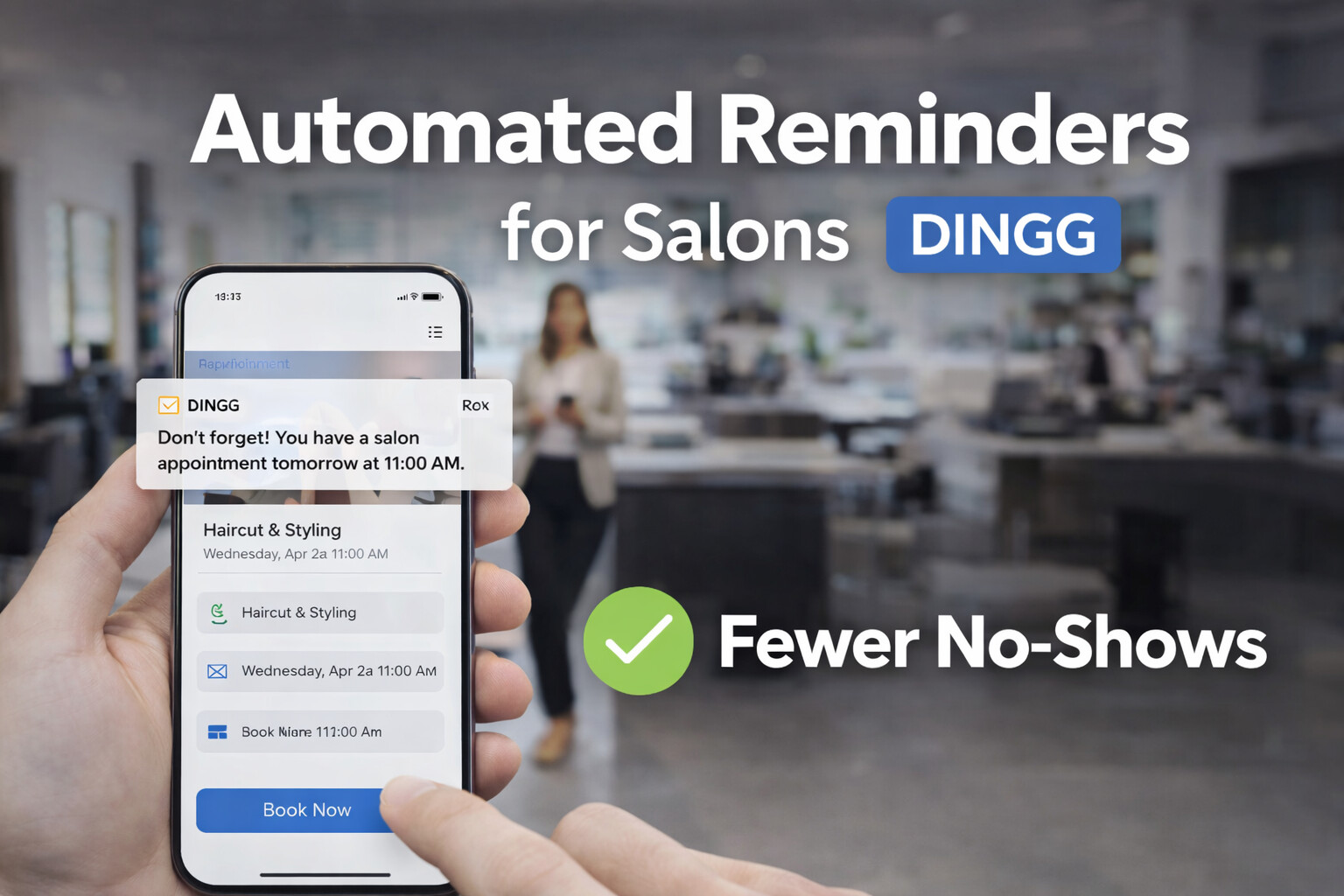
I'll never forget the Tuesday afternoon in February 2024 when I stared at my appointment book—seven slots blocked, five clients never showed, and my senior stylist Priya sitting idle, scrolling her phone. We'd sent manual WhatsApp reminders the night before. Every. Single. Client. confirmed with a thumbs-up emoji. Yet here we were, bleeding ₹8,000 in lost revenue before lunch.
That moment forced me to confront an ugly truth: our "personal touch" WhatsApp system wasn't charming—it was costing us nearly 25% of our monthly bookings. The fix? Automated reminders through proper salon appointment software. Within 90 days, our no-show rate dropped to under 5%. Here's the exact playbook we used, including the weird errors nobody warns you about.
%20-%20visual%20selection%20(1)-1.png)
Reader Promise: By the end of this guide, you'll know how to implement a multi-channel automated reminder system that cuts no-shows by 70-80%, what your staff will actually resist (and how to fix it), and the three data hygiene mistakes that kill reminder efficacy before you even start.
The Pre-Flight Check: Are You Actually Ready for Automation?
Before you touch any salon spa software, answer this honestly: Can you describe your current no-show problem in one sentence that includes a number?
If you said something vague like "clients forget appointments," stop. Pull last month's data. Calculate your actual no-show rate: (No-shows ÷ Total Bookings) × 100. If you're above 15%, you're leaving serious money on the table. Our salon was at 23% before automation—that's nearly ₹40,000 monthly for a mid-sized operation.
Stop/Go Test: Open your client database right now. If more than 10% of phone numbers are outdated, incomplete, or flagged as "Do Not Disturb" by TRAI, hit pause. Data hygiene comes first, or you'll just automate failure. We learned this the hard way when our first reminder batch bounced at a 28% rate because we'd been manually entering numbers with typos for two years.
You also need buy-in from your front desk and senior stylists. Salon appointment software only works if your team stops using their personal WhatsApp as a backup system. More on that friction later.
Phase 1: Building Your Multi-Channel Reminder Stack
Forget the myth that one SMS blast solves no-shows. The salons hitting 80%+ reductions layer SMS, WhatsApp, and (selectively) voice calls across a 48-24-2 hour cadence.
Step 1: Choose Your Delivery Channels Based on Client Segments
Start by auditing your client list. Export it to a spreadsheet and tag three groups:
- VIP/Recurring (30% of our base): These clients book monthly. They get WhatsApp reminders only—feels premium, less spammy.
- Occasional (50%): The bread-and-butter. Hit them with SMS at 48 hours, WhatsApp at 24 hours. Two-way communication works best here; they can reply "YES" or "RESCHEDULE" directly.
- First-Timers (20%): Highest no-show risk. We add a manual call at 2 hours before the appointment if they haven't confirmed digitally.
Visual Checkpoint: Your beauty salon software dashboard should show color-coded client segments with separate reminder rules attached. DINGG's system displays this as a three-column view—green for VIPs, orange for occasionals, blue for new clients.
Verification: Send test reminders to five clients across all three segments. Check delivery logs within 30 minutes. If fewer than four show "Delivered" status, your SMS gateway or WhatsApp business API setup is broken.
The Expert Nuance: Here's where most guides fail you—Indian telecom providers block 20-30% of bulk SMS if you're not using a registered sender ID with TRAI. We wasted two weeks troubleshooting "low open rates" before realizing Airtel was flagging our messages as spam. The fix? Switch to a short-code SMS provider that's pre-whitelisted. It cost an extra ₹1,200/month but our delivery rate jumped to 94%.
Step 2: Set Your Reminder Cadence (And Why 24 Hours Isn't Enough)
The standard "one reminder 24 hours before" approach is lazy. Our no-show reduction stalled at 40% until we implemented the three-touch system:
- 48-hour SMS: "Hi [Name], looking forward to your [Service] appointment with [Stylist] on [Date] at [Time]. Reply YES to confirm or RESCHEDULE to pick a new slot."
- 24-hour WhatsApp: A warmer, branded message with the stylist's photo and a Google Maps link to the salon. Includes a one-tap confirm button.
- 2-hour Safety Net: For unconfirmed bookings only, our receptionist makes a quick call. This catches the "I'm running late" crowd before they become a no-show statistic.
Visual Checkpoint: Your salon appointment app should show a timeline view for each booking with green checkmarks next to completed reminder sends. If you see red "Failed" icons next to any send, drill into the error log immediately.
Verification: Track confirmation rates by channel for two weeks. We found WhatsApp had a 72% response rate vs. 58% for SMS. If your SMS rate is below 50%, your message copy is probably too generic or your sender name isn't recognizable.
%20-%20visual%20selection%20(1)%20(1).png)
Friction Warning: Staff will complain that three reminders "annoy clients." Push back. We surveyed 50 clients post-implementation—83% said they appreciated the reminders, and only two found them excessive. The data matters more than your team's gut feeling.
Phase 2: Integrating Waitlist Management to Monetize Last-Minute Cancellations
Automated reminders cut no-shows, but they also surface another problem: clients who reschedule with only 4-6 hours notice. This is where waitlist management in your salon and spa software becomes critical.
Set up your system to auto-notify waitlisted clients the moment a slot opens. Our rule: if someone cancels with less than 12 hours notice, the software sends an SMS blast to everyone on the waitlist for that service and time window. First to confirm gets the slot.
Visual Checkpoint: A functional waitlist shows real-time availability sync across your booking calendar. When a cancellation hits, you should see an orange "Waitlist Alert Sent" notification within 60 seconds.
Verification: Test this by manually canceling a mock appointment during peak hours. If three waitlisted clients don't receive an SMS within two minutes, your calendar sync is broken.
This single feature recovered ₹18,000 in our first month—slots we would've eaten as idle time.
The Ugly Truth: Why Your Reminders Will Fail (And the Weird Fixes That Actually Work)
Let's talk about the problems nobody mentions in the polished case studies.
Problem 1: Staff Sabotage (Yes, Really)
Your team will revert to manual WhatsApp messages because "it's faster" or "clients prefer it." This killed our first automation attempt. Reminders went out, but the front desk was also sending their own messages, creating confusion and double-bookings.
The Weird Fix: We gamified the system. Every confirmed booking through the automated system earned the staff member 10 points. Monthly leaderboard winners got a ₹2,000 bonus. Within three weeks, manual messages dropped to near-zero. Tie staff utilization metrics to incentives, and adoption becomes self-enforcing.
Problem 2: The DND Black Hole
India's Do Not Disturb registry blocks promotional SMS. Even transactional messages can get caught if your provider miscategorizes them. We lost 22% of our reminder volume to DND blocks in week one.
The Weird Fix: Use TRAI's official DND checker tool weekly to scrub your database. For flagged numbers, switch those clients to WhatsApp-only reminders or ask them to whitelist your salon's number during their next visit. Also, ensure your SMS template is registered as "transactional" with your gateway provider—this bypasses most DND filters.
Problem 3: The Personalization Trap
Generic reminders ("You have an appointment tomorrow") get ignored. But over-personalization backfires if your client CRM data is messy. We once sent a reminder referencing a "hair color" service to a client who'd only ever booked threading. She canceled, annoyed we "didn't remember her."
The Weird Fix: Use customizable templates with conditional logic. If service history exists, reference it. If not, keep it neutral. DINGG's template builder lets you set fallback text for incomplete client profiles, which saved us from dozens of awkward situations.
Why We Switched to DINGG (And What It Fixed That Others Didn't)
Look, I tested four different salon appointment software options before landing on DINGG. The tipping point? Most platforms treated reminders as a checkbox feature—basic SMS sends with no real intelligence.
Stop Losing Revenue to No-Shows
DINGG's automated reminder system combines SMS, WhatsApp, and smart waitlist management in one platform built specifically for Indian salons. Our clients see an average 73% no-show reduction within 60 days—plus tools for staff scheduling, inventory tracking, and GST-compliant billing.
See how DINGG handles reminders
What sold me: their two-way confirmation system integrates directly with our existing calendar sync (we use Google Calendar for multi-location coordination). When a client replies "RESCHEDULE," the software auto-suggests three alternative slots based on real-time availability. That feature alone saves our receptionist 90 minutes daily.
Plus, the analytics dashboard breaks down no-show rates by stylist, service type, and time of day. We discovered our 6 PM Thursday slots had a 31% no-show rate (compared to 8% overall) because clients were confirming during lunch breaks, then forgetting by evening. We shifted those bookings to require a small advance payment—problem solved.
The ROI Timeline Nobody Talks About
Here's the honest truth about salon software ROI: you won't see magic overnight.
- Weeks 1-4: Staff adoption lag. No-show rates might only drop 10-15% as your team learns the system.
- Weeks 5-8: The inflection point. Our rate fell from 23% to 12% once reminders hit full automation and data hygiene improved.
- Months 3-6: Sustained reduction. We stabilized at 4-6% no-shows, which held steady through Diwali season (historically our worst period).
The payback calculation for us: ₹12,500 monthly software cost vs. ₹38,000 in recovered revenue from reduced no-shows. Break-even hit at month four. By month seven, we'd cleared ₹1.6 lakh in net gains.
FAQ: The Implementation Questions You're Actually Asking
How do I fix low confirmation rates even after automating reminders?
A/B test your message copy. We swapped "Confirm your appointment" for "Tap YES to keep your [Service] slot with [Stylist Name]" and saw a 19% lift. Specificity beats generic requests.
Why are my WhatsApp reminders failing delivery after 50-60 sends per day?
WhatsApp Business API throttles bulk sends to prevent spam. Split your reminder batches across morning and afternoon windows, or upgrade to a higher-tier business account.
How do I handle clients who ignore all reminders but still show up?
Tag them as "Silent Confirmers" in your CRM. Reduce their reminder frequency to 24 hours only. Over-reminding this segment creates annoyance without benefit.
What's the fastest way to clean up a messy client database before launching reminders?
Export to Excel. Use bulk SMS validation tools like MSG91 or TextLocal's free checker. Flag any number with errors, then have your front desk verify during the client's next visit. Budget two weeks for a 500+ client list.
The One Metric That Predicts Long-Term Success
Track your client retention rate alongside no-show reduction. Automated reminders should improve both. If no-shows drop but retention stays flat, your reminder copy might be too transactional—clients feel managed, not valued.
We added a birthday reminder feature (also automated) and saw our retention rate climb from 61% to 74% over six months. The reminder infrastructure you build for appointments becomes the foundation for deeper client relationships.
So here's my parting thought: manual WhatsApp reminders feel personal until you realize they're costing you ₹30,000-50,000 monthly in lost bookings. Automation isn't about losing the human touch—it's about scaling it. The salons winning in 2025 are the ones who figured that out two years ago. Don't wait for another empty Tuesday afternoon to force your hand.