
How Salon Management Software Can Streamline Your Daily Operations
Author
AkshayDate Published
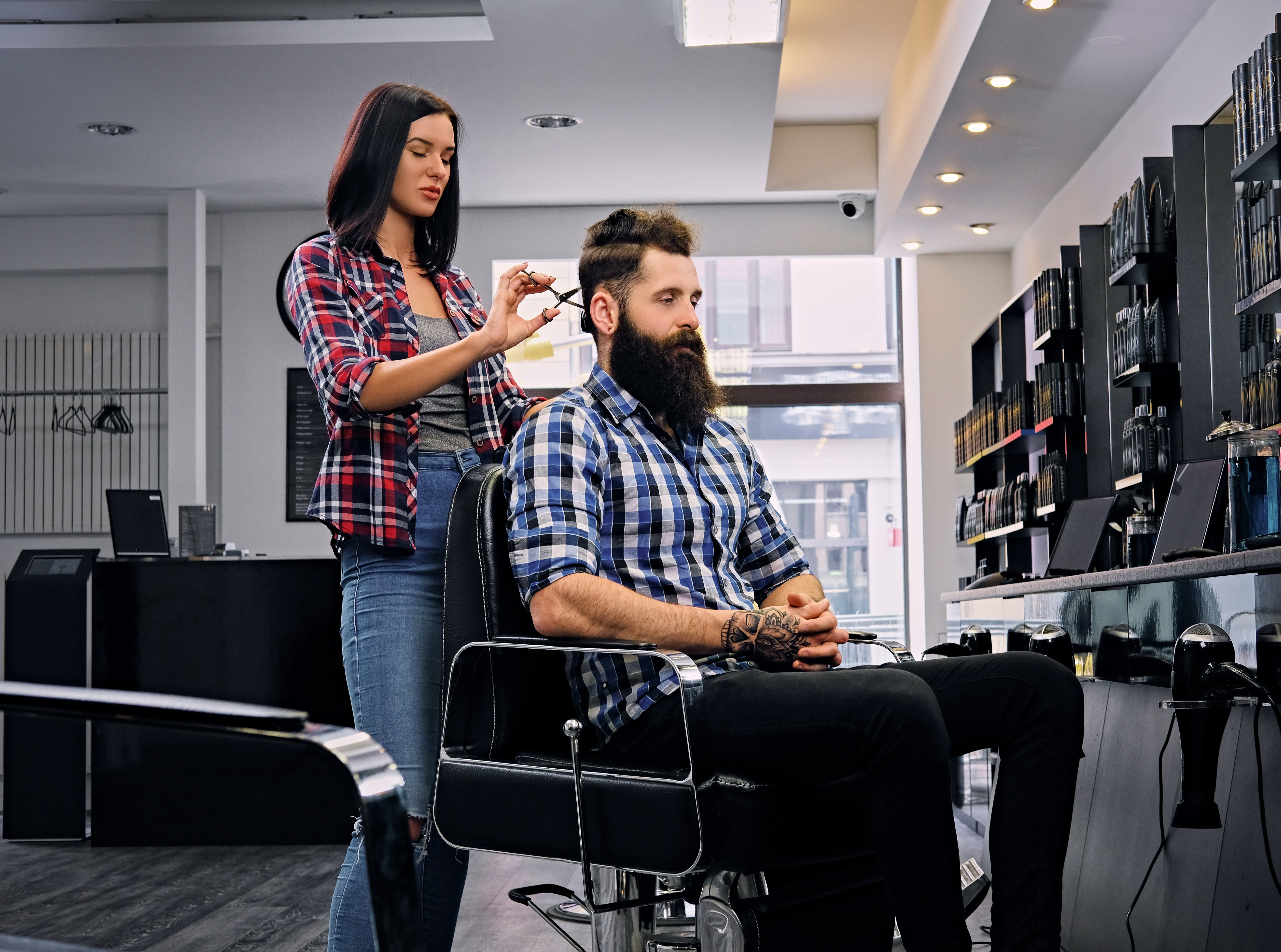
It was a Tuesday—our busiest color day—and I watched three things collapse simultaneously: a double-booking that had two clients arriving for the same stylist at 2 PM, a colorant we'd run out of because nobody updated the inventory sheet, and a front-desk phone ringing off the hook with reschedules. My manager looked at me and said, "We can't keep running this place on sticky notes and hope."
That was the moment I stopped treating salon management software as a "nice-to-have." And if you're reading this, you're probably standing in a similar mess right now.
Here's what you'll walk away with: a phase-by-phase system for using salon software features to cut your admin time in half, kill no-shows, and actually see your revenue data in real time—without the fluff.
Before You Touch Any Software: The Readiness Check
Don't skip this. I've seen owners buy salon scheduling software, dump dirty client data into it, and wonder why nothing works.
You need three things locked down first:
- Clean client data. Export your existing client histories, preferences, and contact info. If 80% of your records don't have at least a phone number and service history, stop and fix that before migrating anything.
- Your staff on board. Not "aware"—actually bought in. If your stylists won't use a mobile app, no CRM on earth saves you.
- One sentence describing your biggest operational pain. Is it no-shows? Inventory? Scheduling chaos? That sentence becomes your setup priority.
Stop/Go test: Can you describe your single biggest daily operations headache in one sentence? If yes, keep going. If you're vague, spend 30 minutes tracking where your time actually goes tomorrow before proceeding.
Phase 1: Get Clients Booking Without Your Front Desk
What to do: Set up 24/7 online booking through your salon software. Embed the booking widget on your website and link it from your social profiles. DINGG's AI-powered booking, for example, lets clients schedule anytime, from anywhere—no phone tag required.
What you should see: Every booked appointment appears instantly on your drag-and-drop calendar with a green "Confirmed" status. If you're seeing delays or missing entries, your cloud sync needs attention.
Verification: Book a test appointment from your phone, then check the staff calendar on a desktop. If it syncs in under 10 seconds—you're live. Lag over 30 seconds? Stop and check your integration settings.
Here's the thing most guides won't tell you: online booking alone can boost revenue 20–30% by filling gaps during off-hours when your front desk isn't picking up calls. But that number only holds if your buffer time between services is configured correctly. I've seen salons turn on online booking without setting buffers, and suddenly every stylist is running 15 minutes behind by noon. Set those gray gaps between appointments. Your team's sanity depends on it.
Phase 2: Build Client Profiles That Actually Get Used

Personalized profiles aren't a luxury—they're how you stop treating every returning client like a stranger.
What to do: During migration, import client preferences, allergy flags, service history, and any before/after photos. With DINGG's personalized profiles, you store preferences, history, and notes so stylists can pull up a full picture mid-consult without digging through paper files.
What you should see: A blue "Rebooked" badge next to returning client profiles. Notes and preferences visible on the appointment card itself—not buried three clicks deep.
Verification: Pull up 5 random client profiles. If 4 out of 5 have complete prefs, notes, or photos, your CRM is doing its job.
CRM personalization lifts retention by roughly 25% through targeted follow-ups. But here's the ugly part: dirty migration can lose 50% of your data if you rush it. I spent three hours reformatting a spreadsheet that looked "fine" before realizing half the phone numbers were missing country codes. Take the extra day on data cleanup. You'll thank yourself in month two.
Phase 3: Kill No-Shows With Smart Automated Reminders
No-shows hit 20–30% in salons without automation. That's 10% of your revenue, gone.
What to do: Configure automated reminders via SMS and email—48 hours before the appointment is the sweet spot. Use client-opted preferences (some people only respond to texts; respect that). DINGG lets you launch automated SMS, email, and WhatsApp campaigns targeted by client behavior.
What you should see: Your no-show report dropping below 10% within 2–4 weeks. If it's still above 20%, your reminders might be landing in spam—switch to short codes and personalize with the client's name and service type.
Verification: Run a no-show report after 3 weeks. Under 10%? You're solid. Still high? A/B test SMS vs. email timing.
Automated reminders reduce no-shows by up to 40%. That's not a vendor claim I'm parroting—I watched our own numbers shift from 27% to 11% in the first month. The trick was testing message timing. Generic "reminder: you have an appointment" texts at 24 hours performed worse than personalized ones sent at 48 hours. Specificity matters.
Phase 4: Inventory Control and Real-Time Reports
What to do: Link your POS to inventory tracking. Set low-stock alerts tied to actual service bookings—not just arbitrary reorder points. DINGG's inventory control uses automated alerts and audits to keep stock levels in check, and real-time reports let you track sales, inventory, and staff performance at a glance.
What you should see: Inventory bars turning yellow at 20% stock levels on your dashboard. Revenue spikes visible as green peaks on your live analytics during high-traffic hours.
Verification: Check 10 POS transactions. If loyalty points and discounts auto-apply without manual overrides, your payment flow is clean.
Inventory tools cut stockouts by 50% with reorder alerts. But the ghost error nobody talks about? Manual overrides. If a stylist manually adjusts stock counts without logging it, your automated system thinks you have product you don't. Set stylist-specific low-stock alerts tied to their service bookings. That granularity is what separates a functional system from a decorative dashboard.
Simplify Multi-Location Management Too If you're running more than one branch, DINGG's multi-location support lets you manage schedules, inventory, and staff across all locations from one centralized platform—no duplicate logins, no sync headaches. Worth exploring if expansion is on your radar. See how DINGG handles multi-location operations
Phase 5: Revenue Engines—Loyalty, Gift Cards, and Memberships
This is where software stops saving time and starts making money.
What to do: Set up loyalty rewards, gift cards, and membership programs. DINGG's loyalty rewards build long-term relationships with customizable programs. Gift cards give clients something shareable they love to give and redeem. Membership programs offer exclusive perks that keep clients engaged.
Use customer segmentation to tailor offers based on client preferences and behavior. A client who books color every 6 weeks gets a different offer than someone who comes in quarterly for a trim.
What you should see: Rebooking rates climbing per stylist. Commission tracking auto-calculating on upsells without manual spreadsheet gymnastics.
70% of salons report saving 10+ hours per week on scheduling alone. Reinvest that time into building these revenue programs instead of chasing admin.
The Ugly Truth: What Breaks (and the Weird Fixes)
Problem
The Weird Fix
No-shows persist above 20% despite reminders
A/B test SMS vs. email; add "text only" flags to client prefs
Double-bookings creep in after mobile edits
Force a manual "publish" step after staff changes; use waitlist as buffer
Inventory runs dry mid-day on busy weekends
Set stylist-specific low-stock alerts tied to service bookings
Staff ignoring the app entirely
Run a 1-week "mobile-only" challenge with commission bonuses for top schedulers
Rebooking rates flat despite follow-ups
Automate personalized "based on your last color" upsell texts instead of generic messages
FAQs
How long before salon scheduling software shows ROI?
Expect no-show reductions in 2–4 weeks, rebooking and retention lifts in 1–3 months, and full ROI around 20% revenue growth within 3–6 months. The timeline depends on clean data migration and consistent staff adoption from day one.
Why do automated reminders still end up in spam?
Short codes perform better than long-form sender IDs. Personalize every message with the client's first name and specific service. A/B test delivery timing—48 hours pre-appointment consistently outperforms 24-hour reminders across most beauty salon software platforms.
How do I fix commission tracking errors on upsells?
Automate commission tracking through service-tied POS reports. Audit transaction logs weekly for the first month. DINGG's staff management monitors commissions and schedules so discrepancies surface before payday, not after.
Can salon software handle client feedback collection?
Yes—DINGG's forms and surveys collect feedback and consent with customizable templates. Use post-visit surveys to gather insights that feed directly into your CRM, improving personalization on the next booking.
Your Next Step You've got the operational framework. DINGG was built to handle exactly these workflows—from AI-powered booking and smart scheduling to loyalty programs and real-time reports. Explore DINGG's salon management tools and see what 10+ reclaimed hours per week actually feels like.