
How Salon Management Software Helps Reduce No-Shows in U.S. Salons
Author
DINGGDate Published
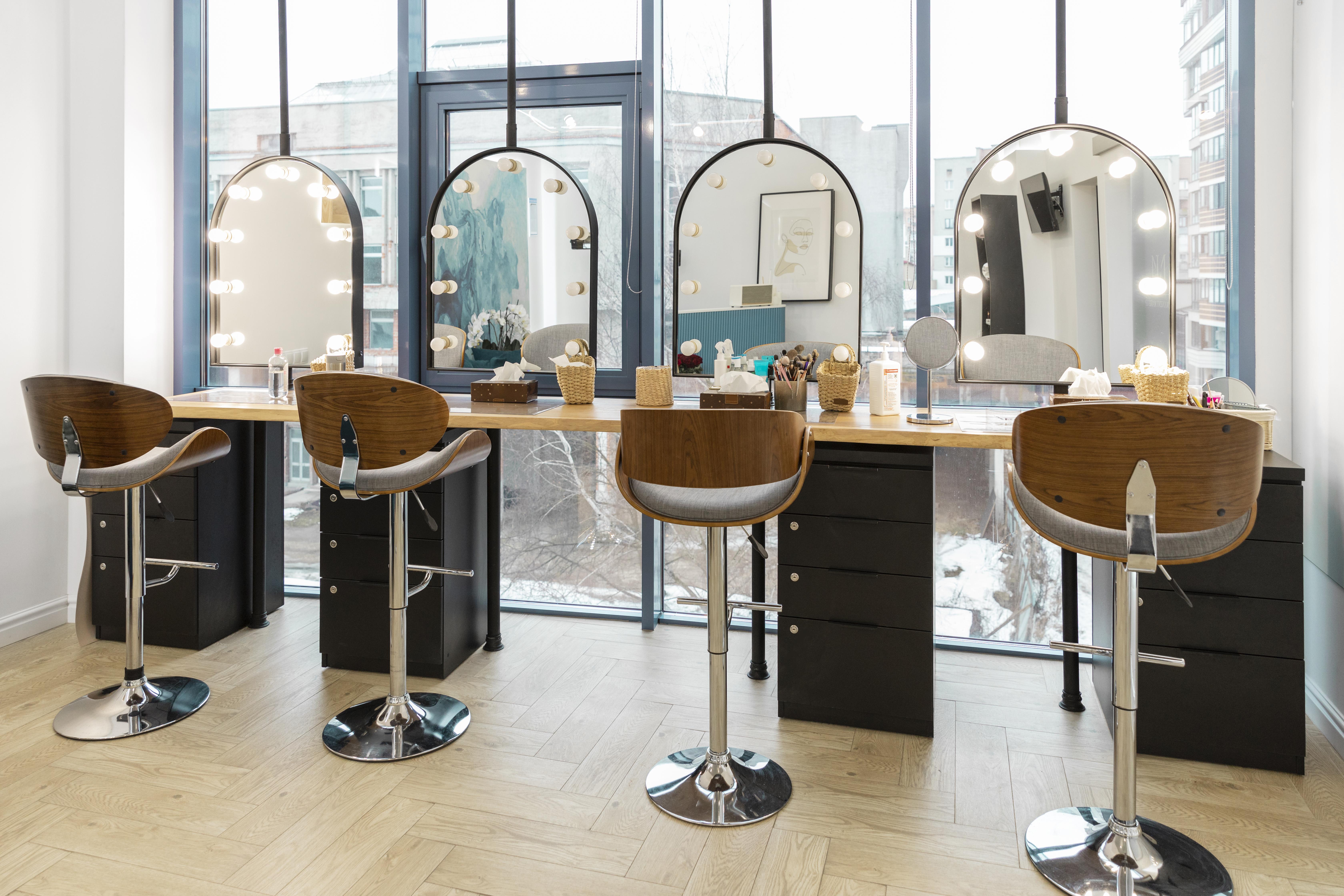
It's 5:07 PM on a Friday. Two chairs sit empty. Your stylist is scrolling her phone, and you're doing mental math on the revenue that just evaporated — again. I ran a mid-size salon in Austin for six years, and I can tell you that Friday 5 PM slot was our bleeding wound. Our no-show rate hovered around 18%, which meant roughly $4,800 a month walking out the door without ever walking in. I spent three months blaming clients before realizing the actual problem was my booking system — or lack of one.
That's what this guide is about. By the end, you'll have a phased, practitioner-tested framework for using salon management software to cut your no-show rate below 10% — with specific checkpoints so you know it's actually working.
Before You Start: The Readiness Check
You need two things locked down before any of this matters.
First, you need at least three months of booking history. Doesn't matter if it's in a spreadsheet, a paper calendar, or a half-used salon appointment app. You need data to know your baseline NSR by stylist, by service type, and by day of week. Without it, you're guessing.
Second, your team needs to be on board. Staff resistance to workflow changes kills more software rollouts than bad tech ever will. If your front desk still prefers the paper book, you've got a culture problem to solve first.
Stop/Go test: Can you state your current no-show rate within 2 percentage points? If yes, keep reading. If no, pull your last 50 appointments and calculate it right now.
Phase 1: Activate 24/7 Online Booking and Kill the Phone Bottleneck
Here's a stat that changed how I think about scheduling: salons that switch to online self-scheduling see a 38% drop in no-shows. Why? Because clients who book themselves own that slot psychologically. It's not something that was done to them at 2 PM when they were distracted at work.
What to do:
- Set up your salon booking system with real-time availability so clients book anytime, from anywhere. No more after-hours booking misses.
- Enable the self-scheduling flow to require reminder opt-in during booking. Non-negotiable.
- Ensure the entire booking process completes in under two minutes. If it takes longer, clients bail.
Visual checkpoint: When a client books, you should see a green confirmation icon next to that slot in your calendar. If you're not seeing that — your PMS integration isn't firing correctly.
Verification: Book a test appointment as a client yourself. Time it. If it's under two minutes with a confirmation SMS received, you're good. If not, simplify the UI before going live.
The friction warning here? Fragmented booking POS systems. If your online booking doesn't sync with your in-salon calendar in real time, you'll create double-booking chaos that's worse than the no-shows you're trying to fix.
Phase 2: Deploy Automated Reminders That Actually Get Read
Automated reminders reduce no-shows by 50-67%. But — and this is the part most guides skip — that number assumes your messages actually land.
I learned this the hard way. We turned on SMS reminders and saw almost zero improvement for three weeks. Turns out, 30% of non-personalized messages were getting spam-filtered. Generic "You have an appointment tomorrow" texts get ignored.
What to do:
- Use client-first-name personalization in every message. "Hey Sarah, see you tomorrow at 3 for your balayage" performs dramatically better.
- Time reminders at 48 hours and again at 24 hours before the appointment. Anything earlier gets mentally filed and forgotten.
- Include a one-tap reschedule link. This converts would-be ghosts into cancellations you can actually backfill.
- Launch automated email, SMS, and WhatsApp campaigns through your salon software's targeted marketing tools — not a separate platform.
Visual checkpoint: Your real-time dashboard should show client confirmation rates climbing above 80%. If you're seeing orange high-risk flags on unconfirmed appointments, that's your AI no-show prediction working correctly — those clients need an extra nudge.
Verification: Send test reminders to five staff phones. All five must receive and display the personalized message within five minutes. SMS open rates should hit 80% within that window. If they don't, switch providers.
Automate Your Reminder Workflow If you've been manually texting clients or relying on front-desk memory, DINGG's AI-powered booking handles automated reminders across SMS, email, and WhatsApp — with personalization baked in. It's the kind of thing that should've existed ten years ago. See how DINGG automates salon reminders
Phase 3: Enforce Deposits on High-Value Slots
Deposit collection drops no-shows by 29-70%. That range is huge because enforcement matters more than policy.
Here's the ugly truth: if your front desk can manually skip the deposit step, they will. Every. Single. Time. Especially for regulars. "Oh, she always shows up" — until she doesn't, and you've lost a $200 color appointment on a Saturday.
What to do:
- Automate deposit capture directly in the self-scheduling flow. No booking completes without it for any slot above $50.
- Set a 50% cancellation fee within 24 hours. This isn't about punishing clients — it's about accountability.
- Use customer segmentation to tailor deposit requirements. First-time clients and those flagged by AI no-show prediction get mandatory deposits. Loyal members with a strong history might get a pass.
Visual checkpoint: Every high-value appointment should display a blue deposit badge in your salon booking software calendar. If you spot confirmed bookings without that badge, your automation has a gap.
Verification: Pull 20 recent bookings for services over $50. If 100% show the deposit badge, you're set. If not, close the manual override loophole immediately.
Phase 4: Use Real-Time Reports and AI to Stay Under 10%
This is where it gets interesting — and where most salon owners stop too early.
Real-time reports let you track NSR trends by stylist, by service type, by day. Our analytics revealed that lash extensions had a 6.55% NSR while basic cuts were at 3%. That service-type breakdown changed how we applied deposits and reminders.
AI no-show prediction takes this further. It flags high-risk bookings based on client history, booking patterns, and timing — hitting 42-50% additional reductions on top of reminders and deposits combined. But here's the catch: AI predictions miss badly (accuracy below 80%) if you don't seed the system with quality historical data first. Three months minimum of manual NSR logs before you trust the algorithm.
What to do:
- Pin your real-time dashboard to stylist tablets. When they can see their own fill rates, behavior changes.
- Build a 10% overbooking buffer using your predictive NSR data. This maximizes chair utilization without creating scheduling conflicts.
- Store client preferences, history, and notes in personalized profiles so your team can tailor the rebooking conversation.
Visual checkpoint: Your NSR trend graph should show a consistent decline, ideally landing below 10% within six months. Service-type breakdowns load in under five seconds.
Verification: Filter your dashboard by stylist and service. If average NSR sits below 12% and trends are downward, you're on track. If load times lag or data looks incomplete, your PMS integration needs attention.
The Ugly Truth: What Nobody Tells You
Problem
The Weird Fix
Reminders ignored, NSR stays above 15%
Test SMS delivery via staff phones; switch to client-first-name personalization + 24-48hr timing
High same-day cancellations
Run weekly data hygiene — export, clean, re-import contacts; auto-flag bounced numbers
Staff ignoring the analytics dashboard
Pin to tablets; tie fill-rate metrics to commission bonuses
Deposits not enforced consistently
Remove manual override; gate 100% of bookings through automated self-scheduling
AI predictions inaccurate at launch
Seed with 3+ months of manual booking logs before activation
These aren't edge cases. They're the norm for the first 60 days. Seventy percent of salons using freemium tools churn before seeing ROI — usually because the tool lacks proper PMS integration or the data feeding it is garbage.
Where DINGG Fits Most of these ghost errors trace back to fragmented systems — one tool for booking, another for reminders, a spreadsheet for deposits. DINGG's salon management software runs scheduling, AI-powered reminders, deposit automation, real-time reports, staff management, inventory control, loyalty rewards, and membership programs from one centralized platform. For multi-location salons especially, that consolidation is what makes the difference between a 30% NSR drop in month one and spinning your wheels. Explore DINGG's all-in-one salon platform
How long does it take to see results from salon software?
Expect a 30% no-show reduction in the first month with reminders and deposits active. Full AI-driven ROI — 50% or greater reduction — typically takes three to six months as the prediction model trains on your salon's specific data. Sustained sub-10% NSR is realistic by month six to nine.
Why are my automated reminders not reducing no-shows?
Most likely a delivery problem, not a strategy problem. Personalize every message with the client's first name, time sends at 24-48 hours before the appointment, and include a reschedule link. Test delivery on staff phones first — if messages hit spam folders, switch your SMS gateway.
Is collecting deposits worth the risk of losing clients?
Mandatory deposit collection at booking drops no-shows 29-70% in documented cases. The key is automating it within your salon booking system so it feels standard, not punitive. Pair it with loyalty rewards and gift cards to keep the relationship warm.
How does AI predict which clients will no-show?
AI no-show prediction analyzes booking history, cancellation patterns, timing, and service type to flag high-risk appointments. It needs at least three months of clean historical data to reach 80%+ accuracy. Once trained, it enables targeted outreach — an extra reminder or a deposit requirement — only where it's needed.
So here's what I'd ask you: what's your Friday at 5 PM? Every salon has one — that recurring gap where revenue disappears. Find it in your data, apply these phases in order, and measure weekly. The numbers move faster than you'd expect.