Last Tuesday, I watched a salon owner in Austin pull up her client list and realize 38% of her "regulars" hadn't booked in over 90 days. She had no idea. No alerts. No flags. Just a gut feeling that chairs were emptier than usual—and by then, the damage was done.
That moment? It's more common than anyone in this industry wants to admit. And it's exactly the kind of slow bleed that salon management software is designed to stop—if you actually use it right.
By the end of this guide, you'll have a phase-by-phase system for using salon software features like 24/7 Online Booking, Personalized Profiles, Loyalty Rewards, Client Feedback loops, Smart Scheduling, and Targeted Marketing to measurably increase client retention in your salon.
The Pre-Flight Check: Are You Actually Ready?
Before you touch a single software setting, you need clean data. I can't stress this enough.
Your Stop/Go test: Pull 10 random client profiles from your system right now. If 8 or more have complete visit history, service preferences, and valid contact info—you're good to go. If not, you've got a data hygiene problem that will sabotage every automation you build.
Here's what you need locked down:
A salon management platform with Client CRM capabilities, SMS/email automation, and analytics dashboards
Staff buy-in (or at minimum, staff who won't manually override your automations)
At least 3 months of booking history imported cleanly—no duplicate records, no dead phone numbers
Skip this step and your hyper-targeted campaigns will hit inboxes of people who moved states two years ago. I've seen it happen more times than I'd like.
Phase 1: Build the Retention Engine with Smart Scheduling and Online Booking
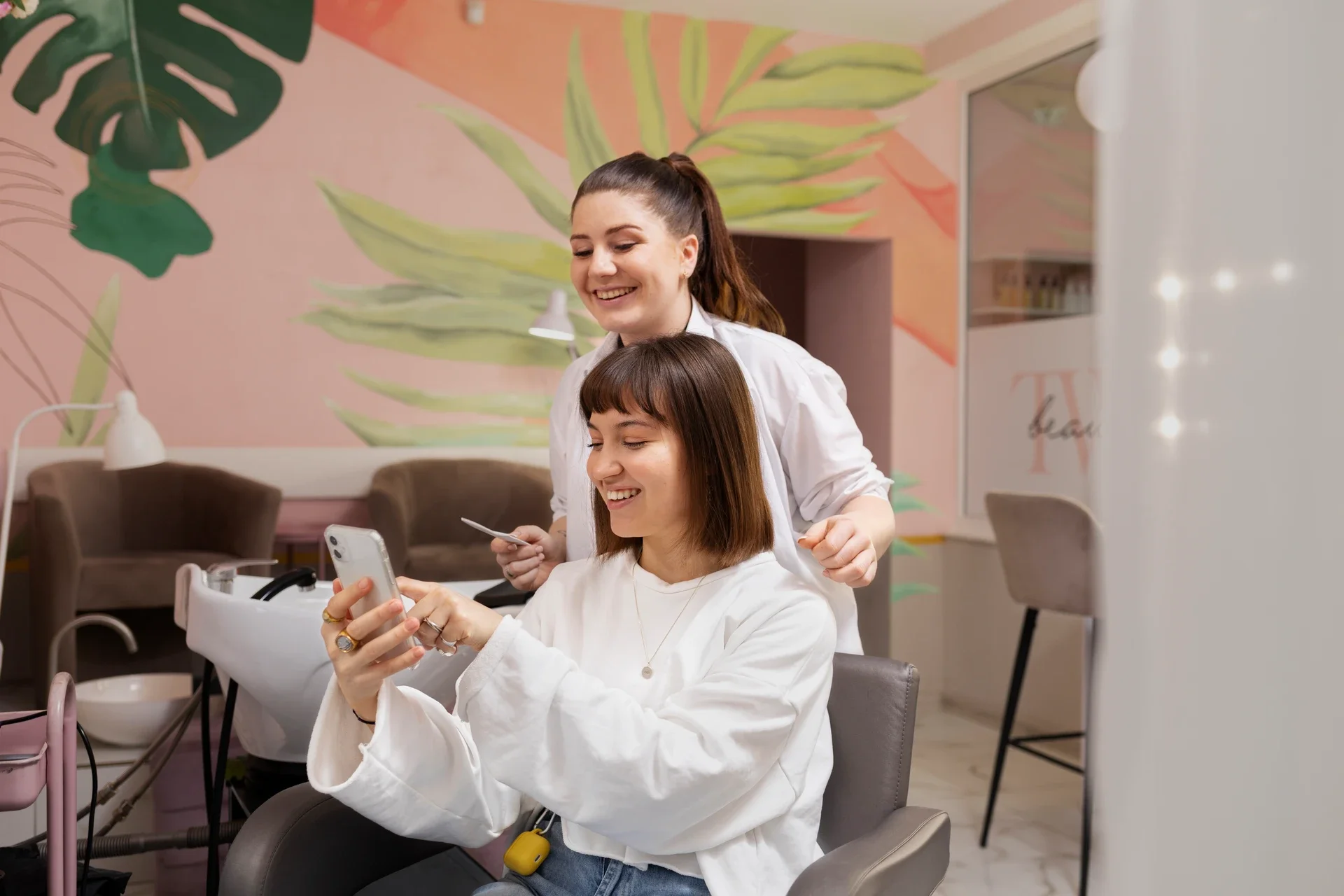
What to do: Enable your Online Booking Widget across every client touchpoint—your website, Instagram bio, Google Business profile. Then configure automated appointment reminders at 48 hours and 2 hours pre-visit via SMS.
What you should see: Green "Confirmed" badges populating your calendar as clients self-book and confirm. If your dashboard still shows mostly manual entries after two weeks, adoption is lagging.
Verification: Send a test SMS reminder to 20 contacts. If 18+ receive it (not flagged as spam), your automation pipeline works.
The data here is wild—salons using automated reminders report up to a 60% reduction in no-shows and save roughly $6,500 per year on admin and missed appointment costs. That's not a rounding error. That's a staff member's monthly wages.
The friction nobody talks about: About 30% of SMS reminders land in spam or promotions folders. If clients aren't confirming, don't assume they're ignoring you. They might literally never see the message. A/B test WhatsApp opt-in flows or try short-code registration—it's annoying to set up, but it works.
Smart Scheduling also means configuring your software to block double-bookings and optimize gaps. Dead time between appointments kills revenue and creates a chaotic vibe clients can feel the second they walk in.
Phase 2: Personalize Everything Through Client Profiles and Segmentation
This is where retention actually lives.
What to do: Build out Personalized Profiles with service history, product preferences, color formulas, even notes about how they take their coffee. Then use Customer Segmentation to group clients by visit frequency, average spend, and service type.
What you should see: Orange "Engaged" icons next to active clients in your CRM list. Segments should auto-populate—high-value regulars, at-risk clients (no visit in 45+ days), and new clients needing nurture sequences.
Verification: Run a retention report. If over 70% of clients rebook within 60 days, your personalization is converting.
Here's where I think most salon owners leave money on the table. They set up profiles but never use them. Your Smart Client Cards should inform every interaction—from the stylist pulling up a client's last color formula before they sit down, to your system triggering a birthday offer automatically.
Customer Segmentation isn't just a marketing buzzword. It's how you stop sending the same generic "20% off!" blast to your $400-a-visit balayage client and your $35 blowout walk-in. Those are completely different relationships requiring completely different communication.
Streamline Personalization Across Every Location If you're running multiple locations, keeping client profiles consistent gets complicated fast. DINGG's Multi-Location Support and AI Genius sync Personalized Profiles and segmentation data across all your sites—so a client walking into your second location gets the same experience as your flagship. Explore DINGG's multi-location tools
Phase 3: Lock In Loyalty with Rewards, Memberships, and Gift Cards
What to do: Activate your Loyalty Rewards program with points for every visit, referral, and retail purchase. Layer in Membership Programs for your top-tier clients—think monthly packages with priority booking. And don't sleep on Gift Cards; they're client acquisition disguised as a retention tool.
What you should see: Progress bars filling on loyalty point trackers in client-facing apps. Point balances visible at checkout. Membership renewals auto-processing.
Verification: Check if loyalty point redemption rates exceed 40% monthly. If points are accumulating but nobody's using them, you've got a visibility problem.
The numbers back this up hard: salons with active loyalty programs see 30% more repeat bookings. And a 5% increase in retention can drive a 25-95% profit boost. That range is massive, but even the low end justifies the setup time.
The friction: Loyalty points that expire without warning create angry clients, not loyal ones. Set auto-notifications 7 days before expiry with a "double redeem" incentive. This one fix alone recovered lapsed program users for a salon group I worked with in Miami.
Membership Programs work especially well when paired with Easy Invoices—clients on recurring plans need seamless billing, not manual charge reminders that feel like collections calls.
Phase 4: Close the Loop with Feedback, Marketing, and Real-Time Reports
What to do: Deploy Client Feedback surveys via Forms & Surveys after every appointment. Feed that data into your Targeted Marketing campaigns. Monitor everything through Real-Time Reports.
What you should see: Spiking blue line graphs on your revenue analytics dashboard. Rebooking prompts firing at POS checkout. Feedback scores trending upward.
Verification: Query your lapsed client list. If fewer than 20% remain unresponsive after a Client Reconnect campaign, your recovery system is working.
Use Revenue Analytics and Service Popularity Insights to identify which services drive the highest rebooking rates—then push those in your campaigns. Don't guess. Let the data talk.
Staff Management matters here too. If your team is skipping rebooking prompts at checkout, lock that step as mandatory in your software workflow. I know it feels heavy-handed, but salons that do this see immediate lifts in forward bookings.
The Ugly Truth: Ghost Errors That Kill Retention Silently
Problem
The Weird Fix
Source
Clients ignore SMS reminders
Switch to WhatsApp opt-in flows; A/B test "Confirm NOW" prefixes
Community forums, vendor testing
Staff skip rebooking prompts
Lock rebooking as mandatory checkout step in software
Zylu user reports
Loyalty points go unused
Auto-notify 7 days pre-expiry with double-redeem offers
Phorest community
Analytics show flat retention
Run weekly data scrub exports; merge duplicate profiles manually
Meevo user forums
Campaigns flop on lapsed clients
Cross-reference contact validity before blasts
Vendor best practices
FAQs
How long before salon software actually improves retention?
Expect no-show drops within 3-6 weeks of enabling reminders. Meaningful retention lifts from campaigns and loyalty programs typically surface at 2-3 months. Full compounding—where you're seeing 40%+ gains—takes 6-12 months of consistent, full-feature adoption.
Why are my automated reminders going to spam?
Carrier filtering catches generic short codes. Register a dedicated short code, use client-opted channels like WhatsApp, and avoid "urgent" language that triggers spam algorithms. Test delivery to 20 contacts before scaling any campaign.
How do I fix staff resistance to using the software?
Lock critical flows like rebooking prompts so they can't be bypassed. Then gamify adoption—track which stylists have the highest rebooking rates through Staff Management dashboards and tie it to incentives.
What's the real ROI timeline if I'm not seeing results at 3 months?
Audit your adoption rate. Partial use—where only booking is active but loyalty, marketing, and feedback tools sit idle—won't move the needle. The 30% repeat booking increase stat requires full-stack usage across Inventory Control, CRM, and automated campaigns working together.
So here's the thing nobody tells you: the software itself isn't the retention strategy. It's the infrastructure that makes a retention strategy possible at scale. Without it, you're relying on memory, sticky notes, and hoping your best clients don't quietly disappear.