
Salon Reports: The 8 Reports Every Owner Must Track to Grow
- Author
- Akshay
- Date Published
- Reading time
- 10 min read
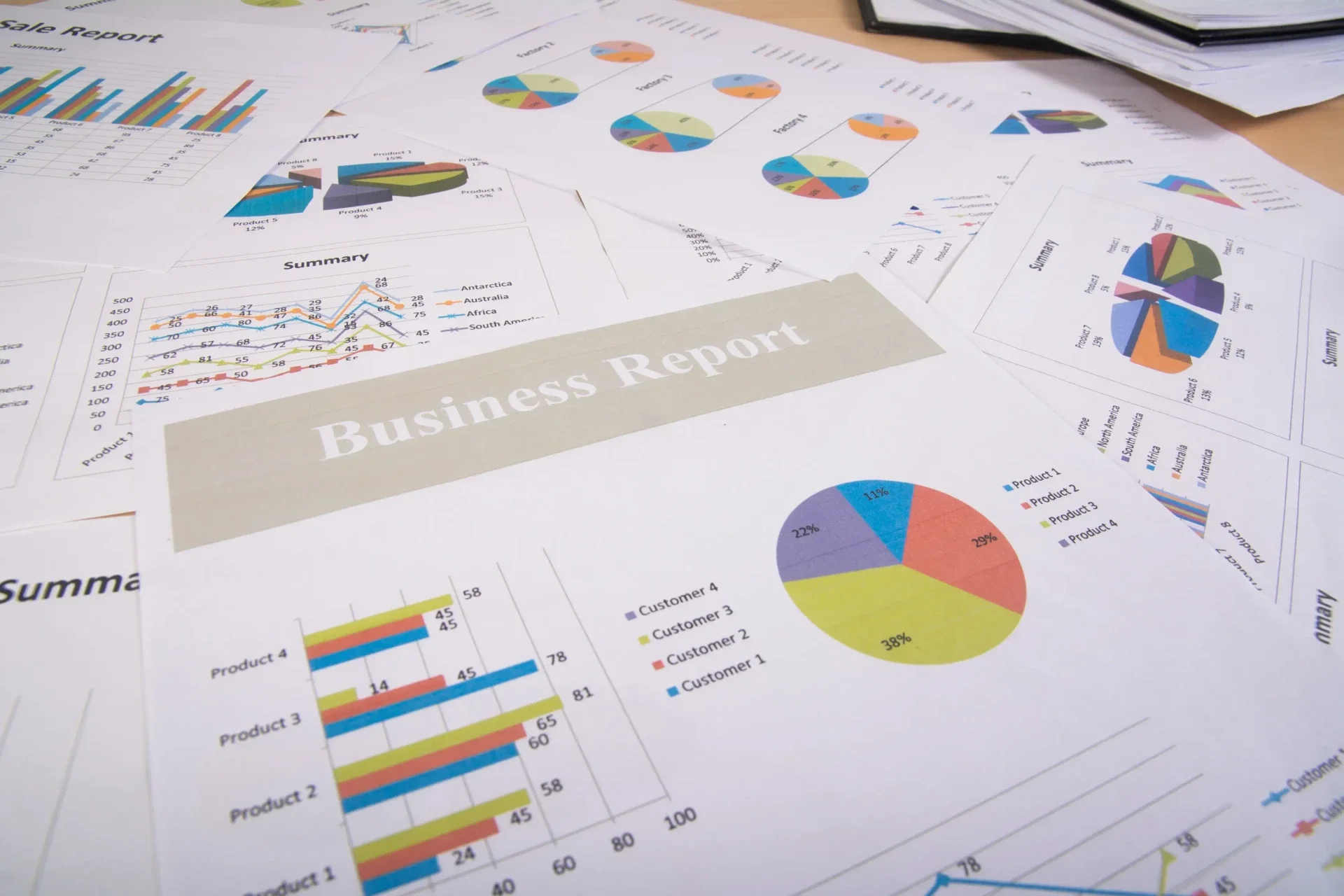
Salons that actively track and act on their business data are 6% more profitable than those running on instinct alone. That might not sound dramatic, but on a salon generating INR 50 lakh or AED 300,000 per year, 6% is a meaningful number: it is the difference between a business that is growing and one that is merely busy.
The problem is not lack of data. Every salon management platform generates dozens of reports. The problem is knowing which eight reports actually tell you something actionable, and reviewing them at the right frequency. This guide covers exactly that.
1. Sales and Revenue Report
The sales and revenue report is the starting point for understanding your salon's financial health. It shows total revenue broken down by service category, retail product sales, packages, and gift card redemptions for any period you choose.
What to look for:
Revenue trend month-over-month and versus the same month last year (removes seasonal distortion)
Service revenue versus retail revenue split: the benchmark for retail is 15 to 25% of service revenue. Below 15% consistently indicates underperformance in retail recommendations
Which service categories are growing and which are flat or declining
Average transaction value over time: a falling average transaction value often signals that discounting is eroding revenue without adding volume
Review frequency: Weekly for trend monitoring; monthly for strategic decisions.
2. Staff Performance Report
The staff performance report is the most valuable management tool in salon reporting, and the most underused. It shows the revenue generated, services completed, average ticket value, retail sales, and rebooking rate for every staff member over any period.
What to look for:
Revenue per staff member per hour worked: this is the true efficiency metric, not just total revenue, because it accounts for how many hours each person is actually on the floor
Rebooking rate by stylist: a stylist with a 75% rebooking rate and one with a 40% rate are doing something fundamentally different with client relationships. The data makes this visible; intuition alone would not
Retail conversion rate by staff member: who is recommending products and who is not
Average ticket by staff member: identifies whether some team members are consistently undercharging or not upselling to their service menu
How to identify top performers and underperformers: Sort the staff performance report by rebooking rate first, not revenue. A junior stylist with a 70% rebooking rate is building a client base. A senior stylist with a 35% rebooking rate is losing clients faster than they are retaining them, regardless of how busy they look on the schedule. Revenue per hour worked is the second sort: it reveals who is efficient versus who generates revenue by working longer hours.
Review frequency: Monthly with each staff member individually. Weekly for the owner's own awareness.
3. Client Retention Report
The client retention report shows what percentage of your clients are returning within a defined window (typically 60, 90, or 180 days) and tracks how this changes over time. It is the early warning system for client relationship problems that do not show up in revenue until they are serious.
Overall retention rate: the benchmark for salons is 60 to 70%. Above 70% is strong. Below 60% signals a systemic issue
New client versus returning client split: a healthy salon converts 40 to 50% of new clients into returning clients. If your new client count is high but retention is low, you have a first-visit experience problem, not a marketing problem
Retention rate by staff member: reveals which stylists are building loyal client relationships and which are not
Lapsed clients (no visit in 90 days): the actionable output of this report. Use the list to trigger a win-back campaign directly from your salon software
Review frequency: Monthly. Use the lapsed client list to trigger win-back campaigns immediately.
4. No-Show and Cancellation Report
Every no-show is lost revenue that cannot be recovered. A salon with 5% no-show rate on 50 appointments per day is losing 2.5 appointments worth of revenue daily: on an average service value of INR 800 or AED 150, that is INR 2,000 or AED 375 per day, every day.
No-show rate overall and by staff member: some stylists have significantly lower no-show rates because of how they communicate with clients and confirm appointments
Cancellation rate by lead time: last-minute cancellations (under 24 hours) are harder to fill than early ones. Track separately
No-show rate by booking source: clients who book via online tend to have lower no-show rates than those booked manually by reception, because they actively chose the slot
No-show trend over time: if your rate is rising, your reminder system or booking confirmation process needs attention
Review frequency: Weekly. A spike in no-shows over a one-week period needs an immediate response: check whether your automated reminders are sending correctly.
5. Inventory and Consumption Report
Product costs typically represent 8 to 12% of salon revenue. Without tracking, this becomes the expense category with the most hidden losses: waste, shrinkage, over-ordering, and expired retail stock.
Current stock levels by product: catch low-stock situations before they cause a mid-appointment problem
Consumption per service type: how much colour, treatment, or product should each service consume? Flag staff members whose consumption significantly exceeds the benchmark
Retail sales by product: which products are selling and which are sitting on the shelf. Discontinue slow movers before they expire
Shrinkage rate: the gap between expected closing stock (opening stock minus services used and retail sold) and actual closing stock. Anything above 2 to 3% warrants investigation
Review frequency: Physical stock count monthly; digital report weekly for low-stock alerts.
6. Appointment Booking and Utilization Report
The booking utilization report shows what percentage of your available appointment hours are actually being filled. It is the scheduling efficiency metric that reveals whether your capacity is being used optimally.
Overall utilization rate by day of week and time slot: reveals exactly when your salon is under-booked and when it is fully booked. Use this to run targeted promotions during low-utilization periods rather than discounting your busiest slots
Average booking lead time: how far in advance are clients booking? A shortening lead time indicates declining demand. A lengthening lead time may mean you need more capacity
Wait time and turned-away bookings: if clients cannot get an appointment within their preferred window, you may need additional staff or extended hours
Online versus in-person booking split: the trend toward online booking is consistent; if your online booking percentage is flat or falling, your booking page needs attention
Review frequency: Weekly. Use monthly averages for staffing decisions.
7. Marketing and Campaign Performance Report
If you are running WhatsApp broadcasts, email campaigns, loyalty promotions, or referral programs, the marketing performance report tells you which ones are actually driving bookings and which are generating noise without return.
Bookings attributed to each campaign: how many appointments were booked in the week following each marketing message
Campaign open and click rates: a WhatsApp message with 87% open rate but 2% click rate means clients are reading but not acting. The offer or the call-to-action needs work
Referral program performance: how many referrals were made, what percentage converted to first appointments, and what was the revenue generated from referred clients
New client source breakdown: how are your new clients finding you? Walk-in, Google search, Instagram, referral, marketplace? This informs where to invest your marketing budget
Review frequency: After each campaign, and monthly for channel-level trends.
8. Gift Card and Package Liability Report
Gift cards and prepaid packages are liabilities until they are redeemed: you owe the holder a service. Without tracking, your actual financial position is wrong, and you may be spending revenue that has not yet been earned.
Total outstanding gift card balance: your current deferred revenue liability
Gift cards sold versus redeemed in each period: revenue is recognized at redemption, not sale
Unredeemed gift cards approaching expiry: triggers an automated reminder campaign to drive redemption before expiry
Package redemption rate: clients who buy packages but do not use all sessions are common. Track and reach out before sessions expire to preserve the relationship and reduce refund requests
Review frequency: Monthly. Run an expiry reminder campaign quarterly for gift cards approaching their end date.
How to Build a Reporting Review Routine
The reports above are only useful if they are reviewed consistently and followed by action. Here is a simple routine:
Weekly (15 minutes every Monday morning): Revenue versus last week, no-show rate, booking utilization for the coming week. Adjust staffing and send fill-gap promotions if needed.
Monthly (60 minutes at the start of each month): Full P&L review, staff performance by individual, client retention rate, lapsed client list, inventory consumption. Action items from each report assigned before leaving the review.
Quarterly (2 hours): Year-on-year revenue trends, marketing channel performance, staff performance trends over 3 months, gift card liability. Use this to make staffing, pricing, and service menu decisions.
DINGG's reporting dashboard generates all eight of these reports automatically from your operational data, with no manual export or spreadsheet work required. Reports are available in real time and can be filtered by date range, location, staff member, or service category.
Frequently Asked Questions
What is the most important salon report to review?
The staff performance report, specifically the rebooking rate by staff member, is the single most valuable report for most salon owners. It reveals which team members are building client loyalty and which are losing clients, which directly predicts your future revenue. The client retention report is the second most important.
How do I identify top and underperforming stylists using reports?
Sort your staff performance report by rebooking rate first, then by revenue per hour worked. A stylist with a high rebooking rate is building a loyal client base. A stylist with a low rebooking rate is losing clients regardless of how many new ones they see. Revenue per hour worked reveals efficiency: two stylists with the same monthly revenue but different hours worked are very different performers.
What salon software has the best built-in reporting features?
DINGG, Zenoti, and Boulevard are consistently rated highest for reporting depth. DINGG provides all eight reports covered in this guide from a single dashboard with real-time data, including staff performance by rebooking rate, client retention analysis, inventory consumption tracking, and campaign attribution. Vagaro and GlossGenius have good core reporting but less depth on staff performance and retention analytics.
How often should salon owners review their reports?
Revenue and no-show reports weekly; staff performance, client retention, and inventory reports monthly; marketing performance and quarterly trend analysis every three months. The most common mistake is reviewing reports monthly but only acting on them quarterly, which creates a two to three month lag between identifying a problem and fixing it.
Can salon reports help reduce no-shows?
Yes, directly. The no-show report reveals your overall rate, which staff members have the highest rates, and whether your reminder system is working. If your no-show rate spikes in a given week, checking whether automated reminders sent correctly is the first diagnostic step. Consistently high no-show rates for specific stylists often point to a consultation or booking confirmation process issue that can be addressed with targeted training.
What is a good client retention rate for a salon?
60 to 70% is considered healthy for most salons. Above 70% is strong and indicates that the combination of service quality, follow-up communication, and rebooking prompts is working effectively. Below 60% is a signal to investigate the first-visit experience, post-visit communication, and whether pricing or booking friction is causing clients to look elsewhere after their first appointment.