
The Ultimate Guide to Automating Your Salon Business in the USA
Author
DINGGDate Published
It was 11 PM on a Tuesday, and I was still manually texting clients their appointment confirmations. One by one. Copy, paste, send. My wrist ached, my eyes blurred, and I'd already missed two—meaning two potential no-shows the next morning. That was the night I decided something had to change. If you're running a salon in the U.S. and your operations still depend on your memory, a paper book, or a patchwork of disconnected apps, this guide will walk you through automating your entire business—from online booking to inventory control to marketing—so you can stop managing chaos and start growing revenue.
What You Need Before You Start
Before you automate anything, you need three things locked down: a clean client contact list (even a basic spreadsheet works), a clear list of every service you offer with accurate pricing, and your staff schedules for at least the next month.
Stop/Go test: Can you describe, in one sentence, the single biggest operational bottleneck in your salon right now? If yes, keep reading. If not, spend 30 minutes observing your front desk tomorrow—then come back.
Phase 1: Automate Your Booking and Kill No-Shows
This is where most salon owners start, and honestly, it's where you get the fastest win.
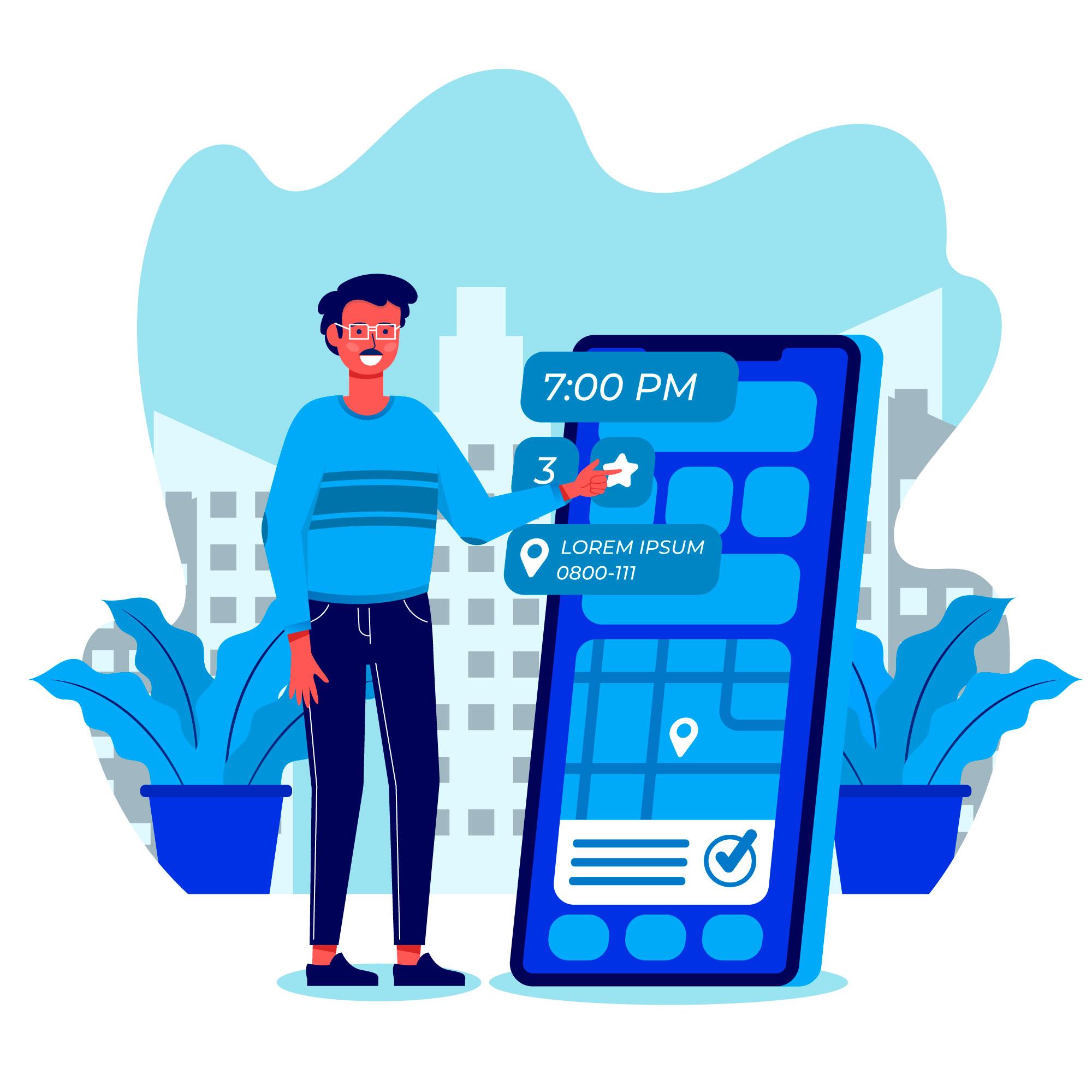
What to do: Set up 24/7 online booking with real-time staff availability. Connect it to automated reminders via SMS so every client gets a confirmation and a reminder 24 hours before their appointment. Enable deposit requirements for high-value services like color or extensions.
What you should see: When a client books through your portal, a green confirmation tick appears on your calendar within seconds. The client receives an SMS with the stylist's name and appointment details—test this yourself first.
Verification: Book a test appointment from your phone as if you were a client. Go if the SMS auto-sends within 60 seconds with the correct stylist name. No go if it takes longer or the details are wrong.
The nuance nobody talks about: 70% of salons report a 20–40% reduction in no-shows after implementing automated reminders. Sounds great, right? But here's what the marketing pages won't tell you—roughly 30% of those reminder texts hit spam if you're using a generic sender ID. The fix? Rotate between 3–5 custom short codes and A/B test your message copy. I spent two weeks wondering why my reminder delivery rate was garbage before someone in a Vagaro forum pointed this out.
No-show reduction features like deposit requirements alone can recover thousands per month. One owner I know tracked $2K recovered in a single month just from deposits on color services.
Phase 2: Connect Your POS and Inventory
This is where automation gets real—and where most headaches hide.
What to do: Integrate your point-of-sale system with your inventory management. Every time a stylist uses a product during a service, the POS should auto-deduct from stock. Set reorder alerts at 20% remaining so you never run out of product mid-appointment.
What you should see: Your inventory dashboard shows real-time stock bars—green for full, yellow for low, red for critical. After processing a sale, the receipt emails automatically without manual input.
Verification: Process a $10 dummy sale. Go if inventory deducts instantly and the receipt emails the test client. No go if you have to manually adjust anything.
Friction warning: Here's the ugly part. Inventory shows stock, but your shelves are empty. This happens when staff manually override the auto-triggers—maybe they grabbed a product without logging it, or a return got entered incorrectly. The community fix? Set "ghost stock" alerts for any 10% variance between system and physical count, and audit weekly. It's tedious, but it's the only way to keep POS integration honest.
Small salons save 10–15 hours per week on admin tasks through proper software automation. That's not a marketing claim—that's time you physically get back.
Ready to connect your booking, POS, and inventory in one place? DINGG's all-in-one platform handles real-time scheduling, inventory control with automated alerts, and POS integration—so you're not duct-taping three different systems together. Explore DINGG's salon automation tools
Phase 3: Build Your CRM and Retention Engine
Getting clients through the door once is marketing. Getting them back is automation.
What to do: Build personalized profiles for every client—preferences, service history, product allergies, notes from their stylist. Then set up loyalty programs that auto-apply points for every dollar spent. Configure email/SMS campaigns triggered by specific behaviors: a client hasn't visited in 60 days? They get a "we miss you" message with a 15% rebooking offer.
What you should see: Active CRM profiles display an orange "Engaged" badge. Your retention report lists top clients with last-visit dates and auto-suggested rebook campaigns. Your multi-location dashboard (if applicable) rolls up revenue from all branches into one view.
Verification: Run a retention report. Go if it identifies your top 20% of clients by visit frequency and spend, with auto-suggested campaigns attached. No go if the data feels incomplete or profiles are missing history.
Client retention improves 15–30% with loyalty programs and targeted campaigns. That's not theoretical—that's what happens when you stop relying on memory and let customer segmentation do the heavy lifting. Membership programs with exclusive perks keep clients engaged between visits. Gift cards generate revenue from people who've never even walked through your door.
The thing most guides skip: Data migration. If you're moving from paper books or an old system, export and import in 500-record batches with custom field mapping. Doing it all at once almost guarantees you'll lose client history. I've seen salon owners lose years of notes because they rushed a CSV import without previewing the field mapping.
The Ugly Truth: Problems Nobody Warns You About
Problem
The Weird Fix
Where It Comes From
Double-bookings despite real-time calendars
Force-logout all staff devices nightly via admin panel
Partial API sync between staff apps and dashboard
Reminders landing in spam (30% failure)
Rotate custom short codes; A/B test subject lines
Generic sender IDs blacklisted by carriers
Client profiles missing history post-migration
Export/import in 500-record batches with field mapping
Incomplete CSV mapping during bulk import
Reports lagging during peak hours
Schedule heavy reports for off-peak (2 AM)
Overloaded cloud servers on shared plans
Loyalty points not accruing
Check service exclusion rules in program settings
Default exclusions on discounted services
These aren't edge cases. Integration gaps affect roughly 40% of small salons, leading to manual workarounds that defeat the purpose of automation.
Phase 4: Automate Your Marketing (Without Being Spammy)
What to do: Launch targeted marketing campaigns across email, SMS, and WhatsApp. Segment your client base by behavior—lapsed clients, high spenders, first-timers—and tailor offers accordingly. Set up automated campaigns triggered by appointment gaps or seasonal trends.
What you should see: Campaign dashboards showing open rates, rebooking rates, and revenue attributed to each campaign. Reporting analytics should clearly show which service categories drive the most margin.
Here's a stat that still surprises me: email/SMS campaigns triggered by overdue appointments rebooked 30% of lapsed clients. That's clients who would've ghosted you forever, brought back by a single automated message.
Staff management ties into this too. Use smart scheduling with drag-and-drop calendars to match your busiest marketing-driven days with your strongest stylists. Monitor commissions and attendance from one centralized platform—especially critical if you're running multiple locations.
FAQ
How long does full salon automation take to show ROI?
Expect Week 1 for onboarding and migration, a 20–30% no-show drop by Month 1, retention gains of 15% by Month 3, and revenue increases of 10–25% by Month 6 through analytics-driven decisions and automated rebooking.
Why are my automated reminders going to spam?
Your sender domain likely isn't verified, or you're missing unsubscribe links. Verify your domain through your software's admin settings and add compliant opt-out options to every message. Test delivery to your own inbox first.
How do I fix double-bookings after enabling online booking?
Disable auto-approve and require staff confirmation for each appointment. This adds a 30-second step but eliminates the partial API sync issue that causes overlapping slots across devices.
Can I manage multiple salon locations from one system?
Yes—a multi-location dashboard consolidates revenue, staff scheduling, inventory, and client data across all branches. Ensure your primary terminals use wired connections to avoid sync lag between locations.