
What Is Spa Management Software? A Beginner’s Guide for US Spa Owners
Author
DINGGDate Published

I'll be honest—when I first started consulting with day spas across the US, I watched a colleague lose $3,200 in a single weekend because their paper appointment book got soaked during a plumbing leak. Three years of client notes, gone. That Monday morning, she called me in a panic, asking if there was "some kind of digital thing" that could prevent this nightmare from happening again.
That "digital thing" is spa management software, and if you're still running your spa on paper calendars and Excel spreadsheets, you're not just risking data loss—you're leaving serious revenue on the table.
Reader Promise: By the end of this guide, you'll understand exactly what spa management software does, how to evaluate if you're ready for it, and which features actually move the needle for single-location US spas (versus the bloated stuff vendors try to sell you).
The Pre-Flight Check: Are You Actually Ready?
Before you start comparing platforms, let's verify you're at the right stage. Spa management software isn't a magic wand—it's a force multiplier for processes you've already validated.
Stop/Go Test: Can you describe your biggest operational bottleneck in one sentence? If your answer is "I don't know, everything's just chaotic," you need to map your current workflow on paper first. Software amplifies systems; it doesn't create them.
What You Need Locked Down:
- A stable client base (at least 50 repeat clients)
- Consistent service menu with defined durations
- Basic staff schedule patterns
- Internet connectivity you trust during peak hours
If you're still figuring out your signature facial or whether to offer couples' massages, focus there first. The software will wait.
What Spa Management Software Actually Does (The Real Talk)
Think of spa appointment booking platforms as your digital operations hub—they automate the repetitive stuff that's currently eating 15-20 hours of your week. We're talking online booking, POS transactions, client profiles, inventory tracking, and staff allocation in one system.
The promise sounds great, but here's the ugly truth vendors won't tell you: 40% of small spas abandon their software within six months because they picked platforms built for multi-location chains, not single-spa owners who wear twelve hats.
The Core Functions That Actually Matter
Online Booking (Your 24/7 Receptionist) Clients book directly through your website or social channels. The system checks therapist availability, blocks off cleaning time buffers, and sends confirmation emails automatically. When it works, you wake up to a full calendar. When it doesn't—and this is critical—you get double-bookings during your Saturday rush because the software didn't account for your 10-minute room turnover.
Visual Checkpoint: Your dashboard should show color-coded calendars—green for available slots, red for booked, orange for pending deposit confirmations. If you see overlapping red blocks on the same therapist, something's broken.
POS Integration (The Revenue Nerve Center) Every retail sale, service charge, tip, and package redemption runs through one system. Best spa scheduling software platforms auto-deduct inventory when you sell that lavender body oil and update the client's purchase history for targeted upsells.
The Friction Warning: I've seen POS sales fail to sync with inventory during cloud lag, showing products in stock when shelves are empty. Your nightly ritual becomes running "phantom adjustment" reports to catch these gaps before clients order out-of-stock items.
CRM and Client Profiles (The Personalization Engine) Every visit, preference, and purchase gets logged. When Sarah books her third deep-tissue massage, the system flags her as a monthly membership candidate. Your marketing emails shift from generic promotions to "We noticed you love our hot stone add-on—here's 20% off your next upgrade."
Verification Check: Pull up three random client profiles. Each should display last visit date, service history, and product purchases. If you see duplicate records or blank fields, your staff is bypassing the system with manual overrides.
The Features That Separate Good from Garbage
No-Show Protection (The Cash Flow Saver)
Require deposits for bookings—typically $25-50 depending on service length. Spas using deposit requirements report flake rates dropping from 25% to under 10%. But watch the timing: if your cancellation window is too tight (less than 24 hours), you'll anger loyal clients who have legitimate emergencies.
The Expert Nuance: Configure "ghost services" as 10-minute buffer appointments between bookings. It's a workaround for software that doesn't natively handle cleaning time in staff allocation views.
Package Bundling and Auto-Billing
Clients prepay for multi-visit series (like six monthly facials), smoothing your cash flow. Memberships generate steady revenue without monthly collection chase-ups—but only if your payment gateway integration doesn't glitch on expired cards.
Tactile Cue: Successful auto-billing shows a green "Recurring Active" badge on member profiles, with next charge date displayed. If you're manually processing membership payments three months in, something's misconfigured.
Revenue Management Dashboards
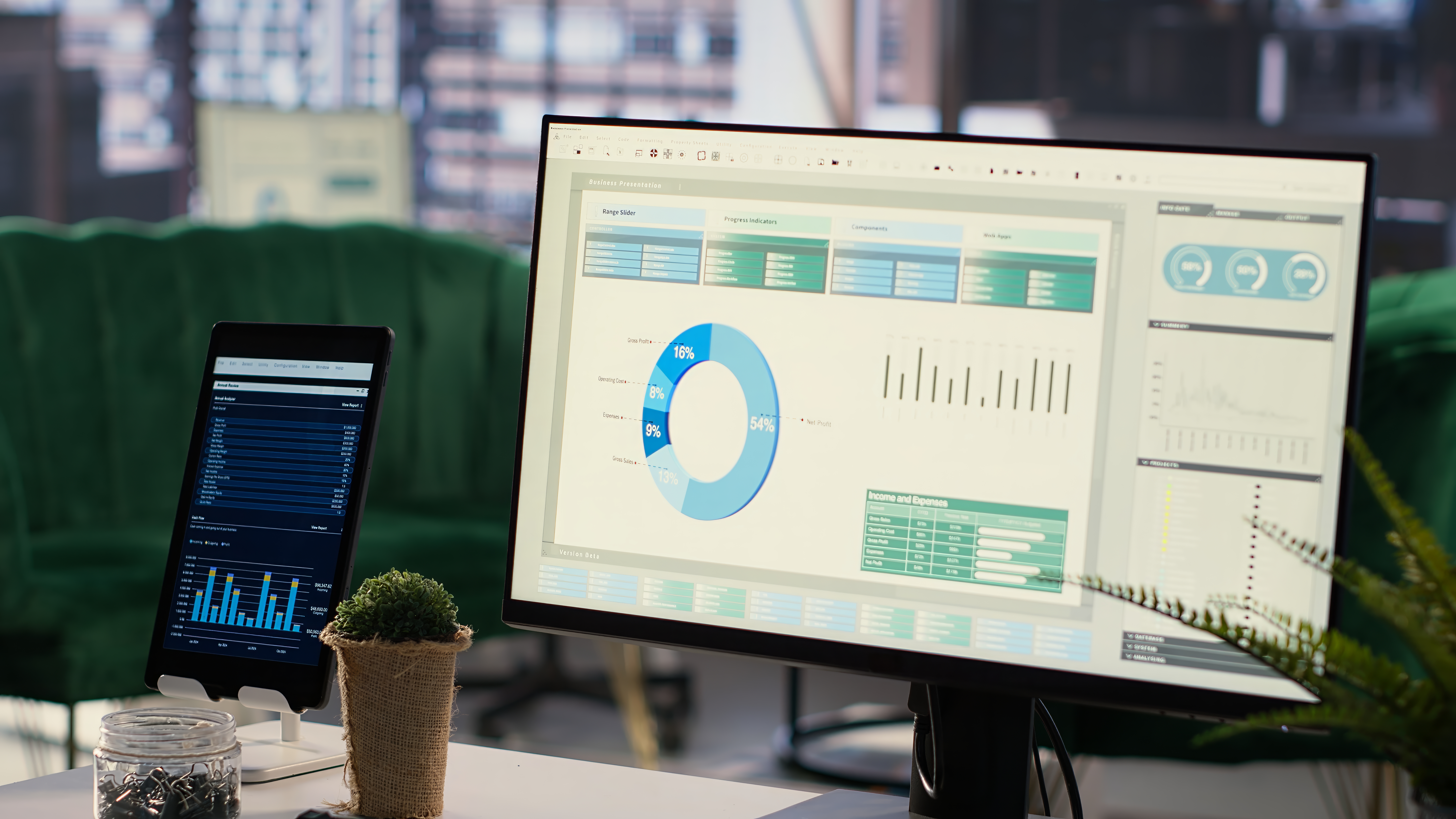
Per-service profitability reports show which treatments actually make money after product costs and labor. I've watched spa owners kill 90-minute signature rituals after realizing they netted $12 per appointment once they factored in therapist pay and aromatherapy oil usage.
The Metric That Matters: Utilization rate. You're aiming for 75-85% therapist booking density. Below 70% means you're overstaffed or underpriced. Above 90% and you're burning out your team with no recovery time.
The "Ghost Errors" Nobody Warns You About
SymptomRoot CauseThe Weird Fix
Double-bookings on treatment rooms
Software ignores cleaning buffers in staff allocation
Add 10-min "ghost services" between appointments to force gaps
Inventory shows stock but products are gone
POS sales not auto-deducting during peak hours
Run nightly "phantom adjustment" exports to batch-correct discrepancies
Client profiles duplicating after imports
Manual entry overrides CRM merge rules
Weekly CSV "purge ritual"—export, dedupe in sheets, re-import
Upsell prompts not triggering at checkout
Service hierarchy glitch on bundled packages
Test with dummy bookings; toggle "service group" settings until prompts fire
Reports lag during Saturday rushes
Cloud sync overload with 6+ concurrent users
Schedule off-peak "data vacuum" exports to local backups for historical analysis
These aren't hypothetical—they're the messy reality from spa owner forums where people actually troubleshoot, not vendor help docs that pretend everything's seamless.
Timeline Reality: What to Expect Month-by-Month
Weeks 1-2 (Setup Hell): Migrating client data from spreadsheets, configuring service durations, training your lead receptionist. You'll want to quit. Don't.
Weeks 3-4 (The Stabilization): Zero double-bookings, 80% utilization as staff gets comfortable with drag-and-drop scheduling. You'll catch the first inventory discrepancy here.
Months 2-3 (The Optimization): Tune upsell prompts, set low-stock alerts at 20% inventory, launch your first automated "we miss you" campaign to lapsed clients. Revenue per visit lifts 10-15% as personalization kicks in.
Months 4-6 (The Payoff): Auto-billing memberships generate steady baseline revenue. Churn analytics flag at-risk clients before they ghost. You've reclaimed those 15 weekly hours for actual business development.
The Data Reality: Most single-spa owners see ROI around month five, but only if they commit to the messy first 90 days of workflow adjustment.
Looking for Spa Software That Actually Fits Single-Location Spas?
DINGG was built specifically for independent spa owners who need spa reservation software without the enterprise bloat. Our clients report 40% faster booking workflows and 15% revenue lifts from smart upsell prompts—without needing a tech degree to set it up.
See how DINGG handles day spa scheduling
FAQ: The Questions You're Actually Asking
How do I fix double-bookings after enabling online booking?
Disable auto-approve mode. Force every online booking to route through staff/room allocation checks before confirmation. Yes, it adds 30 seconds of manual review, but it prevents the $200 angry-client refund.
Why isn't my inventory updating after POS sales?
Check if auto-deduct rules are active in your product settings. If cloud lag is the culprit during peak hours, run manual syncs every four hours until you upgrade to a premium tier with better server allocation.
How do I stop CRM duplicates from manual entries?
Activate auto-merge in your CRM settings and run weekly CSV purges. Export your client list, use Google Sheets to find duplicates by email/phone, merge them manually, then re-import the clean list.
Why are my upsell prompts not showing at checkout?
Reconfigure your service hierarchies. If add-ons aren't nested under parent services correctly, the system won't know when to trigger prompts. Test with dummy transactions across different package types.
How do I fix reports that lag during busy hours?
Export historical data to local spreadsheets for analysis. If you're on a freemium tier, this is your sign to upgrade—cloud resources get throttled when you're sharing servers with 500 other spas.
The Real Reason Most Spas Fail at Software Adoption
It's not the technology—it's the change management. Your veteran receptionist who's been using the paper book for eight years will resist. Your therapists will complain about "one more screen to check."
The spas that succeed treat the first 90 days as a training period, not a flip-the-switch moment. They run parallel systems (old + new) for two weeks, catch the workflow gaps, and adjust before going full digital.
Your Next Move
If you're still manually texting appointment reminders and reconciling cash drawer discrepancies at midnight, you're ready for spa software.
Look for platforms with transparent pricing (no "contact sales for a quote" nonsense), mobile apps your therapists will actually use, and US-based support that understands your state's sales tax quirks.
The goal isn't to automate everything—it's to automate the repetitive stuff so you can focus on what made you open a spa in the first place: creating transformative experiences, not chasing down no-shows.
What's your biggest operational bottleneck right now—booking chaos, inventory tracking, or client retention? That's where your software evaluation should start, not with the vendor's feature list.