
Why Most US Salons Struggle With Scheduling Chaos
Author
DINGGDate Published
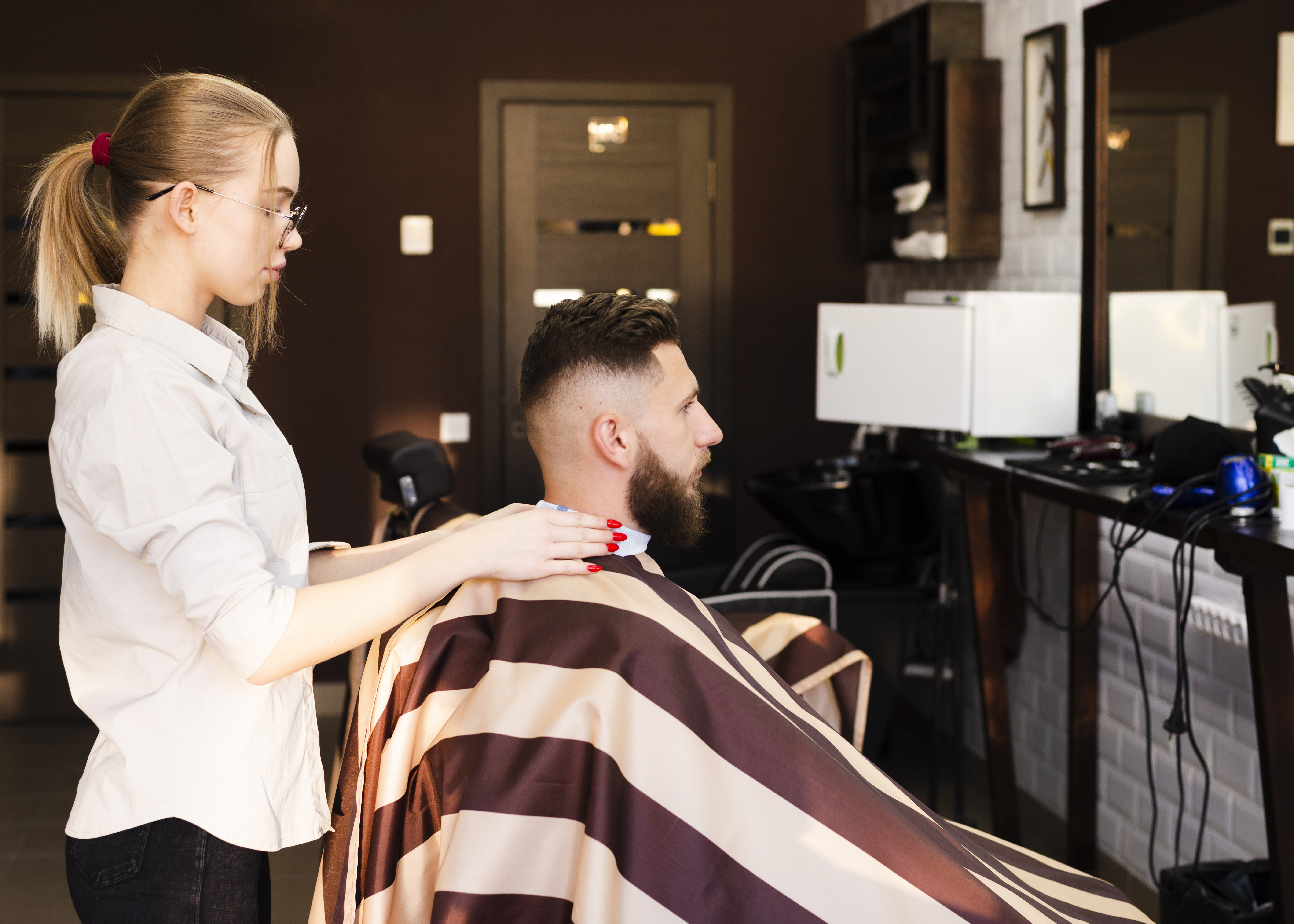
Last Tuesday, I watched a salon owner in Austin lose three clients in two hours. Not because her stylists weren't talented. Not because the vibe was off. Her calendar sync had silently failed overnight, creating double bookings on every chair from 10 AM to noon. Two clients walked in at the same time for the same stylist. One left a 1-star review before she even got back to the front desk.
That's scheduling chaos. And if you run a salon in the US, you've either lived this exact nightmare or you're about three bad Fridays away from it.
Here's what this guide will give you: a phase-by-phase system to diagnose, fix, and prevent the feast/famine cycles that are quietly bleeding your revenue—whether you're a solo booth renter or managing a team of eight.
What You Need Before Touching Your Calendar
Before we get into fixes, a quick readiness gut-check.
You need three things locked down: access to your current booking tool's admin settings, your no-show numbers from the last 30 days (even a rough count works), and honest clarity on whether your team actually uses the system you're paying for.
Stop/Go test: Can you tell me, right now, what your no-show rate was last month? If yes—go. If you're guessing—pull those numbers first, then come back.
Phase 1: Kill the Double Bookings (The Silent Revenue Killer)
Staff scheduling conflicts from manual calendars are the number-one source of double bookings. And here's the thing most "how to run your salon" articles won't tell you: even if you have salon appointment software, calendar sync lag between Google, iCloud, and your booking platform creates ghost overlaps that nobody sees until a client is standing at the desk, furious.
What to do:
- Open your booking tool and your linked calendar side by side. Right now.
- Add 15-minute buffer times after every color service and any appointment over 45 minutes. This isn't optional—it's your safety net for sync delays.
- Set a daily 8 AM calendar scrub. One person checks the day's appointments against the live calendar. Five minutes. Non-negotiable.
Visual checkpoint: You should see a green "Available" badge on every stylist's open slot—syncing live across devices. If you see overlapping orange "Booked" icons on the same stylist at the same time, your sync is broken.
Verification: Pull 10 random calendar days. If zero double bookings appear, you're clear. If even one overlap shows, stop and check your sync connection status before moving forward.
The friction warning here is real: 69% of customers skip booking entirely if the process glitches on mobile. That's not a small leak. That's a broken pipe.
Phase 2: Fix Your No-Show Bleeding
I was looking at the data recently, and it's wild—salons tracking no-show KPIs daily and keeping rates under 10% are running completely different businesses than those who aren't. Same neighborhood, same price range, wildly different revenue.
Automated rebooking reminders every 6-8 weeks keep fill rates around 85% without you chasing anyone down. But here's the "yes, but" most people miss: if your reminders land in spam or the promotions tab, they're worthless.
What to do:
- Personalize every reminder with the client's first name and their last service. "Hey Sarah, your balayage refresh is coming up" beats "Appointment reminder" every single time.
- Shorten all links in your reminder texts. Long URLs trigger spam filters.
- Require a deposit for high-value services. Even $20 changes behavior.
Visual checkpoint: Your dashboard should show a no-show rate dropping below 10%, with rebooking prompts firing as blue notifications to your front desk.
Verification: Review the no-show log for your last 50 clients. If reminders hit a 90% open rate, you're solid. If no-shows exceed 15%, your delivery channel—not your message—is the problem.
Phase 3: Solve the Feast/Famine Cycle With Load Distribution
Poor load distribution is why your top stylist is drowning while your newer team members sit idle scrolling their phones. And it's why your Mondays are packed but Thursdays feel like a ghost town.
What to do:
- Turn on auto-assign in your salon and spa software. This distributes incoming bookings based on real-time availability, not client preference alone.
- Hold a weekly 10-minute KPI huddle with your team. Show them the utilization numbers. Transparency kills resentment.
- If appointment utilization is stuck below 75% for any stylist, look at whether hidden staff preferences are overriding the auto-assign logic. This happens more than you'd think.
Visual checkpoint: Your stylist utilization dashboard should show all team members above 75% with less than 20% variance between them.
Verification: If the load is even across your team for a full week, this phase is working. If one stylist is still at 95% while another sits at 50%, manual overrides are sneaking back in.
81% of regular clients book outside business hours. Without 24/7 booking, you're literally losing weekends—your highest-revenue days—because nobody's there to answer the phone at midnight when your client finally has a free moment to schedule.
Ready to stop losing after-hours bookings? DINGG Salon Software gives your clients real-time, 24/7 mobile booking with one-tap confirmation—so you fill chairs while you sleep. We built it specifically for independent salon owners who need smart salon scheduling tools without the enterprise price tag.
Phase 4: Make Mobile Booking Actually Work
78% of salon appointments come through smartphones. Yet booking friction from clunky mobile forms causes abandonment rates near 69%—and it's even worse for regulars at 71%.
What to do:
- Open your booking page in incognito mode on your phone.
- Try to complete a booking. If you have to pinch, zoom, or fill more than two screens of fields, you've found your problem.
- Add a one-click stylist select option. Reducing steps from four to two cuts abandonment dramatically.
Visual checkpoint: The booking should complete without zooming, in under 30 seconds, confirming instantly with a confirmation screen—not a voicemail redirect.
Verification: Send a test booking from your phone at 10 PM. If it confirms in under 30 seconds, you're good. If it errors out or sends you to voicemail, your "online booking" isn't actually online.
The Ugly Truth: Ghost Errors Nobody Talks About
Here's the messy stuff that salon management software vendors don't put in their marketing materials.
Problem
The Weird Fix
Why It Works
Calendar shows availability but clients see "no slots"
Force a manual refresh + add buffer times to every slot
Sync lag between Google/iCloud creates invisible conflicts
Reminders sent but no-shows still spike
Switch from email to SMS; personalize with service history
Email reminders land in promotions/spam 40%+ of the time
Auto-assign active but loads still uneven
Check for hidden staff preference overrides weekly
Stylists (or managers) manually reassign without logging it
Analytics show phantom downtime
Export CSV weekly and cross-check against a paper log
Integration ghosts in beauty salon software analytics corrupt utilization data
AI scheduling enabled but volume flat
Pause AI; rebuild with clean baseline data first
Garbage in, garbage out—AI can't fix dirty calendars
The average wait time for top US salons is 2.5 weeks. Clients ghost if you can't show them real available slots. And while AI scheduling can bump volume by about 12%, it only works if your foundational data—your calendar, your client records, your staff availability—is clean first.
How long does it take to fix salon scheduling chaos?
Expect 2-4 weeks for sync setup and live booking to stabilize. Rebooking automation takes 6-8 weeks to meaningfully fill your calendar. Hitting 80%+ utilization consistently? That's a 3-6 month commitment with consistent salon booking optimization.
Is 24/7 online booking actually worth it for a small salon?
Yes. 81% of regulars book outside business hours. If you're relying on phone-only scheduling, you're invisible during peak decision-making windows. Even a basic embedded booking page with auto-confirm pays for itself within weeks.
Why aren't my automated reminders reducing no-shows?
Most likely a delivery problem, not a content problem. Test whether your messages hit the primary inbox or get filtered. Personalized SMS with the client's name and last service details outperforms generic emails by a wide margin.
How do I even out stylist workloads without causing drama?
Toggle auto-assign in your salon spa software, then hold weekly KPI huddles where the numbers are visible to everyone. Transparency removes the "favorites" accusation. Monitor for staff scheduling balance weekly—overrides creep back fast.
So here's the real question: are you going to audit your calendar this week, or are you going to wait for another Friday meltdown to force your hand?
Your next move: Explore DINGG's scheduling and client management tools — built for independent US salon owners who'd rather focus on clients than calendar fires.