
It was 9:47 PM on a Tuesday when three appointment requests pinged on my phone—Instagram DM, a text, and a voicemail I wouldn't hear until morning. By Wednesday, two of those clients had booked somewhere else. The third? She showed up on a day I wasn't even in the chair.
That was my breaking point. Not some grand digital transformation moment—just a regular week where my phone-and-notebook system finally cracked under its own weight.
If you're running a single-location salon and still juggling bookings manually, this guide walks you through exactly how to set up an online booking system that actually works—from widget to wallet—without the tech headaches nobody warns you about.
What You Need Before You Start
Before you touch any software, get these three things straight:
Your full service menu with accurate durations. Include prep and cleanup time. If a balayage takes 2.5 hours but you've been booking 2-hour slots, smart scheduling can't save you from overlap.
Your staff availability calendar—current, not "roughly accurate." Every stylist's real hours, vacation blocks, lunch breaks. All of it.
One clear goal you can say in a single sentence. Mine was: "I want clients to book and pay without me picking up the phone."
Stop/Go test: Can you describe your booking goal in one sentence right now? If yes, keep going. If you're vague on what you actually want the system to do, pause and write that sentence first.
Phase 1: Get Your Booking Widget Live and Tested
What to do: Choose cloud-based salon management software that supports 24/7 online booking. Embed the booking widget on your website and your Google Business Profile. GBP is non-negotiable—salons ranking in the top map pack positions see 2–4x more direct bookings.
Set up your service catalog inside the platform. Assign each service to the right stylist, with correct durations and prep buffers. Enable pre-booking deposits if your no-show rate has been a problem (and honestly, whose hasn't?).
What you should see: A clean embedded widget showing real-time slot availability—green for open, gray for booked. When a client picks a service and stylist, the calendar should auto-filter to only available times. If deposits are active, a green checkmark confirms payment lock before the booking finalizes.
Verify it: Open an incognito browser on your phone. Complete a test booking. Did it finish in under 30 seconds with slot updates loading in real time? Go. Did it buffer, glitch, or show stale availability? Stop—your widget's too slow, and you'll bleed mobile completions. Data shows frictionless website widgets convert 20–40% higher than clunky ones.
The nuance nobody mentions: Don't just embed the widget on your homepage and call it done. Drop it in your GBP "Book" button too. That's where impulse bookings happen at 9 PM—clients searching "salon near me" who'll book right then if you let them.
Phase 2: Automate Reminders That Actually Land
What to do: Turn on automated SMS reminders—not just email. Configure them for 24 hours and 2 hours before the appointment. Set up your automated rebooking loop: when a regular client goes 30+ days past their typical visit cycle, the system should send a personalized nudge based on their service history.
What you should see: In your client CRM dashboard, overdue clients get flagged with orange nudge badges. Reminder logs show "Delivered" status, not "Bounced" or "Pending."
Verify it: Send a test reminder to yourself and two trusted clients. Did it land in the main inbox or SMS thread—not spam or promotions? Go. If even one hit spam, stop. Switch your reminder channel to SMS-first. Email reminders get spam-filtered over 30% of the time without proper domain authentication, and most solo salon owners don't have time to mess with SPF records.
Here's what's wild: salons using AI-powered reminders report no-show rates dropping by 40%. That's not a rounding error—that's potentially thousands of dollars a year you're just... leaving on the table.
Phase 3: Connect Your Calendar, POS, and Client Profiles
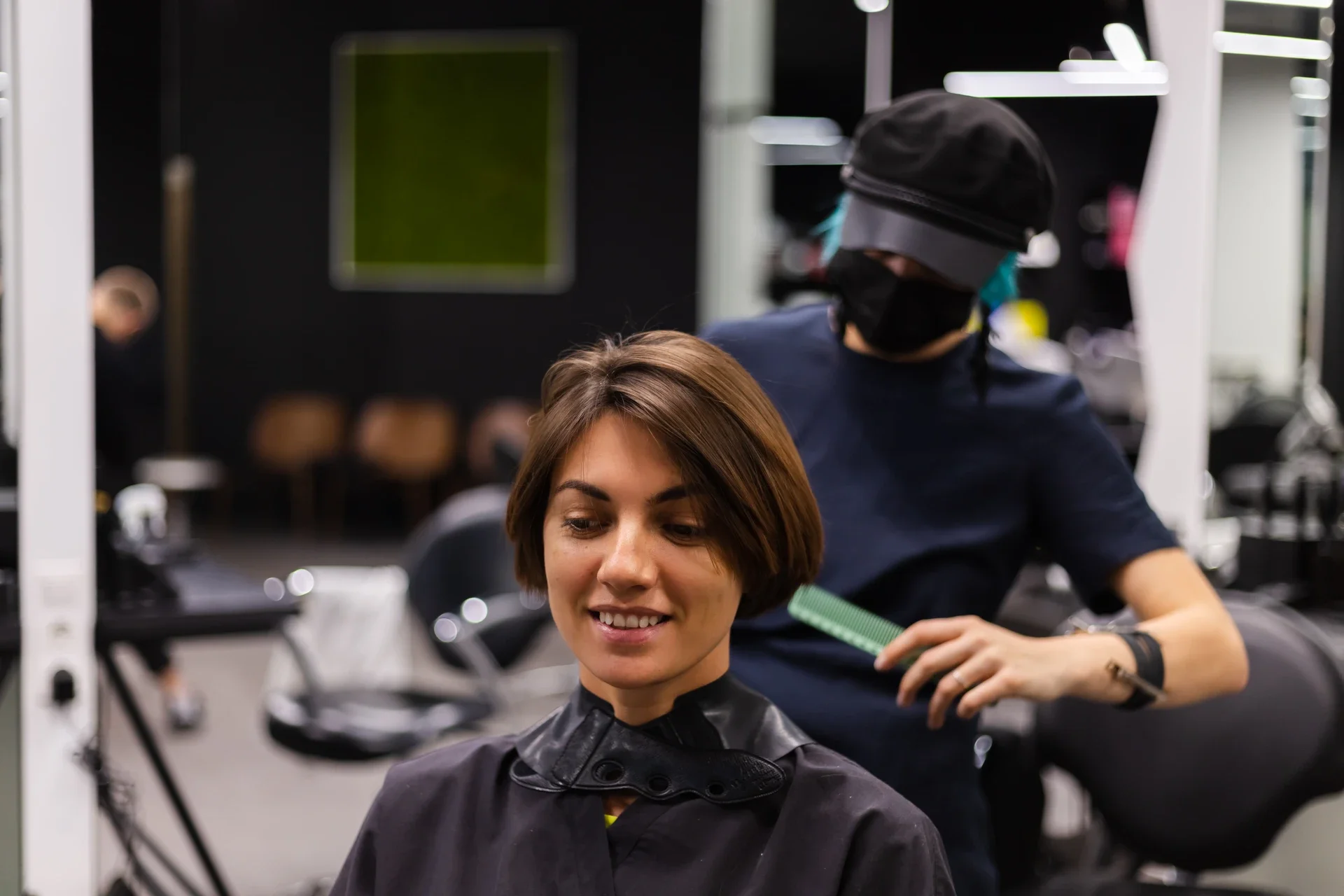
This is where most salon owners stall. You've got the widget live, reminders humming—but your calendar still lives in three places, and payments happen on a separate terminal.
What to do: Force a single-source calendar sync. Every booking channel—website, social, app—must feed into one unified staff availability calendar. No exceptions. Then connect your integrated POS so deposits and checkout payments flow through the same system. Build out personalized profiles for each client: color formulas, product preferences, visit frequency, notes.
What you should see: A unified calendar dashboard with staff availability heatmaps—blue peaks showing high-demand slots, gaps clearly visible. No overlapping bookings. Client profiles populated with history and preferences.
Verify it: Book the same stylist from two different channels simultaneously. Does the system block the second booking? Go. Does it create a double-book? Stop—you've got decentralized calendar syndrome, and it causes a 15–20% error rate in non-integrated systems.
Ready to connect your booking, payments, and client data in one place? DINGG Salon Software brings your calendar, integrated POS, personalized profiles, and AI-powered reminders into a single cloud-based dashboard—so nothing falls through the cracks. See how DINGG simplifies salon scheduling
Phase 4: Build the Retention Engine
Booking is just the front door. The real revenue lives in what happens after the appointment.
What to do: Set up loyalty rewards and membership programs directly inside your system. Activate client feedback forms that trigger automatically post-visit. Use customer segmentation to run targeted marketing—send a "We miss you" offer to clients who haven't visited in 60 days, or a birthday gift card to your VIPs.
Configure real-time reports to track your visit-to-booking rate and booking completion rate weekly. Low numbers here signal widget friction or a disconnect in your rebooking loop.
What you should see: Dashboards showing retention metrics, segmented client lists, and campaign performance. Loyalty points accruing automatically. Feedback scores updating in real time.
Verify it: Simulate an overdue client scenario. Does the auto-rebooking nudge fire after your configured threshold? Go. Silent? Stop—recalibrate the overdue logic in your settings. Salons running tight rebooking loops report an 18% annual revenue lift. That's not a minor optimization.
The Stuff Nobody Warns You About
Here's the "ugly truth" table—problems I've seen salon owners hit repeatedly that don't show up in any setup wizard:
Problem
The Weird Fix
Double-bookings despite "synced" calendars
Force single-source sync via API override; delete redundant calendar apps from staff phones
Reminders landing in spam
Ditch email-first; default to SMS. Add client opt-in confirmation during first booking
Low mobile booking completions
Host widget on a CDN; test on a 3-year-old phone with 4G—not your brand-new iPhone
Stylists sitting idle between clients
Add 10-minute "invisible" buffer slots in smart scheduling—prep time the client never sees
Impulse bookings lost after hours
Embed widget directly in GBP, not just your website. That's your 24/7 storefront
FAQs
How long does it take to see results from an online booking system?
Most salons see no-show reduction within 1–3 months. Retention loops and rebooking revenue compound over 3–6 months. GBP-driven booking growth takes 6–9 months to stabilize, similar to local SEO timelines.
How do I stop double-bookings across multiple platforms?
Sync every booking source—website, social, app—into one staff availability calendar. Omnichannel booking only works when there's a single source of truth. Disable any standalone scheduling tools your team uses on the side.
Why aren't my appointment reminders reaching clients?
SMS consistently outperforms email for delivery. If you're email-first, switch. Personalized templates with the client's name and service also reduce spam filtering. Test with real client numbers, not just your own.
Can I manage inventory and invoicing through the same system?
Yes—platforms with inventory control and easy invoices built in save you from juggling separate tools. The fewer systems you maintain, the fewer data silos you create.
What if I plan to open a second location later?
Choose software with multi-location support from day one. Migrating systems later is painful and expensive. Staff management, real-time reports, and client data should all scale without starting over.