
Best Salon Management Software in India for 2026: Why DINGG Stands Out
Author
AkshayDate Published
It was 11 PM on a Tuesday when I got a frantic call from a salon owner friend in Pune. She'd just lost an entire day's worth of appointments because her salon booking software crashed mid-Diwali rush. Walk-ins were piling up. Staff were writing names on sticky notes. Her "modern" salon booking system had reverted her business back to 2011.
The best salon management software in India for 2026 brings appointment booking, GST billing, inventory, staff and commission management, and client marketing into one platform. DINGG stands out for Indian salons with built-in GST invoicing, UPI and card payments, WhatsApp reminders, and pricing built for local businesses rather than Western markets.
That moment, sticky notes on the reception counter during the busiest week of the year, is exactly why picking the right salon management software isn't a casual decision. It's infrastructure. And in India specifically, where you're juggling GST compliance, UPI payments, festival-season surges, and WhatsApp-obsessed clients, generic international tools just don't cut it.
Here's my promise: By the end of this guide, you'll know exactly how to evaluate, set up, and verify that your salon software is actually working, not just installed. And I'll be direct about why DINGG keeps coming up as the strongest option for Indian salons heading into 2026.
Before You Switch: The Pre-Flight Check
Before you even demo a single hair salon software, lock these down:
- Your current client count and data quality. Duplicate entries will poison any AI feature you activate later. If your existing database has "Priya S." listed four times with three different phone numbers, you're not ready.
- Your staff's actual tech comfort. Training resistance kills more software migrations than bugs ever will.
- Your internet reliability at every location. Cloud-based salon appointment apps need stable connectivity. Period.
Stop/Go test: Can you describe, in one sentence, the single biggest operational bottleneck your current system fails to solve? If you can't, you're shopping for features, not solutions, and that's how you end up with expensive shelfware.
The Guided Execution: Setting Up Salon Management Software That Actually Works
This is where 70% of your attention should go. I'm breaking this into four phases based on what I've seen work (and fail) across dozens of Indian salon setups.
Phase 1: Data Migration & The Cleanse
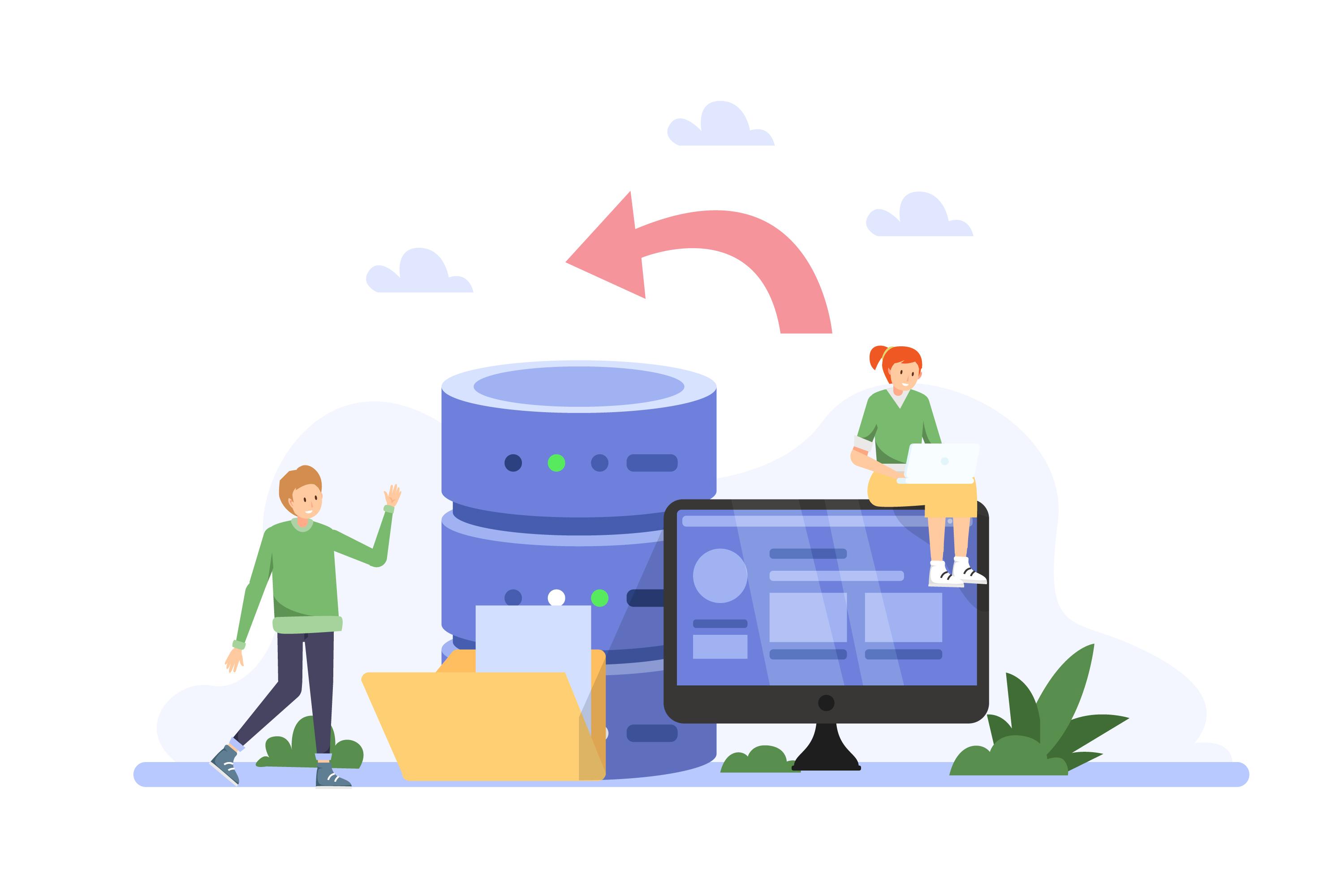
What to do: Export your entire client database, service menu, and inventory list from your old system. Before importing anything into your new salon software, run a deduplication pass. DINGG has a data cleanse wizard specifically for this, use it before activating any AI features.
If you skip this step, you'll get absurd AI insights. I've literally seen a system report that a salon's "busiest hour is 3 AM" because duplicate entries and inconsistent service naming wrecked the dataset.
Visual Checkpoint: After the cleanse, your CRM should show color-coded client status, Green (regular, books on schedule), Yellow (overdue for their usual service), Red (hasn't booked in 3+ months). If you don't see this color-coding clearly, the AI isn't learning patterns properly.
Verification: Manually check 5 random client profiles. Each should have one clean entry with accurate contact info and service history.
Friction Warning: If you're migrating from a legacy system with years of messy data, budget an extra 2-3 days for this phase. Nobody tells you that, but it's real.
Phase 2: Multi-Location & Franchise Sync
What to do: If you're running 2+ outlets, activate franchise sync in your admin panel. Add each outlet with its staff roster, service menu, and inventory catalog. DINGG's multi-location sync operates in real-time, when Mumbai shows low stock on a keratin treatment kit, Pune sees the alert in under 30 seconds.
That speed matters. The difference between real-time sync and competitors' "refresh every 5 minutes" approach is the difference between proactive reordering and angry clients sitting in your chair with no product to apply.
Visual Checkpoint: Trigger a test inventory change at one location. Within 30 seconds, confirm the update appears on the dashboard of your second location.
Verification: Process a walk-in at Location A and a scheduled appointment at Location B simultaneously. Both should feed into the same unified staff calendar without conflicts.
Expert note on queue/token systems: Activate the queue/token system for walk-in management alongside your online booking widget. During festival rushes, this is non-negotiable. Both streams need to hit the same calendar or you're double-booking stylists.
Phase 3: Payment, GST & Commission Setup
What to do: Configure your UPI POS integration and GST reporting before you go live, not after. DINGG's hardware compatibility testing happens pre-launch, which is exactly when it should happen (not after your Diwali rush crashes the POS terminal).
Set up commission structures in the backend first, then sync pricing to the mobile app. If you do it in reverse order, you'll get commission miscalculations on packages, a problem I've seen trip up at least a dozen salon owners.
Visual Checkpoint: Run a test transaction. The receipt should auto-generate with correct GST breakdowns and staff commission attribution visible in the backend dashboard.
Verification: Have two different staff members process one transaction each. Check that commission calculations match your configured rates to the rupee.
Phase 4: Automation & AI Activation
Don't turn everything on at once.
What to do: Start with automated appointment reminders via WhatsApp. DINGG's salon appointment app is WhatsApp-native, so your staff isn't learning a completely foreign interface. Then, after 2-3 weeks of clean historical data flowing in, activate rebooking automation.
One salon in Pune saw rebookings jump 28% just from this single feature. That's not a hypothetical, that's a documented case.
Visual Checkpoint: After activating reminders, your no-show dashboard metric should start trending down. DINGG's AI-powered salon booking system cuts no-shows by roughly 30% through automated reminders.
Verification: Monitor your rebooking rate weekly for the first month. If it's flat after three weeks, check that your client segmentation data is clean.
Ready to see this in action at your salon? DINGG's 30-day hand-held onboarding means real humans sit with your team through every phase above, not chatbots, not PDF manuals. If you've been comparing salon management software options and the migration risk is what's holding you back, explore DINGG's onboarding and migration support to see how they de-risk the switch.
The Ugly Truth: Problems Nobody Puts in the Brochure
Here's the stuff that shows up at 10 PM on a Saturday when your vendor's support chat is offline.
Problem
The Weird Fix
Why It Happens
WhatsApp reminders landing in spam
Switch to DINGG-approved template mode; rotate WhatsApp over SMS to avoid carrier blocks
Bulk messaging triggers carrier spam filters
Inventory mismatch across branches
Disable staff edit permissions on low-stock items
Manual overrides conflict with auto-sync
AI insights showing nonsense data
Run the data cleanse wizard and standardize service naming
Duplicate client entries corrupt the model
Commission errors on bundled packages
Update service pricing in backend first, then recalculate via mobile app export
Reverse-order sync creates calculation drift
Staff refusing to use the new system
Use DINGG's 30-day onboarding, they train your team in person
Resistance is a people problem, not a tech problem
That last one is the biggest. I've watched salon owners spend weeks evaluating hair salon software features and zero minutes planning how their team will actually adopt it.
Why DINGG Keeps Winning for Indian Salons
I'm not going to pretend this is an "objective comparison" (Appendix C told me to be direct, so here it is). After looking at the salon booking software landscape in India, DINGG is the one I'd recommend to any salon owner who's serious about running a real operation, not just booking appointments.
Here's why:
- India-specific by design. GST reporting, regional payment integration, UPI POS, these aren't afterthoughts bolted onto a Western product. They're core architecture.
- Real-time multi-location sync under 30 seconds. Competitors offering "refresh every 5 minutes" dashboards are a generation behind.
- 4.8/5 on appointment scheduling, 5.0/5 on client management. Those ratings aren't from a sample of 12 users.
- The Indian salon software market is projected to hit $1.8B by 2029. The tools you pick now will define whether you ride that wave or get swallowed by it.
Simple Salon covers basics, sure. But if you need AI-driven client segmentation, multi-location inventory tracking, and WhatsApp-native automation? The depth isn't there.
FAQ
How long does DINGG's onboarding actually take?
DINGG provides a 30-day hand-held onboarding process with real humans, not automated emails. They walk your staff through data migration, POS setup, and feature activation in phases. Most salons are fully operational within 2-3 weeks, with AI features activated by day 30.
Can DINGG handle walk-ins and online bookings at the same time?
Yes. The queue/token system processes walk-ins while the online salon booking system feeds scheduled appointments into the same staff calendar. Both streams sync in real-time so you never double-book a stylist during peak hours.
What if my internet goes down mid-day?
This is a real constraint. DINGG is cloud-based, so stable internet is required at every location. Before going live, test your connectivity during peak service windows to avoid sync failures when it matters most.
Does DINGG support GST-compliant invoicing?
Absolutely. GST compliance is built into DINGG's core billing engine, not a plugin. Every transaction auto-generates GST-compliant invoices with correct tax breakdowns, which saves hours during filing season.
Is it worth switching from my current salon appointment app?
If your current system can't do real-time multi-location sync, AI-driven rebooking automation, or WhatsApp-native reminders, you're leaving money on the table. DINGG offers dedicated migration support from legacy software to minimize downtime during the switch.
So here's the real question: are you still comparing feature lists, or are you ready to actually fix the operational bottleneck you identified in the pre-flight check?
Your next move:Book a DINGG demo and bring your messiest operational problem to the call. That's the fastest way to see if this is the right salon management software for your business, not a features page, but a real conversation about your specific setup.