
Why Indian Salon Owners Are Switching to DINGG for Salon Management
Author
SantoshDate Published
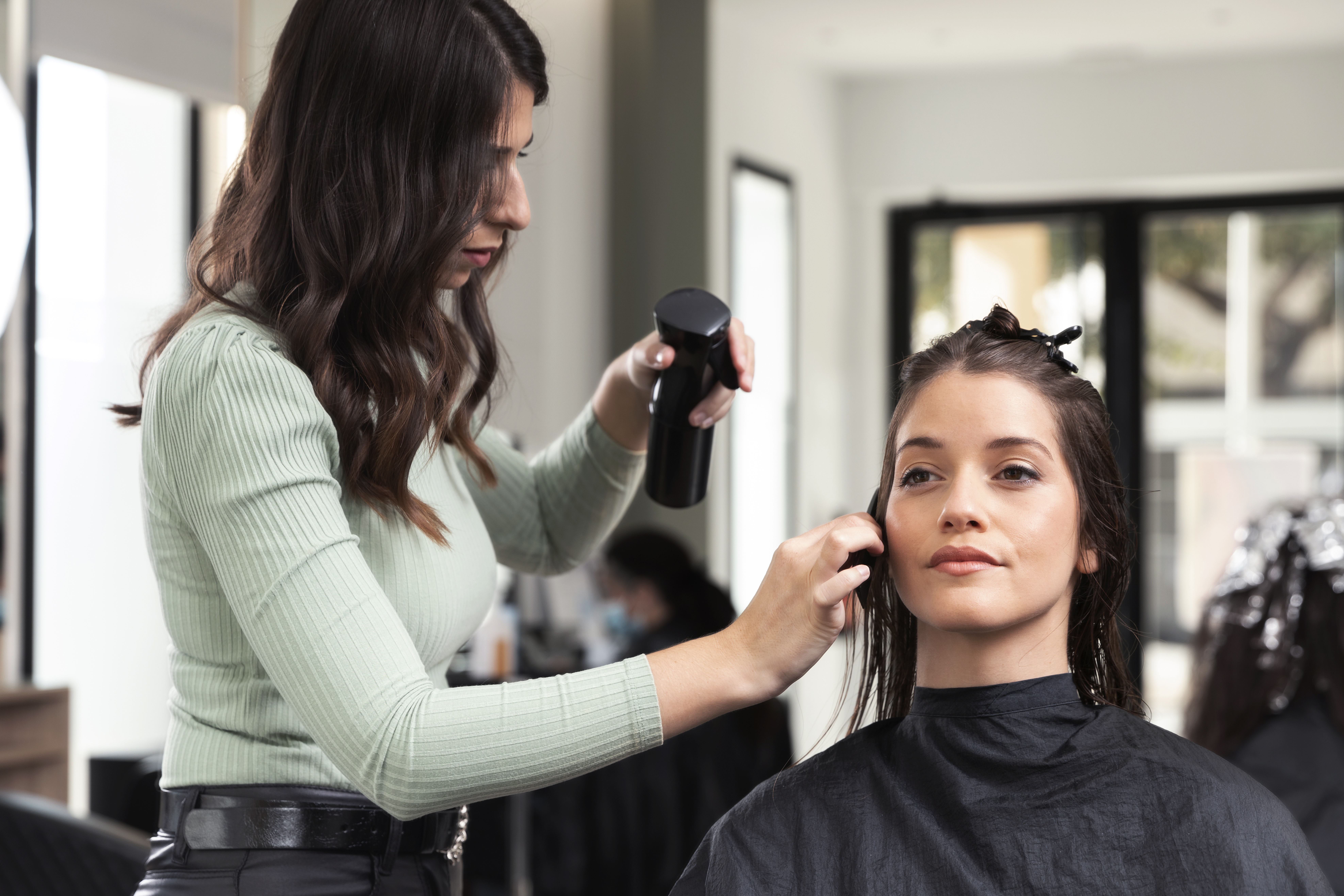
Last Tuesday, a salon owner in Pune told me she'd spent four hours manually reconciling GST invoices—for the third week in a row. Her receptionist was double-booking appointments on a paper register. Her Andheri branch had no idea that her Bandra location had run out of keratin stock two days ago. She wasn't running a salon. She was putting out fires.
Sound familiar? If you're an Indian salon owner still juggling spreadsheets, WhatsApp groups, and that one notebook behind the counter, this post is your signal to stop.
Here's the promise: By the end of this guide, you'll know exactly how to evaluate, set up, and verify a working DINGG implementation—phase by phase—so your salon appointment software actually runs your business instead of the other way around.
Before You Switch: The Readiness Check
Moving to any salon and spa software isn't just a tech decision. It's an operations decision. And if your foundation is shaky, even the best beauty salon software will give you garbage outputs.
What you need locked down first:
- A clean client list. If your current records have duplicate entries, misspelled names, or phone numbers from 2018—flag that now.
- Your GST registration details and current tax filing format (GSTR-3B).
- A list of every service you offer, with standardized naming. "Haircut Men" and "Gents Hair Cut" can't both exist.
- Stable internet at every location. DINGG is cloud-based. No internet, no sync.
Stop/Go test: Can you name every service your salon offers using one consistent naming convention? If not, fix that before you touch any salon spa software.
Phase 1: Data Migration Without the Disaster
This is where most salon owners trip. They export a messy CSV from their old system, dump it into DINGG, and wonder why the AI thinks their busiest hour is 3 AM.
Here's what to do:
- Export your existing client database and service menu into a single spreadsheet.
- Run DINGG's data cleanse wizard. It catches duplicates, flags inconsistent service names, and standardizes contact formats.
- Review the flagged entries manually. Yes, manually. The wizard catches 80%—you catch the rest.
- Import the cleaned data into DINGG's admin panel.
Visual checkpoint: After import, your client list should show zero duplicate alerts in the dashboard sidebar. If you see a yellow "Duplicates Found" banner, the cleanse didn't finish.
Verification: Pull up 5 random client profiles. Check that phone numbers, service history, and spelling are accurate. If 3 out of 5 have errors, re-run the wizard.
A friction warning here: AI accuracy depends entirely on clean historical data. If you skip the cleanse, your client segmentation reports will be useless. I've seen salon owners blame the software when the real problem was a sloppy import.
Phase 2: Multi-Location Dashboard Setup
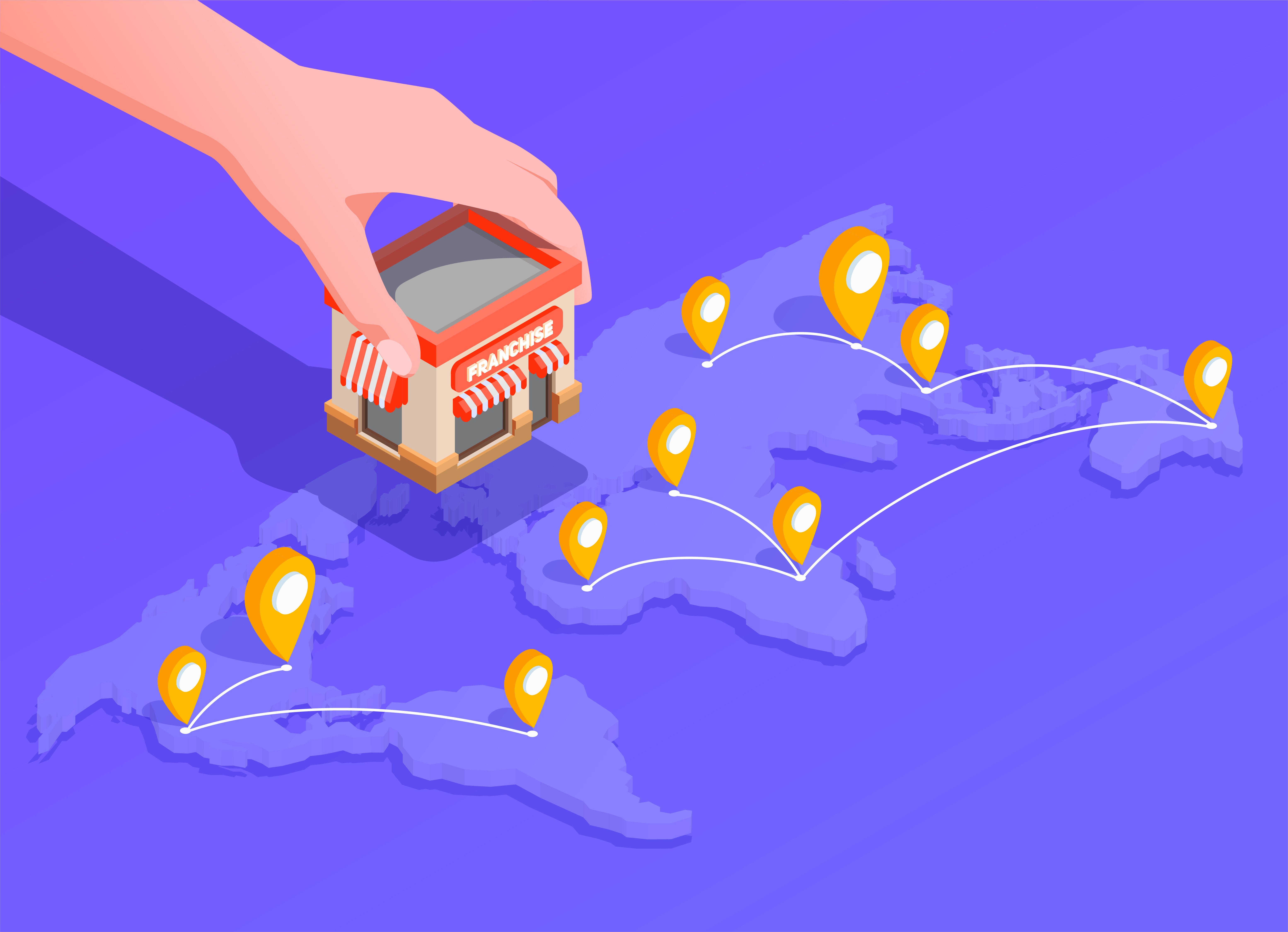
If you're running 2-3 branches (and most of the owners I talk to are), this is where DINGG's salon appointment software pulls ahead of generic tools.
- Activate franchise sync in your admin panel.
- Add each outlet with its own staff roster, inventory catalog, and service menu.
- Assign location-specific permissions—your Andheri manager shouldn't be editing Bandra's pricing.
Visual checkpoint: Each outlet appears as a separate tab on your multi-location dashboard. You should see real-time booking counts, staff availability, and stock levels—simultaneously.
Verification: Trigger a low-stock alert at one location. Check if the other branch sees the alert within 30 seconds via real-time sync. If it takes 5+ minutes, your sync is misconfigured—check your internet connection at both sites.
Here's the nuance most guides skip: inventory mismatch across branches is almost never a software bug. It happens because staff manually edit stock counts, overriding the automated sync. Disable staff edit permissions on low-stock items. Problem solved.
Scaling to multiple locations? DINGG's multi-location dashboard was built specifically for Indian salon chains managing franchise sync, staff rosters, and inventory across outlets. See how DINGG handles multi-branch operations.
Phase 3: GST-Compliant Billing & Payment Integration
This is the part where Indian salon owners breathe a sigh of relief—or they should.
- Connect your UPI POS integration through DINGG's payment settings. Paytm, Google Pay, UPI—it's all native. No third-party gateway headaches.
- Configure your GST rate (18% for most salon services).
- Generate a test invoice for a ₹5,000 service. The system should automatically calculate ₹900 GST and display the total as ₹5,900 with GSTR-3B format tags.
Visual checkpoint: The invoice displays the base amount, GST breakdown, and total—all formatted for GSTR-3B reconciliation. No manual spreadsheet needed.
Verification: Generate 5 random invoices and cross-check the GST calculations manually. If 3 or more have incorrect amounts, your billing module needs reconfiguration. Usually, it's a tax rate mismatch in settings.
The beauty of having this baked into your salon spa software is that month-end filing becomes a 10-minute export instead of a weekend project.
Phase 4: Appointment Automation & No-Show Reduction
DINGG's booking engine cuts no-shows by roughly 30% through automated SMS and WhatsApp reminders. That's not a marketing claim—it's what the data shows across Indian salons using the platform.
- Activate the online booking widget on your website and Instagram profile.
- Set up automated reminders: 24 hours before and 2 hours before each appointment.
- Enable the queue/token system for walk-in management alongside your online bookings.
Visual checkpoint: Reminders should appear in client WhatsApp chats using DINGG's branded template format—not generic SMS-style messages.
Verification: Book a test appointment and confirm you receive both the 24-hour and 2-hour reminders on WhatsApp.
The catch nobody talks about: WhatsApp reminders land in spam about 30% of the time unless you're using DINGG-approved template mode. If clients say they "never got the reminder," switch to approved templates and rotate WhatsApp over SMS. Carrier blocks on bulk messaging are real—this isn't a DINGG problem, it's a telecom problem. But DINGG's template mode is the workaround.
Phase 5: Staff Performance & Commission Tracking
This saves salon owners 3-4 hours weekly on payroll alone.
- Input each staff member's commission structure in the backend.
- Let DINGG's staff performance metrics auto-calculate monthly commissions based on individual sales, client reviews, and retention rates.
- Export the commission report via the mobile app for payroll processing.
Verification: Compare DINGG's commission calculation against your manual payroll spreadsheet for 3 staff members. Discrepancies? Check if service pricing was updated in the backend before recalculating via the mobile app export. That sequencing matters—commission miscalculation on packages almost always traces back to a pricing update that didn't sync.
And honestly? Training resistance kills more software migrations than bugs do. Run a 30-minute staff walkthrough before going live. Your team needs to see that this beauty salon software makes their lives easier, not just yours.
The Ugly Truth: Problems Nobody Puts in the Brochure
Problem
The Weird Fix
Data migration creates ghost duplicates
Run data cleanse wizard before activating AI features—not after
WhatsApp reminders hitting spam folders
Switch to DINGG-approved template mode; rotate WhatsApp over SMS
Inventory counts don't match across branches
Disable staff edit permissions on low-stock items
Commission errors on service packages
Update pricing in backend first, then recalculate via mobile app
Staff refusing to use the new system
Run a hands-on demo; show them how handover friction between reception and stylists decreases
Frequently Asked Questions
How long does DINGG's setup take for a single salon?
Most single-location salons go live within 48-72 hours, including data migration and staff training. Multi-location setups with franchise sync take about a week. The bottleneck is almost always data cleaning, not the software itself.
Does DINGG handle GST billing for Indian salons automatically?
Yes. DINGG generates GST-compliant invoices with automatic 18% calculation and GSTR-3B format tags. You export at month-end and file directly—no manual spreadsheet reconciliation required.
Can I manage walk-ins and online bookings simultaneously?
DINGG's waitlist management system runs a queue/token system for walk-ins alongside the online booking widget. Both feed into the same real-time calendar, so your staff never double-books a chair.
What happens if my internet goes down at one location?
DINGG is cloud-based, so real-time sync pauses during connectivity drops. Bookings made offline will sync once the connection restores, but you won't see cross-location alerts until then. A backup mobile hotspot is worth the ₹500/month.
Ready to make the switch? If you've been comparing salon and spa software options and DINGG keeps showing up on your shortlist, there's a reason. From GST-compliant billing to real-time multi-location sync, it's built for how Indian salons actually operate. Book a free DINGG demo and see your own data in the dashboard before you commit.
So here's what I'd leave you with: the salon owners who struggle with software aren't the ones who chose the wrong platform. They're the ones who skipped the data cleanse, ignored staff training, and expected magic from day one. DINGG gives you the infrastructure. The clean setup? That's on you.
What's the one operational bottleneck you'd fix first—bookings, billing, or inventory?